Executive Summary: An Amazon FBA exit strategy is a shift from using Amazon's warehouses to fulfillment by the merchant (MF). In 2026, this pivot allows sellers to bypass rising storage fees and inventory placement costs while increasing profits through direct eBay cross-listing.
The "FBA Honeymoon" is officially over. If you've looked at your Amazon settlement statements lately, you've likely seen a disturbing trend: your "Amazon Fees" line item is eating up 40% or even 50% of your gross sales. Between the 2026 storage fee hikes and the new inventory placement fees, Amazon has made one thing clear: their warehouses are for fast nickels, not slow dimes.
For book resellers with thousands of units of long-tail inventory, FBA has become a margin-killer. It’s time to talk about the FBA Exit Strategy.
Taking Back Control of Your Margins
The math for Merchant Fulfilled (MF) has never been more attractive. When you fulfill a book yourself, you aren't just saving on storage; you're killing the overhead that Amazon uses to subsidize their logistics network.
Cost Component
Amazon FBA (Estimated)
Merchant Fulfilled (Real)
Fulfillment Fee
$6.50 - $7.50
$0.00
Shipping (Media Mail)
Inbound only (~$0.50)
$3.50 - $4.13
Storage Fee (Monthly)
$0.80 - $2.40/cu ft
$0.00 (Your Garage)
Total Cost Per Unit
$7.80+
$4.50 - $5.00
By switching to MF, you are essentially giving yourself a $3.00 raise per book. On a 1,000-book batch, that's $3,000 in pure profit back in your pocket.
The MF Workflow: List, Shelve, Ship
The biggest fear of going 100% MF is the "Garage Chaos" factor. How do you find a specific book among 5,000 titles when it finally sells? Most sellers fail at MF because they don't have a location system. AccelerList solves this at the moment of the scan.
With AccelerList, the workflow is seamless:
List: Scan the book and set your price.
Shelve: Our system instantly prints a Location Ticket (e.g., "Shelf B-12"). You tuck that ticket into the book and place it on the corresponding shelf.
Ship: When the book sells, the order shows you exactly which shelf to go to. No hunting, no "where did I put that" stress.
The Multiplier: FBA is One Market, MF is Two
This is the secret weapon of the FBA Exit Strategy. When your inventory is at an Amazon warehouse, it's effectively "Amazon Only" unless you pay heavy multi-channel fulfillment fees. When that book is on your shelf, you own it.
With AccelerList's unified workflow, you can list that book to Amazon and eBay simultaneously. Because you are fulfilling it yourself, you don't have to worry about Amazon's restrictive MCF policies. You get the 30% revenue boost of eBay with zero extra listing time.
Ready to take back your margins?
AccelerList was built for high-volume MF sellers. Start your trial and see the ticket system in action.
It is a planned transition from relying on Amazon’s fulfillment centers (FBA) to fulfilling orders yourself (Merchant Fulfilled). Sellers typically do this to avoid peak storage fees, long-term storage penalties, and the new inventory placement fees introduced in 2026.
Is Merchant Fulfilled (MF) actually cheaper than FBA?
For books, yes. While FBA fees start around $6-7 per unit (not including storage), a Merchant Fulfilled seller can ship a standard book via USPS Media Mail for approximately $4.00. If an item sits for more than 60 days, the storage savings alone make MF the clear winner.
How do I manage thousands of MF books without losing them?
The "Location Ticket" system is the industry standard. Tools like AccelerList print a small slip at the moment of listing that assigns the book to a specific shelf (e.g., A-14-C). You don't need to organize by title or author; you just organize by the ticket number.
Can I sell on eBay while fulfilling Amazon orders?
Yes. In fact, that is the biggest advantage of an exit strategy. By keeping inventory in your own warehouse, you can list to both Amazon and eBay. AccelerList automates this by cross-listing your books to eBay in the same scan you use for Amazon.
What happens if I get a return on an MF item?
Returns come back directly to you. This allows you to inspect the item, verify the condition, and immediately re-list it. Unlike FBA, where Amazon may deem an item "unfulfillable" and charge you to ship it back, you have full control over the recovery process.
Do I need special equipment for an MF setup?
You need a thermal label printer (like a Dymo 450 or Rollo), a barcode scanner, and some basic shelving. AccelerList integrates with these tools to automate the printing of both location tickets and shipping labels.
The Amazon FBA Exit Strategy: How to Switch to Merchant Fulfilled (and Keep Your Margins)
Executive Summary: An Amazon FBA exit strategy is a shift from using Amazon's warehouses to fulfillment by the merchant (MF). In 2026, this pivot allows sellers to bypass…
What is batch listing? Batch listing is the workflow of processing a group of items—scanning, grading, and pricing—in one session before submitting them to Amazon. AccelerList supports two distinct batch workflows: Regular Listing for precision on high-value items, and Rapid Listing for high-volume processing using automated defaults and a background queue system.
Most listing tools treat all books the same. But a $5 thrift store find and a $300 collectible textbook require two completely different approaches. If you treat every book like a commodity, you'll leave money on the table. If you treat every book like a treasure, you'll never scale.
To win as a book reseller in 2026, you need to identify which business model you're running and match your workflow to your inventory.
The Two Paths: Which Bookseller Are You?
Successful used media operations usually fall into one of two categories:
1. The Treasure Hunter (Low Volume / High Value)
You cherry-pick your inventory. You're looking for niche titles, out-of-print editions, and high-margin "scores" that sell for $50 to $500+. Every book matters. Since your volume is lower, you have the time—and the financial incentive—to ensure every listing is perfect. You need Regular Listing.
2. The Baby Bulk Operator (High Volume / Small Margin)
You process pallets, gaylords, or massive hauls from library sales. You're "picking" through large quantities to find items that hit your profit parameters. Your business lives and dies by processing speed. If a book sits unlisted at your house, it's costing you money. You need Rapid Listing.
Workflow 1: Regular Listing (The Treasure Hunter's Choice)
When you're listing a $150 book, you don't trust an automated pricing rule. You want manual control over every data point.
Deep Condition Inspection
In the Regular Listing workflow, you inspect the book as you scan. You're looking for specific flaws that high-value buyers care about. You use AccelerList's condition macros to build a detailed, custom note that justifies your premium price and protects your feedback score.
Manual Price Research
Instead of matching the lowest offer, you analyze the competition. Is the lowest FBA seller actually "Acceptable" while yours is "Like New"? Is there a gap in the market you can exploit? You set your price based on expertise, not just a race to the bottom.
The AccelerList Advantage
Even though you're doing manual work, AccelerList makes it 3x faster than Seller Central. The interface is clean, the data is all on one screen, and there's no waiting for page refreshes between steps. You get the precision of manual listing with the efficiency of a professional tool.
Workflow 2: Rapid Listing (The Baby Bulk Operator's Choice)
If you have 500 books to process today, you cannot stop to research every one. You need to keep the scanner moving.
The Prerequisite: Pre-Sorting
Rapid listing only works if you sort your inventory before you sit down at the scanner. You sort your books into stacks by condition (e.g., a "Good" stack, a "Very Good" stack) and fulfillment type. When you start listing, you aren't making decisions—you're just processing a pre-vetted pile.
Automated Listing Defaults
You set your "Listing Defaults" in AccelerList before you begin. You tell the system: "For this batch, assume Very Good condition and Match Lowest FBA." Now, when you scan a book, those settings apply automatically. You only stop to override if something looks off.
The Queue System: Scan Faster Than the API
The biggest bottleneck in listing is waiting for Amazon's API to respond. AccelerList solves this with a background queue system. You can scan, grade, and price the next book while the previous one is still being processed in the background. You never have to wait for a success message to keep moving. This is how experienced sellers hit speeds of 100+ items per hour.
Touch-Compatible Efficiency
The Rapid Listing flow is fully touch-compatible. Combined with a Bluetooth scanner and an iPad, you can "tap-and-go" through your stacks without ever touching a mouse or keyboard. It’s the most ergonomic way to handle high-volume used media.
Long-Term Strategy: From Manual to Repricer
A common mistake is confusing listing with repricing. AccelerList is for Initial Pricing—setting the "Right Price" the moment the item goes live based on current market reality.
The 90-Day Rule
For both Treasure Hunters and Baby Bulk operators, we recommend setting a manual, smart price at listing. If an item hasn't moved after 90 days, that's when you let a third-party automated repricer take over. AccelerList gets your inventory live and profitable on day one; the repricer keeps you competitive if the market shifts months later.
Frequently Asked Questions
Do I need a barcode scanner for batch listing?
Yes. A dedicated scanner is essential for speed. For iPad or tablet setups, you'll need a Bluetooth scanner. For desktop or laptop use, a standard USB scanner works fine. AccelerList is optimized for "hands-free" listing where you don't need to touch your device between every scan.
Can I mix these workflows?
Absolutely. Many sellers use Rapid Listing for their $10–$20 "bread and butter" books and switch to Regular Listing for the occasional high-value find. AccelerList allows you to toggle your defaults and overrides instantly within the same batch.
Why is the Queue system important?
Without a background queue, you are forced to wait for Amazon to process every single book before you can scan the next one. Latency can turn a 1-hour listing session into a 3-hour grind. The queue removes that friction entirely.
Is the web app optimized for iPad?
Yes. The standard AccelerList web app is fully touch-compatible. The buttons and macros are designed as large tap-targets, making it ideal for iPad-based listing stations.
What Is Batch Listing? How Amazon Book Sellers List 100+ Books Per Hour
What is batch listing? Batch listing is the workflow of processing a group of items—scanning, grading, and pricing—in one session before submitting them to Amazon. AccelerList supports two…
FBA vs. Merchant Fulfilled: Which actually makes more money in 2026? While FBA offers Prime visibility, for most small sellers it has become a "low-margin trap." In the 2026 marketplace, the highest profits come from a High-Value Merchant Fulfilled (MF) strategy: holding long-tail, $50–$500 books in your own space to avoid Amazon's fee stack and storage drain.
Most bookselling guides tell you the same thing: "Feed the beast." They want you to source hundreds of $12 books, scan them as fast as possible, and ship them to Amazon FBA. When the model was new, you could make a decent living this way. But in 2026, if you follow that advice as a small seller, you aren't a business owner—you are a logistics volunteer for Amazon.
The "Hard Truth" of 2026 is that high-volume, low-value FBA is a recipe for burnout. You are driving trash around, paying for the fuel, the loading, and the prep time, only to watch Amazon's fee stack eat your $2 margin. If you want to actually make money this year, you need to flip the script: Go High-Value, Go Long-Tail, and Go Merchant Fulfilled.
The 2026 FBA Trap: "Driving Trash Around"
The math for small FBA sellers has broken. Between the $1.80 media closing fee, inbound shipping costs, and the "Prime bump" vanishing from the Buy Box algorithm, the "bread and butter" $12 book is dead in FBA.
What most sellers don't factor in is the Logistics of Trash. Every low-value book you send to FBA requires:
Transportation & Fuel: Driving to thrift stores and then to UPS/FedEx.
Labor: Loading, unloading, shelving, and packing boxes.
Prep Costs: FNSKU labels, poly-bagging, and specialized boxes.
When you add those "invisible" costs to Amazon’s fulfillment fees, that $3 profit becomes a $1 loss. You are moving a lot of weight for very little gain. Unless you have a massive team and an industrial-scale operation, the high-volume FBA model is a trap.
The Winning Path: High-Value, Long-Tail MF
The real opportunity for small sellers in 2026 is what we call the "Chill" Strategy. Instead of trying to sell 100 books for $10, you sell 5 books for $200. This model relies on Merchant Fulfillment (MF) and three core pillars:
1. High Price ($50 - $500+)
Focus on niche titles, out-of-print textbooks, and specialty subjects. These books don't sell every day, but when they do, the profit from a single sale equals a month of "Baby Bulk" grinding.
2. Free Storage (The Spare Room Advantage)
In FBA, a long-tail book is a liability because of monthly storage fees. In your own home, a spare room or a few shelves in the garage cost you $0. You can afford to wait 6 months for the right buyer without your margin being bled dry by storage costs.
3. Control over Refund Risk
High-value books carry higher refund risk. With FBA, Amazon handles the returns and often refunds the buyer without question. With MF, you own the customer conversation. You can verify claims, provide photos, and protect your high-ticket inventory.
Sourcing for the 2026 Hybrid Model
To run this "Chill" strategy, your sourcing must be aggressive. You aren't just scanning for "green bars"; you are filtering for Gold.
Free Inventory (Book Pickups): The best way to find $100 treasures is to get the volume for free. Run a local book pickup or buyback program. You take everything, keep the 5% that are high-value MF gems, and donate/recycle the rest.
Keepa Comps: In 2026, many of the best books have no current offers on Amazon or eBay. Use AccelerList’s Keepa integration to check historical sales data. If a book hasn't been seen in a year but sold for $300 last time it surfaced—keep it and wait.
Online Arbitrage: Use data to find mispriced gems on other platforms and bring them to the Amazon/eBay ecosystem.
The 5% Rule: When to actually use FBA
Does FBA still have a place? Yes, but only for about 5% of your inventory. Use FBA only if the book meets these strict qualifiers:
Sales Rank under 50k: It will sell the moment it hits the warehouse.
Seasonal Peaks: Current textbooks in August or January where the "Prime" speed matters most.
Industrial Scale: You have reached the point where you have hired help and the volume justifies the logistics.
How AccelerList Powers the High-Value Operation
You don't need a warehouse to act like a professional. AccelerList is built to turn your spare room into a high-efficiency MF operation.
The Ticket System: When you list an MF book, AccelerList prints a custom ticket that goes inside the book. This ticket acts as your location marker. When it sells, you know exactly which shelf to look on. No more hunting through piles.
Multi-Channel Safety: For $100+ items, you want maximum eyes. AccelerList instantly cross-lists your MF inventory to eBay. eBay buyers pay for transparency, and our system ensures your listing is live on both platforms with a single scan.
No-Touch Workflow: Our batch listing flow is optimized for speed, so even your "manual" high-value listings are processed in seconds, not minutes.
In 2026, for small sellers, MF is significantly more profitable. By fulfilling high-value items yourself, you avoid the FBA fulfillment fee, the storage fees, and the logistics costs of shipping inventory to Amazon’s warehouses.
How much space do I need for a Merchant Fulfilled business?
A single spare room or a wall of shelving can hold upwards of $20,000 in high-value inventory. Because you are focusing on value over volume, you don't need a massive footprint.
Can I really sell a $500 book on Merchant Fulfilled?
Yes. In fact, many buyers prefer high-value MF sellers because they often provide better descriptions and better packaging than an automated FBA warehouse. Combined with AccelerList's honest grading notes, trust is your biggest selling point.
What happens if I send a slow-moving book to FBA?
Amazon will charge you monthly storage fees. After 365 days, those fees increase dramatically (Long-Term Storage Fees). For long-tail, high-value books, this can completely wipe out your profit. Keep them in your own "free" storage instead.
FBA vs Merchant Fulfilled for Books — Which Makes You More Money?
FBA vs. Merchant Fulfilled: Which actually makes more money in 2026? While FBA offers Prime visibility, for most small sellers it has become a "low-margin trap." In the…
What is used book pricing in 2026? It is the strategic process of setting a list price that balances immediate Buy Box capture with long-term margin protection. In 2026, pricing is defined by the death of the "Prime bump," making Merchant Fulfilled (MF) offers the new price leaders that FBA sellers must compete against.
If you are still pricing your FBA books 20-30% higher than Merchant Fulfilled offers and expecting to win the Buy Box, your inventory is likely gathering dust. The "Prime delivery speed" advantage has been flattened by Amazon’s 2026 algorithm updates. Today, a Like-New MF offer that is priced lower than FBA will win the Buy Box nearly 100% of the time.
To build a sustainable business in 2026, you cannot rely solely on $500 "treasure" finds or the low-margin grind of bulk pallets. The winning model is a hybrid approach targeting a $20–$40 Average Selling Price (ASP). Here is how to price that inventory for sustainable profit.
The 2026 Pricing Shock: The Prime Bump is Dead
For years, FBA sellers enjoyed a "pass" from the algorithm. You could price significantly higher than MF sellers because Amazon prioritized Prime delivery speed above almost everything else. That era is over.
Amazon’s current machine learning models prioritize Value and Condition. If an MF seller can deliver a "Like-New" book for $19.99, Amazon will not show the customer your FBA "Very Good" copy for $24.99. Even with the Prime badge, you are no longer insulated from the MF market floor. You must price against the entire market, not just other FBA sellers.
The $20 ASP Goal: The Hybrid Business Model
A scalable book business isn't built on outliers; it's built on range. You need a mix of high-velocity "bread and butter" books and high-margin specialty titles. This requires a two-pronged pricing and fulfillment strategy:
FBA for Velocity: Send books to the warehouse if the margin can absorb the FBA fees and the buyer values speed (e.g., current textbooks, seasonal gifts, or books with a Sales Rank under 100k).
MF for Margin: Fulfill books yourself when FBA fees (including the $1.80 closing fee and storage) would kill the profit. AccelerList is built to make this efficient with our ticket and shelf-run system, allowing you to stay competitive with the market floor while keeping more of the sale.
The "Initial Right Price" Rule
The most dangerous habit in pricing is the "Penny War." Automatically undercutting the lowest seller by $0.01 is a race to zero that wipes out the margin for everyone. Instead, use the Condition-Match strategy:
Ignore the "Acceptable" Floor: Don't let a beat-up, water-damaged copy set your price.
Match the REAL Competition: Match the lowest price in your condition grade (or higher) across both FBA and MF channels.
The eBay Safety Valve: If the Amazon price is suppressed by high-volume sellers to the point where it’s not profitable, pivot. Cross-list to eBay where buyers pay a premium for visual transparency (photos) and manual descriptions.
Structural Velocity: Solving the Storage Problem
In a used media business, unlisted inventory is a liability. Every box of books in your garage is "dead capital" taking up physical and mental space. This leads to the Fast $3 Rule:
For lower-value "filler" inventory, take the fast sale. Clearing that shelf space so you can process your next $30 find is more valuable than waiting six months to squeeze out an extra $2 in profit. In 2026, flow is more important than the individual margin on low-ASP items.
The 90-Day Hand-off: Initial Price vs. Robots
We believe in human expertise for the most critical part of the process: the Initial Right Price. Use AccelerList to set a smart, market-based price at the moment of listing. Your best chance for a high-margin sale is in the first 30 days while your listing is "fresh."
However, if a book hasn't moved in 90 days, your initial thesis was likely wrong—the market has shifted or demand has dropped. That is when you bring in the robots. Hand those stagnant listings off to a third-party automated repricer to liquidate the item and recover your capital for new sourcing. AccelerList gets you live and profitable on day one; the repricer handles the "exit strategy" for slow movers.
Frequently Asked Questions
Why is my FBA book not winning the Buy Box?
Check the Merchant Fulfilled (MF) floor. If there is a "Like New" or "Very Good" MF offer priced lower than your FBA offer, Amazon's 2026 algorithm will almost always prefer the MF seller. You may need to lower your price to match the total market floor.
Should I always be the lowest price on Amazon?
Only if you need the physical storage space immediately. If the book has a healthy Sales Rank (high demand), it is often better to match the lowest price in your condition grade and wait for the "bottom-feeders" to sell out.
How do I manage a high-volume MF operation?
Success in MF requires a "no-touch" workflow. AccelerList helps you set up a professional MF operation using printable tickets that act as location markers and high-speed batch listing tools that eliminate manual data entry.
What is a "good" ASP for a small book seller?
Most sustainable hybrid operations aim for an ASP between $20 and $40. This allows enough margin to absorb fees and shipping costs while maintaining a high enough volume to keep the business growing.
How to Price Books on Amazon: The Reseller’s Guide
What is used book pricing in 2026? It is the strategic process of setting a list price that balances immediate Buy Box capture with long-term margin protection. In…
What is used book grading in 2026? It is the process of matching a physical book to Amazon’s rigorous condition standards. In 2026, grading is no longer just about accuracy—it is a competitive strategy. Because Amazon has flattened the "Prime bump," premium condition (Like New) is now a primary driver for winning the Buy Box.
If you are still grading books the way you did three years ago, you are likely losing sales to competitors who have figured out the new 2026 Buy Box algorithm. The "Prime delivery speed" advantage is gone. Amazon now favors a triad of price, speed, and premium condition.
To win the Buy Box on competitive listings, you need to hit the "Like New" or "Very Good" threshold. But there is a trap: if you over-grade to "hack" the Buy Box, your return rate will spike, and Amazon will flag your account for condition fraud faster than you can ship your next batch. Winning in 2026 requires a high-fidelity workflow that produces premium listings without slowing you down.
The 2026 Buy Box Reality: Condition is the New Prime
Analysis from top booksellers in 2026 has confirmed a massive shift: the arbitrary "Prime bump" that used to give FBA sellers the Buy Box regardless of condition has effectively vanished. Amazon’s algorithm now weighs condition much more heavily.
On listings with significant competition, "Good" and "Acceptable" copies almost never win the Buy Box. Even at a lower price, Amazon’s machine learning models increasingly prefer items that will result in the lowest possible "customer dissatisfaction" (NCX) score. To get that prime real estate, your book generally needs to be Used - Like New. This means that identifying and protecting your "Like New" inventory is the most important part of your listing strategy.
The Influencer Trap vs. Account Health
You will hear influencers tell you to "list everything as Like New" to force your way into the Buy Box. This is dangerous advice.
Amazon has moved to a zero-tolerance policy for "Used-Sold-As-New" or condition-mismatch complaints. When you over-grade, you aren't just annoying a customer; you are triggering automated NCX (Negative Customer Experience) flags. A high return rate based on condition issues will lead to immediate account health warnings. The goal isn't to flood the marketplace with garbage; it's to push out premium, high-accuracy listings that stay sold and keep your account in good standing.
Amazon's 2026 Condition Guidelines (Condensed)
To win the Buy Box safely, you must follow these to the letter. Do not treat these as suggestions; treat them as the strict requirements of the 2026 marketplace:
Used - Like New: The Buy Box standard. The book appears unread. No creasing on the spine. Dust cover must be intact. No markings. Minor cosmetic defects only. If it lacks a dust jacket, it is "Very Good" at best.
Used - Very Good: No highlighting, notes, or underlining. Only minor cosmetic wear (light scuffs on the cover). The spine must not show signs of creasing. Most "decent" books from library sales land here.
Used - Good: The "Library Discard" tier. Wear on the spine and limited highlighting allowed. Pages and cover must be intact. This condition is fine for niche titles where you are the only seller, but it will rarely win the Buy Box against a "Very Good" or "Like New" copy.
Used - Acceptable: Heavily worn. Minor water damage is okay if text is readable. Significant wear but functional. This is a volume-game grade only.
The Expert Inspection: Check These 4 Failure Points First
Before you even decide on a grade, you should check for the "failure points" that will trigger an automatic NCX complaint:
The Smell Test: Does the book smell like smoke, mold, or "old basement"? If yes, it is "Unacceptable." Do not list it.
The Flip Test: Flip through the pages quickly. Any liquid stains or wavy pages? Even minor "foxing" (brown spotting) can trigger a return if the book is listed as "Very Good" or higher.
The Spine Stress: Open the book to the middle. Does the spine crack or the binding feel loose? This is an immediate downgrade to "Good" or "Acceptable."
The Dust Jacket Check: For hardcovers, the dust jacket is 50% of the value. If it's torn, scuffed, or missing, your pricing must reflect that gap.
Amazon vs. eBay: The Grading Split
One of the biggest mistakes sellers make is using the same grading philosophy for both marketplaces. With AccelerList, you are cross-listing, but your mindset should split at the point of fulfillment:
On Amazon: You are grading to a standard. You want to hit "Like New" whenever humanly possible to win the Buy Box, while being strictly honest enough to avoid a return. It is a game of tiers and algorithms.
On eBay: You are grading for transparency. eBay buyers care less about the "Tier" and more about the reality. They want to see the specific scratch on the cover and the remainder mark on the bottom edge. On eBay, you don't need to "hack" a Buy Box; you need to show the flaws with clear photos and honest notes to build trust.
The 2026 High-Fidelity Workflow
Don't "paper over" the condition step with a generic default for every book. You need a workflow that integrates deep grading into a high-speed listing session.
1. The Physical Pre-Sort
Stop making grading decisions while staring at the screen. Before you scan, sort your books into stacks by condition. Have a "Like New" stack, a "Very Good" stack, etc. This allows you to use AccelerList’s listing defaults for that specific stack, ensuring every book in that pile hits the Buy Box threshold safely.
2. Use One-Tap Macros for Specificity
Accuracy doesn't have to be slow. Use AccelerList's condition macros to add specific flaws instantly. Instead of a generic "Good," a note like "Minor edge wear, pages clean" increases buyer confidence on "Like New" items and significantly reduces return rates. The web app is fully touch-compatible, making this a "tap-and-go" process on an iPad or Windows touchscreen.
3. The "No-Go" Tier
In 2026, some books simply aren't worth the risk to your account. Do not list Advanced Reading Copies (ARCs) or uncorrected proofs—Amazon is aggressive about banning these. If a book has mold, missing pages, or unreadable text, it belongs in the trash, not on the marketplace. Your account health is worth more than a $5 sale.
Frequently Asked Questions
Why isn't my "Good" book winning the Buy Box?
In 2026, Amazon prioritizes "Like New" and "Very Good" conditions for the Buy Box. If there is a "Like New" copy available at a competitive price, "Good" copies will almost always be buried in the "New & Used" offers list. The algorithm is biased toward preventing returns, and higher-condition books have lower return rates.
Can I sell ex-library books as "Like New"?
No. By definition, library markings (stamps, stickers, pockets) disqualify a book from "Like New" or even "Very Good" in most cases. These should be listed as "Good" or "Acceptable" with honest notes. Attempting to hide library markings is a quick way to get a "Condition Fraud" flag.
How do I handle missing dust jackets on hardcovers?
If the dust jacket is missing, the book cannot be "Like New" per Amazon's guidelines. Note the missing jacket clearly. For eBay, take a photo of the bare boards to show the buyer exactly what they are getting—this transparency often allows you to sell at a higher price than you would on Amazon without the jacket.
What is the most important part of the 2026 Buy Box?
It is the "Triad": a competitive price, fast delivery, and premium condition grade. If you lack any one of these three, your chances of holding the Buy Box on a competitive listing are slim. In 2026, condition is the easiest of the three to control through rigorous sourcing and grading.
How to Grade Books for Amazon: The Complete Condition Guide
What is used book grading in 2026? It is the process of matching a physical book to Amazon’s rigorous condition standards. In 2026, grading is no longer just…
FBA vs Merchant Fulfilled for books: FBA (Fulfilled by Amazon) means you ship your inventory to an Amazon warehouse and Amazon handles storage, shipping, and customer service. Merchant Fulfilled (MF) means you store and ship books yourself. Most serious book sellers use both — the decision comes down to the type of book, its value, and how much control you want over the fulfillment process.
Every book seller eventually hits the same question: should I send this to FBA or keep it merchant fulfilled?
The honest answer is that the question itself is slightly wrong. It’s not FBA or MF — it’s knowing which books belong in each channel, and having a system that handles both without doubling your workload.
This guide walks through the real decision criteria, the refund risk most sellers don’t talk about, and why the sellers making the most money are running both channels at once.
What Is the Actual Difference?
With FBA, you prep and ship your books to an Amazon fulfillment center in batches. Amazon stores them, picks and packs each order, ships to the customer, and handles all customer service and returns. You don’t touch the order after it arrives at the warehouse.
With Merchant Fulfilled, the books stay with you. You list them, store them, and ship each order yourself when it comes in. You handle your own customer service.
The tradeoff: FBA is more passive but costs more. MF is more hands-on but gives you more control and margin.
The FBA Cost Stack (What Most Guides Skip)
Here’s what FBA actually costs on a typical $15 book vs. shipping it yourself:
Fee
FBA
Merchant Fulfilled
Referral fee (15%)
$2.25
$2.25
Media closing fee
$1.80
$1.80
Fulfillment / shipping
$3.40 (FBA fee)
~$0 (shipping credit covers it)
Storage
Varies (adds up for slow movers)
$0
Total fees on a $15 sale
~$7.45
~$4.05
You keep
~$7.55
~$10.95
The $3.40 gap is the FBA fulfillment fee — that’s what you’re paying for Amazon to store and ship the book. Whether that’s worth it depends entirely on the book’s price and how fast it sells.
When FBA Makes More Sense
FBA earns its place for specific types of book inventory:
High-volume commodity books
Popular titles, textbooks, and common trade paperbacks that sell quickly and have enough margin to absorb FBA fees. If a book is going to sell within 30 days, FBA’s passive fulfillment is worth it. You’re not managing individual orders — you’re running a volume operation.
When you don’t want to touch orders
FBA’s real value proposition is time. If your goal is to batch-prep inventory once a week and not think about fulfillment the rest of the time, FBA delivers that. For sellers who work another job or manage large volumes, that’s worth the fee premium.
Prime eligibility
FBA listings display Prime badges and show 2-day delivery. For some buyers this matters — particularly for gifts, textbooks with deadlines, and buyers who filter by Prime. The Prime badge can close deals that MF wouldn’t.
When Merchant Fulfilled Makes More Sense
Lower-priced books
Below roughly $10, FBA fees eat the margin entirely. A $7 book with $5+ in FBA fees isn’t worth sending. Keep those MF or skip them at the source.
Books that might sit in the warehouse
FBA charges monthly storage fees, and long-term storage fees kick in at 365 days. Books that sell slowly — niche topics, older editions, obscure titles — accumulate storage costs that destroy margin. Keep slow movers MF where storage costs you nothing beyond your own space.
Restricted or gated categories
Some books trigger Amazon’s “restricted” flag and can’t be listed FBA. MF often has more flexibility. And if a book is restricted on Amazon entirely, it can route to eBay — which is only practical if you’re already managing MF inventory.
The Refund Risk Problem With FBA (Expensive Books)
This is the part most FBA guides don’t tell you, and it’s the reason experienced sellers keep high-value books merchant fulfilled.
With FBA, Amazon controls customer service. If a buyer claims a book arrived damaged or not as described — even incorrectly — Amazon will often refund them immediately, sometimes without requiring a return. For a $6 paperback, that’s a nuisance. For a $180 out-of-print textbook or a $250 first edition, that refund can wipe out weeks of profit.
With MF, you control the customer service conversation. You can ask for photos, verify the claim, and make a judgment call. You have visibility and options that FBA sellers simply don’t have.
The practical rule most experienced sellers use: books over $50–75 stay merchant fulfilled. Below that threshold, the refund risk is manageable and FBA’s convenience is worth it.
The Hybrid Approach: How Serious Sellers Actually Run It
The sellers who make the most money from books don’t choose FBA or MF. They run both, with a clear routing decision at the point of listing:
The routing logic:
• FBA: Common titles, $10–50 range, expected to sell within 60 days. Amazon fulfills Amazon orders from the warehouse. eBay orders on FBA inventory are fulfilled via Amazon’s Multi-Channel Fulfillment (MCF) program — Amazon ships from the same warehouse to your eBay buyer.
• MF (Merchant Fulfilled): Rare/expensive books ($50+), slow movers, restricted titles, anything where refund risk matters. You store and ship these yourself — both Amazon and eBay orders.
• eBay cross-listing: Works for both FBA and MF inventory. AccelerList cross-lists to eBay from the same scan session. FBA eBay orders route through MCF; MF eBay orders you fulfill yourself.
The problem most sellers run into with this approach: managing two separate workflows. FBA batch prep is different from MF listing and ticket printing. Keeping track of what’s where, what’s sold, and what to replenish gets complicated fast.
The reason AccelerList exists is specifically to make this hybrid workflow feel like one system. You scan a book, it routes to FBA or MF based on your setup, prints the right label or ticket, and cross-lists to eBay if restricted — all from the same scan session.
Setting Up FBA in AccelerList
When you create an FBA batch in AccelerList, a few settings matter:
Replenishments: Always Replenish. For FBA, set replenishments to “Always Replenish.” This tells AccelerList that you may send multiple copies of the same book to the warehouse — it won’t create a new separate listing each time.
SKU template for FBA: condition + batch SKU + buy cost + ASIN. Having the buy cost in the SKU lets you calculate margin on every sale without referencing a separate spreadsheet.
Condition macros: AccelerList’s condition macro system lets you build condition notes with taps rather than typing. For FBA, accurate condition grading is especially important because Amazon uses your description for any return claims — specific notes protect you if a buyer disputes the condition.
Replenishments: None. For MF, always set replenishments to None. Every book in your MF inventory gets its own unique SKU — that’s what makes the ticket-as-location system work. If AccelerList created duplicate SKUs for the same title, you’d have no way to know which physical book to pull when an order comes in.
SKU template for MF: condition + batch number. Simple, scannable, printable on the MF ticket that goes inside the book.
What AccelerList Does That Generic Listing Tools Can’t
Most listing tools force you to choose: FBA or MF. You get one workflow.
AccelerList is built for sellers who run both. From the same scan session, you can create FBA batches and MF batches, print FBA labels and MF tickets, and cross-list restricted books to eBay. The system knows which mode you’re in and applies the right SKU template, replenishment settings, and label type automatically.
When an eBay order comes in on FBA inventory, AccelerList routes it through Amazon MCF — Amazon ships from the warehouse, no extra work on your end. When an eBay order comes in on MF inventory, you fulfill it yourself the same way you’d ship any MF order. When an MF order comes in, the ticket in the book tells you exactly where to find it. When an FBA batch is ready, AccelerList generates the shipment and prints box labels.
Running both channels isn’t twice the work — with the right system it’s one workflow with two outputs.
Frequently Asked Questions
Is FBA or merchant fulfilled better for selling books on Amazon?
Neither is universally better. FBA works best for common books in the $10–50 range with fast sales velocity. Merchant Fulfilled works best for expensive, rare, or slow-moving books where you need margin control and refund protection. Most serious book sellers run both.
What are the FBA fees for books?
Expect 15% referral fee + $1.80 media closing fee + roughly $3.22–$3.86 FBA fulfillment fee depending on weight, plus monthly storage fees. Total fees on a $15 book typically run $7–8.
Can Amazon refund a buyer without returning the book?
Yes. With FBA, Amazon controls customer service and may issue refunds without requiring returns, especially for lower-value items. This is a real risk for expensive books — one reason many sellers keep high-value inventory merchant fulfilled.
What is the minimum price worth sending to FBA?
Most experienced sellers use $10 as the floor — below that, FBA fees consume most of the margin. At $10, you’re looking at roughly $5–6 in fees, leaving very little. The sweet spot for FBA books is $15–50.
Do I need separate tools for FBA and MF?
Not with AccelerList. It handles both FBA batch prep (with Dymo label printing and Amazon shipment creation) and MF listing (with ticket printing and eBay cross-listing) from the same interface.
What is the replenishment setting for FBA vs MF?
FBA: Always Replenish (you may send multiple copies of the same title). MF: None (every book needs a unique SKU for the ticket system to work correctly).
Should expensive books go FBA or MF?
Merchant Fulfilled, in most cases. Books over $50–75 carry real refund risk with FBA — Amazon may refund buyers without returning the item, and you have no recourse. MF gives you control over the customer service conversation and the refund decision.
Can I cross-list FBA books to eBay?
Yes — AccelerList cross-lists both FBA and MF inventory to eBay. When an eBay order comes in for an FBA book, it routes through Amazon’s Multi-Channel Fulfillment (MCF) program, which ships the book from Amazon’s warehouse to your eBay buyer. For MF books, you fulfill the eBay order yourself the same way you’d handle any MF shipment.
Try AccelerList free for 14 days
See how many sales roll in. If you don't make at least $200 — just cancel. But if you're not signed up right now, that money is sitting there.
FBA vs Merchant Fulfilled for Books: Which Should You Use?
FBA vs Merchant Fulfilled for books: FBA (Fulfilled by Amazon) means you ship your inventory to an Amazon warehouse and Amazon handles storage, shipping, and customer service. Merchant…
What is merchant fulfilled on Amazon? Merchant fulfilled (MF), also called seller fulfilled, means you store and ship your own inventory directly to buyers. Unlike FBA (Fulfilled by Amazon), you don’t send books to an Amazon warehouse — you list them, keep them at your location, and ship each order yourself when it sells.
Most merchant fulfilled guides tell you to list and ship. This one shows you the warehouse system that makes MF sustainable at 500, 1,000, even 5,000 books — without losing your mind when orders come in.
The piece most sellers are missing isn’t the listing workflow. It’s the organization system behind it: how every book gets a location the moment it’s listed, how orders get pulled in under 30 seconds, how restricted books route to eBay automatically instead of piling up. Get that right and MF runs in under 30 minutes a day.
This guide covers the complete setup for sellers with 100 to 5,000 unique books — a home shelf, spare room, or small storage unit.
When Does Merchant Fulfilled Make Sense?
The short answer: MF makes sense when you have high-condition inventory, competitive pricing, and a manageable warehouse setup.
FBA makes more sense when you want passive fulfillment — you prep your books, ship them in, and Amazon handles storage and shipping. Great for volume sellers who don’t want to touch individual orders.
Something changed with Amazon’s buy box algorithm. Condition and price are now the two biggest factors for winning the buy box on used books — shipping speed still matters, but it’s no longer the dominant factor it used to be.
What this means in practice: a Very Good condition book at a competitive MF price can win the buy box over an FBA listing. The automatic bump that FBA used to get is largely gone for books.
For sellers who grade accurately and price competitively, MF is more viable than it’s been in years.
The $3.99 Shipping Credit: How It Actually Works
When a buyer purchases a merchant fulfilled book on Amazon, Amazon charges them $3.99 for standard shipping. That $3.99 is passed to you as a shipping credit — it shows up in your payment alongside the item price.
Your job is to ship the book for as close to (or under) $3.99 as possible. Here’s how the math works:
If your actual shipping cost is under $3.99 — you keep the difference. A Media Mail shipment that costs $2.80 means you pocket $1.19 on shipping.
If your actual shipping cost is over $3.99 — you cover the difference out of your margin. This is why accurate weight on the scale matters.
USPS Media Mail is the reason MF books work financially. For most books under 2 lbs, Media Mail costs $2.50-$3.50 — putting you at breakeven or slightly ahead on shipping every time. For heavier books, weigh them before listing and factor that into your pricing.
Note: Individual Seller accounts (no monthly fee) have the $3.99 shipping credit fixed by Amazon and cannot set custom rates. Professional Seller accounts ($39.99/month) can create custom shipping templates and set their own rates — which is what this guide covers.
Important for pricing: When you price a book, factor the shipping credit into your total. Your effective revenue per book is the item price plus the $3.99 shipping credit, minus Amazon’s referral fee (15%) and the $1.80 media closing fee, minus your actual shipping cost. A book listed at $5.00 with $3.99 shipping credit actually nets you more than it looks — but a book where your actual shipping cost runs $5.50 eats into that credit fast. Always know your shipping costs before setting your price floor.
What Seller Central Can’t Do (And AccelerList Can)
If you’ve been listing manually in Seller Central, you already know the friction: one book at a time, no ticket printing, no eBay cross-listing, no condition macros. It works, but it doesn’t scale.
Here’s what changes with AccelerList:
Batch scanning at full speed — scan books as fast as you can pick them up. AccelerList queues ahead of Amazon’s processing, so you never wait for a response before scanning the next book.
MF tickets print automatically — every book gets a labeled ticket the moment it’s listed. No separate step, no manual labeling.
Restricted books route to eBay automatically — instead of an error that stops your session, restricted books silently become eBay listings. You keep moving.
eBay cross-listing in one step — submit your batch, confirm eBay cross-listing, done. Both platforms live simultaneously.
Condition macros — tap to describe each book’s condition. AccelerList writes the note for you.
Seller Central is the backend. AccelerList is the listing engine that sits in front of it.
What You Need Before You Start
Amazon Seller Central account — Professional plan ($39.99/mo) once you’re listing more than 40 books/month. Pays for itself immediately by eliminating the $0.99/item fee.
Barcode scanner — Any Bluetooth scanner in the $20-30 range works. Get Bluetooth over USB — you want to be able to move around your shelf without being tethered to a laptop.
Label printer — Dymo LabelWriter 550 is the go-to for MF. It prints the MF tickets that go inside each book and handles shipping labels. The Rollo works too but the Dymo is faster for the ticket workflow.
Scale — Accutech postal scale, around $20. Accurate weights matter for buying shipping — being off by half a pound can push you into the next rate bracket.
Bubble mailers — Buy in bulk on Amazon. Reuse clean Prime boxes for heavier books. Don’t overthink this.
AccelerList — $39/mo, 14-day free trial. Batch listing, MF ticket printing, condition macros, and eBay cross-listing in one tool. This is the center of the whole workflow.
Step 1: Set Up Your Shipping Template
Go to Settings → Shipping Settings → Create New Shipping Template. Here’s what to actually set:
Standard shipping: USPS Media Mail. This is the cheapest legal option for books — typically $2.50-$3.50 for most paperbacks and hardcovers under 2 lbs. Delivery is 5-14 days, which most used book buyers accept. Set this as free standard shipping — it improves buy box positioning and Media Mail costs less than the $3.99 shipping credit you receive anyway.
Expedited shipping: USPS Priority Mail. Charge $4.99-$6.99 for this. Some buyers will pay for faster delivery, especially on higher-priced books.
Transit time: Set 5-8 days for standard, 2-3 days for expedited. These are the carrier transit times after you hand off the package — not your handling time.
One decision worth making upfront: free standard shipping vs. charging for it. Most experienced MF book sellers offer free standard and charge for expedited. Free standard helps win the buy box; the Media Mail cost is low enough that you absorb it without losing margin.
Step 2: Set Your Handling Time
Handling time is separate from the shipping template. It’s the number of business days you need to pack an order and hand it off to the carrier after a customer places it. Set it in Settings → Shipping Settings → General Shipping Settings.
Set handling time to 1-2 days. This is your daily batching window — the amount of time you have to process orders before Amazon considers them late.
The daily batching strategy that makes this work: check your Unshipped orders once a day at the same time. Pull all books for that day’s orders, pack them all, and hand off in one session. As long as you’re consistent, you never miss a ship date.
Amazon also offers Automated Handling Time (AHT), which adjusts your handling time per SKU based on your shipping history. This can improve your delivery estimates over time, but it’s optional — manual 1-2 days works fine when you’re starting out.
Step 3: The MF Ticket System
This is the most important step in the whole guide. Without a ticket system, merchant fulfilled doesn’t scale — you’re constantly searching for books when orders come in.
Here’s how it works:
Every book that gets listed gets a ticket. AccelerList automatically prints a small label when you scan and list a book. That ticket goes inside the front cover of the book, sticking out slightly so the SKU is visible from the shelf.
The SKU is the location. When an order comes in, you look at the SKU in Seller Central, walk to that section of your shelf, and find the book by matching the SKU on the ticket. You can find any book in under 30 seconds with this system.
This system works best for 100 to 5,000 unique SKUs — the sweet spot for a home warehouse, spare room, or small storage unit. At that scale, organizing by batch and condition (which is how your SKUs will naturally cluster) keeps everything findable without needing a complex location encoding system.
For larger warehouses (5,000+ unique SKUs), you’d layer additional location encoding into the SKU template — section, shelf, position. But that’s a future problem.
The replenishments setting is critical. In AccelerList, set replenishments to NONE for every MF batch. This means every book gets a brand new unique SKU — you never reuse or duplicate SKUs. Each copy of a book is its own unique location. This is what makes the pick system work reliably.
eBay books get tickets too. When a book scans as restricted on Amazon, AccelerList automatically routes it to eBay instead of erroring out. The MF ticket still prints. That book goes on the same shelf as your Amazon inventory. Your shelf ends up with a mix: Amazon listings, cross-listed books (on both platforms simultaneously), and some eBay-only books. Everything has a location. Nothing piles up.
This is the thing that prevents the “death pile” — the stack of restricted and unsellable inventory that accumulates in most MF operations and slowly takes over your storage space. With AccelerList routing everything to eBay and every book getting a ticket, that pile doesn’t exist.
Step 4: Create a Batch in AccelerList
Open AccelerList and create a new batch:
Name: MF-[date] — example: MF-2026-03-03. If you have employees, include the lister’s name: MF-Brandon-2026-03-03. You’ll thank yourself later when you need to trace an issue.
Replenishments: NONE — always, for every MF batch.
Condition notes. AccelerList has a built-in condition macro system designed specifically for books. Instead of typing notes manually for every book, you toggle pre-built descriptors with hotkeys as you scan — and AccelerList assembles the condition note automatically.
The default Books & Media preset covers three categories: Markings (highlighting, names, stamps), Damage (shelf wear, creases, tears, water damage, loose binding), and Flags (ex-library, stickers, no dust jacket, musty odor). You click the descriptors that apply — AccelerList builds the condition note automatically, sorted by severity so the worst defects appear first.
A book with water damage and heavy highlighting generates: “Water damage present. Heavy highlighting/underlining.” No typing. You just tap through what you see.
This works especially well on an iPad or a Windows touchscreen laptop — you’re holding the book in one hand and tapping the screen with the other. The whole grading step takes a few seconds per book. You can fully customize the macro groups in AccelerList’s settings — add your own categories, change the wording, adjust the severity weights — but the default preset covers what most book sellers need out of the box.
On top of the macro-generated note, you can add a freeform note for anything the macros don’t cover — a specific edition note, a torn page location, a library discard stamp. The more specific the note, the fewer buyer complaints you’ll get.
Step 5: Scan and List
Pick up your barcode scanner. Start scanning.
For each book: scan the barcode → AccelerList pulls the title, category, current prices, and sales rank → you grade the condition → ticket prints → slip ticket inside front cover → book goes on the shelf.
Pricing: Match the lowest MF offer. That’s the most competitive position for merchant fulfilled books. You’re not trying to undercut — you’re trying to be the lowest MF option so buyers choosing MF see you first.
When you encounter a book flagged as restricted on Amazon, AccelerList auto-routes it to eBay. You don’t have to do anything — it just happens. The ticket still prints. The book goes on the shelf. You move to the next book.
Speed tip: AccelerList queues scans faster than Amazon processes them. Don’t wait for each listing to confirm before scanning the next book. Keep moving — the queue handles it.
Step 6: Submit and Cross-List to eBay
When your batch is done, hit submit. AccelerList will ask if you want to cross-list to eBay.
Say yes. Always.
Cross-listing doesn’t just catch restricted books — it means every book in your batch goes live on both Amazon and eBay simultaneously. Same inventory, two sales channels. For many sellers, eBay adds 30-40% on top of Amazon revenue from the exact same books.
AccelerList will then ask about photos. Add photos for rare, collectible, or out-of-print books — the kind where condition and specific edition matter to buyers and where a photo can justify a higher price. Skip photos for standard used books in the $10-15 range. You’re going for volume at that price point, the margin is $1-2 per book, and photos don’t move the needle enough to be worth the time.
The Daily Fulfillment Routine
This is where the ticket system pays off.
Once a day, at the same time every day — pick a time and stick to it:
Pull books by SKU — read the SKU, walk to that section of your shelf, find the book by the ticket sticking out. Under 30 seconds per book.
Weigh each book on your scale
Buy Shipping in Seller Central — enter the weight, choose USPS Media Mail for standard orders or Priority for expedited
Pack in a bubble mailer, print the shipping label on your Rollo or Dymo, seal
Hand off — UPS Smart Pickup comes to you daily for free (set up a standing pickup at your address through UPS.com), or drop at your nearest USPS or UPS location
The batch strategy is what keeps this from becoming overwhelming: you’re not running to the post office every time an order comes in. You check orders once, pull everything, pack everything, hand off everything in one session. Thirty minutes most days.
Going on Vacation
When you’re traveling or taking a break: Seller Central → gear icon → Account Info → Listing Status → Vacation Mode ON.
Your MF listings go inactive — buyers can’t place new orders. Any FBA inventory you have keeps selling. When you’re back, turn Vacation Mode off and everything reactivates automatically.
Don’t try to power through holidays. The batching strategy works when you’re consistent, and inconsistency creates late shipments that hurt your account health. Vacation Mode exists for a reason — use it.
Start Listing Today
The fastest way to start is to set up your shipping template and handling time in Seller Central, then open AccelerList and create your first batch. Everything else — the ticket system, the eBay cross-listing, the daily routine — falls into place once you’re scanning.
This is the part most guides skip. Here’s what actually happens when a buyer wants to return or cancel.
Cancellations
Buyers can cancel an order themselves within 30 minutes of placing it. After that, they have to request a cancellation from you.
If a buyer messages you asking to cancel — ask them to submit the request officially through Seller Central (Manage Orders → Cancel Order). If you cancel based on a Buyer-Seller Message without the official request, it counts against your Cancellation Rate. Keep that below 3% or Amazon starts restricting your listings.
If the order has already shipped, you can’t cancel it. Tell the buyer to refuse the package at delivery, then process a refund when it comes back.
Returns and Refunds
Amazon’s standard return window is 30 days from delivery. For books, returns are often automatically authorized — the buyer gets a prepaid return label without you having to do anything. You pay for that label if the return is your fault (wrong item, significantly not as described). The buyer pays if they just don’t want it anymore.
Once you receive a returned book, you have 4 calendar days to issue a refund (updated January 2026 — was 2 business days). If you don’t, Amazon will refund the buyer automatically and charge your account.
If a returned book comes back damaged or in worse condition than you sent it, you can issue a partial refund and charge a restocking fee of up to 20% of the selling price.
Avoiding A-to-Z Claims
An A-to-Z Guarantee claim is what happens when a buyer escalates to Amazon because you didn’t resolve their issue. These hurt your account health far more than a normal refund.
The fastest way to avoid them: respond to every buyer message within 24 hours, issue refunds proactively when something goes wrong, and ship with tracking so you can prove delivery. If an A-to-Z claim is filed, you have 5 business days to respond with evidence — tracking confirmation, delivery proof, screenshots of the conversation.
For most book sellers operating honestly, A-to-Z claims are rare. Accurate condition notes and good grading prevent the majority of “item not as described” complaints before they happen.
Frequently Asked Questions
How does the $3.99 Amazon shipping credit work for merchant fulfilled books?
When a buyer purchases your merchant fulfilled book, Amazon charges them $3.99 for standard shipping and passes that credit to you. You then purchase the actual shipping label — typically USPS Media Mail for $2.50-$3.50 for most books. If your actual shipping cost is under $3.99, you keep the difference. If it’s over, you cover the gap out of your margin.
How do I handle returns as a merchant fulfilled Amazon seller?
Amazon’s standard return window is 30 days from delivery. Returns within policy are often automatically authorized — the buyer gets a prepaid return label. Once you receive a returned book, you have 4 calendar days to issue a refund or Amazon will refund the buyer automatically and charge your account. If the book comes back damaged, you can issue a partial refund and charge a restocking fee of up to 20%.
How do I handle order cancellations as a merchant fulfilled seller?
Buyers can self-cancel within 30 minutes of ordering. After that, they submit a cancellation request to you. Always ask buyers to use the official cancellation flow in Seller Central — cancellations processed via Buyer-Seller Messages count against your Cancellation Rate metric. Keep your Cancellation Rate below 3% to avoid account restrictions.
What is the difference between merchant fulfilled and FBA on Amazon?
With merchant fulfilled (MF), you store your inventory and ship each order yourself when it sells. With FBA (Fulfilled by Amazon), you send your inventory to Amazon’s warehouse and Amazon handles storage, packing, and shipping. MF gives you more control and lower fees; FBA is more passive but requires upfront prep work and storage fees.
What handling time should I set for merchant fulfilled books?
Set your handling time to 1-2 business days. This gives you a daily batching window — you check orders once a day, pull and pack everything, and hand off in one session. Consistent daily fulfillment at 1-2 day handling time keeps your account health metrics strong without requiring same-day shipping.
How do I set up a shipping template for merchant fulfilled in Seller Central?
Go to Seller Central → Settings → Shipping Settings → Create New Shipping Template. Set up at minimum USPS Media Mail (standard, cheapest for books) and USPS Priority Mail (expedited). Your shipping template sets the transit time and rates that Amazon shows customers at checkout.
Can merchant fulfilled books win the Amazon buy box?
Yes. Amazon’s buy box algorithm for used books now weights condition and price most heavily — shipping speed is a factor but not dominant. A high-condition MF book at a competitive price can win the buy box over an FBA listing. The automatic FBA advantage that used to exist for books has largely diminished.
What is the MF ticket system for Amazon books?
The MF ticket system is a simple warehouse organization method where every listed book gets a small printed label (ticket) slipped inside the front cover, with the SKU visible from the shelf. When an order comes in, you read the SKU and find the book by matching the ticket. It works for 100 to 5,000 unique books and lets you locate any book in under 30 seconds without any complicated bin or location system.
How does AccelerList help with merchant fulfilled selling?
AccelerList speeds up the entire MF workflow: it pulls pricing and title data when you scan a barcode, automatically prints MF tickets, routes restricted books to eBay instead of erroring out, and cross-lists your entire batch to eBay in one step when you submit. It costs $39/month with a 14-day free trial.
Should I cross-list merchant fulfilled books to eBay?
Yes — cross-listing the same inventory to both Amazon and eBay is one of the highest-leverage things an MF seller can do. AccelerList does this automatically when you submit a batch. Many sellers add 30-40% to their total revenue from the same books with no additional listing work. Books that are restricted on Amazon can often still sell on eBay, turning would-be dead inventory into sales.
What happens to restricted books in a merchant fulfilled batch?
When AccelerList encounters a book flagged as restricted on Amazon during scanning, it automatically routes that book to eBay instead of erroring out. An MF ticket still prints, the book goes on your shelf with everything else, and it lists on eBay. You never touch it differently — it just ends up as an eBay-only listing instead of an Amazon listing.
How to List Books Merchant Fulfilled on Amazon (Step-by-Step)
What is merchant fulfilled on Amazon? Merchant fulfilled (MF), also called seller fulfilled, means you store and ship your own inventory directly to buyers. Unlike FBA (Fulfilled by…
How to List Books on Amazon FBA Fast: The Complete Guide (2026)
How to List Books on Amazon FBA Fast: The Complete Guide (2026)
If you’re still listing books on Amazon one at a time — typing in the ASIN, setting the price, printing a label, repeat — you’re leaving serious money on the table. Not because you’re doing it wrong, but because the math just doesn’t work at scale. The sellers who are moving hundreds of books a week aren’t faster typists. They’ve built a system. This guide walks you through that system from scratch: the gear, the software, the workflow, and the benchmarks you should be hitting. By the end, you’ll know exactly how to list books on Amazon FBA fast — and keep listing fast as your volume grows.
Why Manual Listing Is Killing Your Profits
Let’s do some honest math. You’re at an estate sale. You grab 100 books. Back home, you open Seller Central, search the ASIN for book one, set the condition, set the price, save. Repeat 99 more times. How long does that take?
Most sellers who’ve done it know the answer: a long time. Here’s what the numbers actually look like:
Method
Time per book
100 books
500 books
Effective hourly rate*
Manual (Seller Central)
~2 minutes
3.3 hours
16.7 hours
Low
Batch listing (AccelerList)
~20 seconds
~33 minutes
~2.8 hours
High
*Effective hourly rate assumes the same gross profit per book — the difference is purely time recovered.
That’s not a small gap. At 500 books, you’re looking at 14 extra hours of listing time if you’re doing it manually. Those are 14 hours you could spend sourcing, scaling, or not staring at Seller Central. Batch listing software doesn’t just save time — it changes what’s possible. Sourcing runs that were previously too labor-intensive to justify become profitable. Volume becomes a growth lever instead of a bottleneck.
This is why serious book resellers don’t use Seller Central to list. They use a dedicated listing tool. The question is which one, and how to set it up right.
What You Need to Get Started
You need three things to build a fast book listing operation: a barcode scanner, listing software, and a label printer. That’s it. Here’s what to get for each.
Barcode Scanner
Any Bluetooth barcode scanner that can scan ISBN barcodes will work in theory, but in practice, speed and reliability vary a lot. Two scanners that work consistently well with AccelerList:
Socket Mobile CX3370 — Fast, reliable, comfortable for long scanning sessions. Connects via Bluetooth. This is the scanner most high-volume book sellers use.
Opticon OPN-2006 — More affordable entry point. Stores scans offline and syncs via Bluetooth. Good if you’re scanning in locations with spotty connectivity.
Either scanner will pair with AccelerList and get you into rapid scan mode. Don’t overthink this decision — get one, start listing, upgrade later if needed.
Listing Software: AccelerList
AccelerList is purpose-built for Amazon FBA resellers who list books (and media) at volume. It’s $39/month with a 14-day free trial. The core features you’ll use daily:
Batch listing — scan a stack of books, set conditions, submit the whole batch at once
Rapid scan mode — queue books faster than Amazon processes them so you’re never waiting on the API
eBay cross-listing — list to eBay in the same workflow, no extra steps
COGS tracking & accounting — track what you paid, what you sold it for, and your actual profit
Employee accounts — add team members with their own logins when you’re ready to scale
You’ll need to print FBA labels (FNSKU labels) for every book. Two solid options:
Dymo LabelWriter 550 — compact, widely used, integrates cleanly with most FBA workflows
Rollo — faster print speed, handles higher volume batches without lag
Both print 30252-format labels that work for FBA. If you’re just getting started, either will do. If you’re printing hundreds of labels per session, the Rollo’s speed advantage starts to matter.
Setting Up Your First Batch
Before you scan a single book, you want your AccelerList settings configured correctly. A few minutes here saves you a lot of cleanup later.
Replenishment Settings
Set replenishments to Always Replenish (FBA). This means when AccelerList encounters an ASIN you’ve listed before, it treats it as a new unit going into FBA — not as a separate merchant-fulfilled listing. For book resellers, this is almost always the right behavior.
SKU Template
Your SKU is how you track inventory, cost, and sourcing context. Build it to contain information that’s useful when you’re looking at a sale weeks later. A solid SKU template for books:
Condition + Batch SKU Number + Buy Cost + ASIN
Example: VG-B240301-3.50-0743273567
This tells you the condition (VG = Very Good), the batch (B240301 = batch from March 1, 2024), what you paid ($3.50), and the ASIN. When a book sells, you can look up the SKU, know exactly what you paid, and reconcile it against your COGS report. No guesswork.
Pricing Strategy
For your first batches, set pricing to match the buy box. AccelerList pulls the current buy box price and lets you price relative to it. One important nuance for books specifically: for books, merchant-fulfilled (MF) sellers now win the buy box more frequently than FBA sellers. This means FBA isn’t always the automatic buy box winner it used to be in other categories. Price competitively and monitor your sell-through — if a book isn’t moving, the buy box dynamics are worth investigating.
The Scanning Workflow
Once your settings are configured, the actual scanning workflow is simple. Here’s how a typical batch looks:
Stack and Scan
Put your books in a stack. Open AccelerList, start a new batch, and start scanning. AccelerList’s rapid scan mode queues ISBNs faster than Amazon’s API processes them — you’re not waiting for a response after each scan. You scan the stack, then AccelerList resolves the ASINs in the background.
For each book, you’ll see the title, current rank, and pricing data pulled from Amazon. You set the condition and move on.
When Two Editions Have the Same ISBN
Occasionally a scan returns two possible ASINs (different editions with overlapping ISBNs). When that happens, pick the one with the lower sales rank. Lower rank = more recent sales activity = faster turnover. Don’t overthink it.
Condition Notes and Accountability
AccelerList lets you add condition notes for each item and save templates so you’re not typing the same thing over and over. Use this. Consistent condition notes reduce buyer complaints and returns.
The listed-by field is worth using even if you’re a solo seller right now. When you add employees later, knowing who listed what becomes important for accountability and training. Build the habit early.
What Happens When Amazon Restricts a Book
Some books are restricted on Amazon — gated categories, IP complaints, hazmat flags. In a manual workflow, a restricted book means stopping, figuring out why, and deciding what to do. In AccelerList, restricted items are handled automatically.
When AccelerList encounters a restricted ASIN during a batch, it auto-routes that item to eBay instead of Amazon. You don’t have to catch it. You don’t have to make a decision in the middle of your scanning session. The book goes to eBay and you keep scanning.
This matters more than it might seem. Sellers who cross-list to eBay consistently see approximately 30% additional revenue on top of their Amazon sales — largely from books that would have sat in a bin otherwise. Restricted books that auto-route to eBay are a direct contributor to that number.
For a related look at how this plays out in practice, see: How to Sell DVDs on Amazon FBA — the same restricted-item dynamics apply to DVDs, and the eBay fallback is just as valuable there.
eBay Cross-Listing in the Same Batch
Even for books that aren’t restricted, listing to eBay alongside Amazon is one of the highest-leverage things a book reseller can do. More platforms = more buyers = faster turnover and higher overall revenue per book.
In AccelerList, eBay cross-listing happens inside your existing batch workflow. After you submit your Amazon batch, AccelerList prompts you to cross-list eligible items to eBay. A few clicks and both platforms are live. You’re not running two separate workflows or managing two separate tools.
Pricing eBay listings correctly is its own topic — see How to Price Your eBay Cross-Listings for a full breakdown of how to think about eBay pricing relative to Amazon for the same item.
The short version: eBay buyers often pay more for books with specific conditions, inscriptions, or older editions that are harder to find. Don’t just mirror your Amazon price. Use eBay’s completed listings data to price for what eBay buyers are actually paying.
Step 6: The FBA Inbound Process — Getting Your Books to Amazon
Once your batch is listed and your feed is submitted, the next step is packing and shipping your inventory to Amazon’s fulfillment centers. This is where a lot of new sellers get slowed down — the inbound process has a few specific steps that aren’t obvious the first time through.
AccelerList handles the entire inbound workflow inside the same interface where you listed the books. You don’t need to switch to Seller Central for most of it.
Box Contents — The Most Important Step
Amazon requires you to submit box contents for every shipment. This tells them exactly which books are in which box, so they can receive your inventory accurately. Skip this step or do it wrong and Amazon will charge you an inaccurate box contents fee — and your inventory won’t be attributed correctly.
Here’s how it works in AccelerList:
After submitting your feed, go to the fulfillment section and open your shipment plan.
AccelerList shows you all the books in the batch. You assign each book to a box — either by scanning the FNSKU label on the book or searching by title.
For each box, enter the dimensions and weight. Amazon needs this to route the shipment correctly. Weigh each box with your scale before sealing it.
Once all items are assigned and all boxes are weighed, you complete the shipment. AccelerList sends the box contents data to Amazon automatically.
Print your box labels (one per box) and your shipping labels. The box label goes on the outside of each box. The shipping label goes on top.
Packing Groups and Boxes
Amazon organizes your shipment into packing groups. Each packing group is a set of SKUs that are going to the same fulfillment center. Within each packing group, you can have multiple boxes — all going to the same destination.
In AccelerList’s Manage Boxes screen, you’ll see your packing groups listed. For each group, you click Add Box to create a new box, then scan or search each book to assign it to that box. You can have as many boxes as you need within a packing group — they all ship to the same place.
If Amazon splits your batch into multiple packing groups (multiple destinations), AccelerList shows each group separately and you pack boxes for each one independently.
A 12x12x12 box holds around 30-40 books and stays under 50 pounds. Don’t go over 50 pounds — carriers and Amazon receiving docks both have limits, and heavy boxes are a liability when they’re being moved around a warehouse.
Prep Requirements
Books generally don’t need additional prep (no poly-bagging, no bubble wrap) unless the cover is damaged or loose. Just make sure:
The FNSKU label is applied cleanly and scannable — cover the original barcode completely
Books aren’t loose in the box — fill gaps with packing paper so they don’t shift in transit
The box is sealed with proper packing tape on all seams
Shipping Your Boxes
For most book sellers, Amazon’s partnered carrier rates are the cheapest option. You select the carrier (usually UPS) inside the shipment flow, enter your box weights, and Amazon gives you a discounted rate. You pay through your Seller Central account — no upfront carrier account needed.
Schedule a UPS pickup from the UPS app or drop the boxes at a UPS location. Once they’re scanned in, Amazon typically receives them within 3-5 business days.
After receiving, your inventory goes live and your books start selling.
Placement Options
When Amazon creates your shipment plan, it decides where your inventory goes. You’ll be presented with a placement option:
Minimal shipment splits — Amazon sends all your inventory to one or two fulfillment centers. Easier for you to pack and ship, but Amazon charges a per-unit placement fee for the convenience.
Amazon-optimized splits — Amazon distributes your inventory across multiple fulfillment centers based on where demand is highest. Lower or no placement fee, but you’re shipping to more destinations.
For most book sellers starting out, minimal splits is the simpler choice even with the fee — you’re shipping one box to one place. As your volume grows, optimized splits becomes worth the complexity because the placement fee savings add up. AccelerList shows you both options and the associated fees so you can make the call.
Transportation Options
For each shipment, you’ll select how the boxes are getting to Amazon:
Small Parcel Delivery (SPD) — individual boxes shipped via UPS, FedEx, or USPS. This is what almost all book sellers use. Amazon’s partnered carrier rates through UPS are usually the cheapest option — you pay through your Seller Central account at a discounted rate.
Less Than Truckload (LTL) — for pallet shipments. Only relevant once you’re shipping hundreds of boxes at a time. Not applicable for most book sellers.
Select SPD, choose Amazon partnered carrier (UPS), enter your box count and weights, and Amazon generates a shipping rate. Confirm and the labels are ready to print.
Shipping Labels
AccelerList generates two types of labels for your inbound shipment:
Box labels — one per box, printed on a 4×6 label. Goes on the outside of the box. Contains a barcode Amazon scans when receiving your shipment. Print these from AccelerList and apply one to each box before sealing.
Shipping labels — the carrier label (UPS in most cases) that gets the box from you to Amazon. Print directly from AccelerList after confirming transportation. Apply on top of or next to the box label — do not cover the box label barcode.
Once both labels are on, seal the boxes and schedule your UPS pickup. Amazon typically receives and processes books within 3-5 business days. Your inventory goes live as soon as it’s checked in.
Speed Benchmarks: What Fast Actually Looks Like
Here’s what a well-configured AccelerList setup produces in real volume:
200 books in 90 minutes is a realistic benchmark for a single experienced operator.
That includes scanning, setting conditions, adding condition notes, and submitting the batch. It doesn’t include labeling and boxing for shipment — that’s a separate step — but the listing portion of the work is done in 90 minutes. Compare that to the manual math from section one: 200 books at 2 minutes each is 6.7 hours. The same work in a fraction of the time.
How do you get there? A few things that make the biggest difference:
Pre-sort your books by condition before you scan. If all your “Good” books are in one pile and all your “Very Good” books are in another, you can batch-apply conditions instead of evaluating each book individually mid-scan. This single habit probably saves 20–30% of your session time.
Use saved condition note templates. Stop typing the same condition description from scratch each time. AccelerList lets you save templates so “minor shelf wear to covers, pages clean and tight” is one click — not 45 keystrokes per book.
Don’t pause to check rankings during scanning. If you’re using a consistent buy-box pricing rule, you don’t need to evaluate each book during the scan session. Trust the workflow. Do your ranking analysis before you source, not while you’re listing.
Keep your scanner charged. Running out of battery mid-batch is the enemy of flow. Charge it overnight, every night. A flat scanner mid-session costs you 10–15 minutes of frustration and reconnection time.
Submit in batches, not one at a time. Rapid scan mode is designed to let you queue books ahead of the API. Let the queue fill up, then submit. This keeps your scanning rhythm uninterrupted instead of constantly waiting for Amazon to confirm each item.
When you first start, you might be at 80–100 books in 90 minutes. That’s fine — the workflow feels unfamiliar and you’re making decisions you’ll eventually make on autopilot. By your fifth batch, the settings are second nature and your hands are moving faster than your brain. That’s when 200 books in 90 minutes becomes routine.
What Good Sourcing Looks Like at This Speed
When listing is this fast, the economics of sourcing change. Estate sales with 300 books that would have taken you two full days to list now take one 90-minute session. Library sales become viable at volumes they weren’t before. Retail arbitrage runs can be processed same-day instead of queuing up over a week.
Speed compounds. Every hour you save listing is an hour you can put back into sourcing. More sourcing at the same quality means more inventory, more sales, and more profit — without adding headcount or working longer hours. That’s the real argument for building a fast listing operation.
Scaling with Employee Accounts
At some point, your listing volume will exceed what one person can handle in a reasonable amount of time. When that happens, AccelerList’s employee accounts let you add team members without sharing your main login.
Each employee gets their own credentials. They can scan and list, but you control what they have access to. The listed-by field on each item tracks who listed what, so you can audit any batch and see exactly who did the work.
This matters operationally. When a listing has a problem — wrong condition, missing note, wrong price — you can trace it back to the specific person who listed it and address it directly. That kind of accountability is hard to maintain when everyone’s logging in under the same account.
For teams processing books from multiple sources (estate sales, library sales, retail arbitrage), employee accounts also let you assign batches to specific team members and track productivity by person. Who’s listing 200 books a session? Who’s stuck at 80? That data is useful for training and for figuring out where your bottlenecks actually are.
COGS tracking works at the employee level too. When a book sells, the cost data tied to that SKU lets you calculate per-employee margin contribution — which books they sourced, what they paid, and how those books performed. This is the kind of reporting that turns a chaotic book reselling operation into something that actually scales.
Frequently Asked Questions
How much does AccelerList cost?
AccelerList is $39/month. There’s a 14-day free trial so you can run it through real batches before committing.
Can I use AccelerList to scout books at the store?
AccelerList is a listing tool, not a scouting app. For mobile scouting at the source, most book resellers use Scoutly — it’s a separate app built specifically for scanning and evaluating books before you buy them. AccelerList takes over once you’re back at home base and ready to list.
Can multiple employees use the same account?
Yes. AccelerList supports employee accounts so each team member logs in with their own credentials. You control access, and the listed-by field tracks who listed each item.
Should I list books as FBA or merchant-fulfilled (MF)?
Most high-volume book resellers use FBA because it eliminates the per-order shipping work. That said, for books specifically, MF sellers win the buy box more frequently than they used to — so FBA isn’t the automatic advantage it once was. Most sellers still prefer FBA for the volume scalability, but it’s worth monitoring your buy box win rate and sell-through by fulfillment type.
Does AccelerList have a repricing tool?
No. AccelerList is a listing tool, not a repricer. If you want automated repricing after listing, you’ll need a separate repricer tool. Many sellers use AccelerList for listing and a standalone repricer for ongoing price management.
How does AccelerList handle COGS tracking?
When you build your SKU template to include buy cost (as described above), AccelerList tracks that cost against each unit. When a book sells, you can pull COGS reports that show your actual profit per item — not just revenue. This is the foundation of understanding which sources and categories are actually profitable versus which ones just feel profitable.
What scanners work with AccelerList?
Any Bluetooth barcode scanner that can read standard ISBN barcodes will work. The Socket Mobile CX3370 and Opticon OPN-2006 are two models with a strong track record. USB scanners work too if you prefer a tethered setup.
How many books should I start with?
Your first batch, aim for 50–100 books. That’s enough to work through the full workflow end-to-end — scanning, condition grading, pricing, submitting, labeling — without being overwhelmed if something needs adjusting. Once your settings feel dialed in, scale up to whatever your sourcing allows. Most sellers hit their stride by their second or third batch.
Do I need to provide a credit card for the free trial?
The 14-day free trial gives you full access to AccelerList. Check the signup page for current trial terms.
Start Listing Faster Today
The gap between manual listing and batch listing isn’t small — it’s the difference between spending your evenings in Seller Central and having a scalable operation that grows with your sourcing. The setup is straightforward: a barcode scanner, AccelerList, and a label printer. The workflow is learnable in one batch. And the benchmarks — 200 books in 90 minutes — are achievable once the workflow is second nature.
If you’re still listing manually, the best time to change that was six months ago. The second best time is right now.
How to List Books on Amazon FBA Fast: The Complete Guide (2026)
How to List Books on Amazon FBA Fast: The Complete Guide (2026) How to List Books on Amazon FBA Fast: The Complete Guide (2026) If you’re still listing…
Reseller Definition: Batch listing software is a tool that allows Amazon and eBay sellers to list hundreds of items per hour by automating condition notes, price research, and label printing in a single unified workflow.
Selling on Amazon is not easy, but software makes it a lot easier. If you’re still listing your products via Seller Central, you are losing money to inefficiencies. But once you decide to upgrade, the question becomes: ScanLister or AccelerList?
In this 2026 update, we break down why the "cheaper" option might actually be costing you thousands in lost revenue. We've compared the workflows, the technology, and the actual profit-potential to help you decide which tool fits your reselling business.
Feature
ScanLister
AccelerList
Technology
Desktop Download (PC/Mac)
Cloud Native (Any Browser)
eBay Cross-listing
❌ No
✅ Yes (One Scan)
Condition Macros
Basic Presets
✅ Tap-to-Build (Advanced)
Real-time COGS/P&L
❌ Limited
✅ Integrated Business Stack
Price (Monthly)
$24
$39
The $15 Question: Is AccelerList Worth the Extra Cost?
Let’s address the elephant in the room: pricing. As of March 2026, the math looks like this:
ScanLister: $24/mo
AccelerList: $39/mo
A $15 difference seems significant until you look at the Revenue Multiplier. ScanLister is a tool for scanning. AccelerList is a stack for growing. If AccelerList's integrated eBay cross-listing sells just three books on eBay that wouldn't have sold on Amazon, the software has already paid for itself. For most of our users, eBay adds an average of 30% additional revenue to their business with zero extra work.
Workflow > Features: The Cloud Workflow vs. The Desktop Island
One of the biggest standouts in this comparison is the technology. ScanLister is a desktop application. That means you are tethered to a specific PC. You have to download updates, manage local database files, and you definitely can't list from an iPad while sitting on your couch or at a library book sale.
AccelerList is a web application. It works on any device, anywhere. More importantly, it allows for a unified workflow:
Condition Macros: While ScanLister users are typing or clicking through basic presets, AccelerList users use "tap-to-build" macros. You can build a 3-sentence custom condition note in 2 seconds.
Integrated Accounting: We don't just list your items; we track your COGS and generate real-time P&L statements. You don't need a separate spreadsheet or accounting tool.
Automatic Batch Management: Our Q Mode and Batch Management system allows you to process 100+ books per hour without ever touching your mouse.
What AccelerList Does That ScanLister Can’t
1. eBay Cross-listing (The Growth Engine)
This is the dealbreaker. With AccelerList, your FBA inventory is automatically cross-listed to eBay. When it sells on eBay, we route the order through Amazon MCF. You get the higher margins of eBay with the fulfillment ease of FBA. ScanLister simply doesn't have this capability.
2. Dynamic Condition Macros
Speed in book reselling is won or lost in the condition notes. Our macro system is severity-sorted and touch-optimized. You tap "Writing on edge" + "Highlighting" + "Dust jacket wear" and the note is perfectly formatted instantly.
[IMAGE: 2026-03-24-condition-macros-ui.png]
3. Real-Time COGS Tracking
ScanLister helps you list; AccelerList helps you run a business. By tracking your buy costs at the moment of listing, you always know your true profit, not just your gross sales.
Why "Cheaper" Might Be Costing You Thousands
If you are serious about scaling your reselling business, you have to value your time. If AccelerList saves you 2 hours a week on grading and generates an extra $300/mo in eBay sales, is it really more expensive? The $15 gap is the best investment you can make in your business efficiency.
Stop Scanning. Start Scaling.
Join the 2,000+ professional resellers who use AccelerList to dominate both Amazon and eBay.
What is the difference between AccelerList and ScanLister?
ScanLister is a desktop-based listing tool focused on speed. AccelerList is a cloud-based reselling stack that includes batch listing, eBay cross-listing, condition macros, and full accounting features.
Does ScanLister have eBay cross-listing?
No. ScanLister is strictly for Amazon listing. AccelerList allows you to list to both Amazon and eBay simultaneously in a single scan.
Which is faster for bulk book listing?
While both are fast, AccelerList’s "Q Mode" and touch-optimized condition macros generally allow for higher throughput (100+ items per hour) compared to desktop-based alternatives.
Can I use AccelerList on an iPad?
Yes. Because AccelerList is a web application, it works perfectly on iPads and tablets, which is ideal for "tap-to-grade" workflows at a scanning desk.
ScanLister vs. AccelerList: Is Saving $5/Month Worth Giving Up Your Whole Business Stack? (2026)
# Refresh Draft: AccelerList vs ScanLister (2026) Reseller Definition: Batch listing software is a tool that allows Amazon and eBay sellers to list hundreds of items per hour…
If you’re only selling on Amazon right now, your prices are probably lower than they should be. And you’re probably right to feel that way.
Caleb Roth’s Buy Box research laid this out clearly: Amazon’s algorithm changed dramatically in late 2025. FBA went from winning 85% of Buy Boxes to just 13%. Condition now matters more than fulfillment method. Price only determines about half of Buy Box wins. The old playbook of “be the cheapest FBA offer and win” is dead.
What replaced it is chaos. Nobody knows exactly how the Buy Box works anymore, so everyone is doing the same thing: racing to the bottom. You’re the 10th seller on a listing, someone undercuts by a penny, you match, someone else undercuts, and the price craters. That $25 book is now $12. Not because it’s worth $12 — but because 10 sellers are all panicking at each other.
eBay doesn’t have this problem. There is no Buy Box. Every listing stands on its own — your price, your photos, your description. For niche books, collectibles, and out-of-print titles, there might be 1–2 other sellers on eBay instead of 15 on Amazon. Which means the market price on eBay often reflects what the item is actually worth, not what a price war drove it down to.
That’s the real case for cross-listing. It’s not just “sell in more places.” It’s that your Amazon price is artificially depressed by competition dynamics that don’t exist on eBay. Many of your items are worth more on eBay right now.
But eBay has different fees — and if you’re using Amazon’s Multi-Channel Fulfillment (MCF) to ship eBay orders, there’s a hefty premium on top. Price it wrong and you’ll give back all your margin without realizing it. Here’s the actual math so you know exactly what to charge.
The Short Answer
If you don’t want the full breakdown, here’s the recommendation:
If you use MCF (Amazon ships your eBay orders):
Items under $15 on Amazon: don’t cross-list — the math doesn’t work
Items $15–50: price at Amazon + $8
Items $50+: price at Amazon + $10
If you ship MF (you ship it yourself):
Items $10–25: price at Amazon + $5
Items $25–50: price at Amazon + $7
Items $50+: price at Amazon + $8
Always offer free shipping on eBay. More on that below.
Why eBay Pricing Is Tricky
On Amazon, your fees are straightforward: a 15% referral fee plus a fulfillment fee (around $3–5 for most standard-size items). On eBay, the percentage cut is similar: 15.3% for books and media, 13.6% for most other categories, plus a flat $0.40 per order.
Where it gets expensive is fulfillment. When your item sells on eBay and Amazon ships it via MCF, that fulfillment fee jumps from ~$3.79 (normal FBA) to ~$8.93 (MCF) for a typical 1-lb item. An extra $5+ per sale just for having Amazon ship it to an eBay buyer instead of an Amazon buyer.
Your eBay price needs to be higher than your Amazon price to cover that gap.
MCF Cross-Listing: The Actual Math
Here’s what really happens when a $25 book sells on Amazon vs. eBay:
Sold on Amazon (FBA):
Sale price: $25.00
Amazon referral fee (15%): −$3.75
FBA fulfillment: −$3.79
You keep: $17.46
Sold on eBay at $25 (same price) via MCF:
Sale price: $25.00
eBay fee (15.3%): −$3.83
Per-order fee: −$0.40
MCF fulfillment: −$8.93
You keep: $11.85 ← $5.61 less than Amazon. Ouch.
Sold on eBay at $33 (Amazon + $8) via MCF:
Sale price: $33.00
eBay fee (15.3%): −$5.05
Per-order fee: −$0.40
MCF fulfillment: −$8.93
You keep: $18.62 ← $1.16 more than Amazon. ✅
The break-even across price points is consistently around Amazon + $7. Amazon + $8 gives you about a dollar of buffer. Amazon + $10 gives you a real margin of $2.63–2.89 per sale.
Amazon Price
Break-Even eBay Price
At Amazon +$5
At Amazon +$8
At Amazon +$10
$15
$21.59 (+$6.59)
−$1.35
+$1.19
+$2.89
$25
$31.63 (+$6.63)
−$1.38
+$1.16
+$2.86
$50
$56.72 (+$6.72)
−$1.45
+$1.09
+$2.78
$75
$81.81 (+$6.81)
−$1.53
+$1.01
+$2.70
$100
$106.89 (+$6.89)
−$1.61
+$0.94
+$2.63
If you’re selling non-book categories (toys, electronics, etc.), eBay’s fee drops to 13.6%, so break-even falls to around Amazon + $5–6.
Should you cross-list items under $15? Probably not via MCF. The math technically works — a $12 book priced at $22 on eBay nets you more — but a $22 eBay price for a $12 Amazon book looks absurd to buyers. Nobody’s buying it. Below $15, skip MCF cross-listing.
MF Cross-Listing: Different Math, Same Idea
If you’re shipping orders yourself (Merchant Fulfilled), you don’t pay the MCF premium. Your cost is actual postage: Media Mail for books (~$4), First Class for lighter items (~$5), Priority for heavier stuff (~$8–12).
There’s an important difference in how Amazon MF and eBay handle shipping. On Amazon MF, the buyer pays a separate shipping charge — so Amazon collects $28.99, takes their 15% on the item price, and passes the shipping portion back to you. The shipping essentially pays for itself.
On eBay with free shipping (which you should always offer), the buyer pays one price and you absorb the postage out of it. That’s the gap you’re closing with the markup.
Sold on Amazon (MF):
Buyer pays: $25.00 + $3.99 shipping
Amazon referral fee (15% of $25): −$3.75
Postage (Media Mail): −$4.00
You keep: $21.24
Sold on eBay at $30 (Amazon + $5), free shipping, you ship:
Buyer pays: $30.00
eBay fee (15.3%): −$4.59
Per-order fee: −$0.40
Postage (Media Mail): −$4.00
You keep: $21.01 ← basically break-even ✅
Amazon Price
Break-Even eBay Price
At Amazon +$5
At Amazon +$7
$15
$20.24 (+$5.24)
−$0.20
+$1.49
$25
$30.27 (+$5.27)
−$0.23
+$1.46
$50
$55.36 (+$5.36)
−$0.31
+$1.39
$75
$80.45 (+$5.45)
−$0.38
+$1.31
Amazon + $5 is close to break-even for MF books. Amazon + $7 gives you a margin of ~$1.30–1.50 per sale.
Always Offer Free Shipping on eBay
eBay’s search algorithm (Cassini) heavily favors free shipping listings. You rank higher and convert more buyers. “$25 + $5 shipping” vs “$30 free shipping” is mathematically identical — eBay takes their percentage on shipping charges too — but free shipping gets you better placement in Best Match results, higher conversion (buyers hate paying shipping), and eligibility for eBay promotions and Top Rated Plus.
The markup already absorbs the shipping cost. Let the buyer see “Free shipping.”
For MCF: set handling time to 2–3 business days and turn on “blank box” packaging in your MCF settings so buyers don’t get an Amazon-branded package. For MF: set handling time to 1–2 business days and ship books via Media Mail.
Setting Up Your Pricing Rules
Rules are evaluated in order — first match wins — so put the highest price tier first.
MCF sellers:
Rule
If Amazon price is…
Set eBay price to…
1
≥ $50
Amazon + $10
2
≥ $20
Amazon + $8
3
≥ $15
Amazon + $7
Don’t cross-list anything under $15 via MCF.
MF sellers:
Rule
If Amazon price is…
Set eBay price to…
1
≥ $50
Amazon + $8
2
≥ $20
Amazon + $7
3
≥ $10
Amazon + $5
The Bottom Line
Your Amazon price is getting beaten down by 10 other sellers fighting over a Buy Box that nobody fully understands anymore. eBay doesn’t have that problem. Your listing is your listing — and for a lot of inventory, the market price on eBay is higher than what Amazon’s race to the bottom landed on.
The fee gap is real but the fix is simple. Amazon + $8 for MCF, Amazon + $5 for MF, free shipping on everything. Set your rules once and let it run.
Fee rates used: eBay FVF 15.3% (books/media) and 13.6% (most other categories) + $0.40/order. Amazon referral 15%. FBA fulfillment ~$3.79 (medium standard). MCF fulfillment ~$8.93 (large standard, 1-unit order, standard delivery). Media Mail ~$4.00. All figures are 2025–2026 rates and will vary by item size/weight. eBay Store subscribers may get slightly lower FVF rates.
AccelerList’s eBay cross-listing handles all of this automatically — set your pricing rules once and it calculates the right eBay price on every item. Try it free for 14 days.
Try AccelerList free for 14 days
See how many sales roll in. If you don't make at least $200 — just cancel. But if you're not signed up right now, that money is sitting there.
How to Price Your eBay Cross-Listings Without Losing Money (2026 Math)
If you’re only selling on Amazon right now, your prices are probably lower than they should be. And you’re probably right to feel that way. Caleb Roth’s Buy…
If you’re a bookseller on Amazon FBA, you’ve probably tried InventoryLab — or at least heard of it. It’s been around forever, it has solid accounting, and a lot of sellers use it. But if you’ve ever felt like it wasn’t quite built for you, you’re not wrong.
InventoryLab was designed for sellers with tidy catalogs — private label, wholesale, OA/RA sellers moving consumer goods with 50–100 SKUs. Booksellers have always been a secondary use case. And after the Threecolts acquisition, it’s gotten worse: the price jumped to $69/mo and the roadmap is now firmly pointed at enterprise sellers, not resellers processing hundreds of unique ISBNs a week.
AccelerList was built from day one for book and media resellers. Every workflow decision, every preset, every feature — designed for the seller running 5,000 unique SKUs out of a garage or warehouse, not a brand managing 50 ASINs.
Here’s where the difference actually lives.
InventoryLab’s Workflow Is Built Around a Settings Page. AccelerList Is Built Around Your Batch.
This is the fundamental architectural difference — and it’s the reason booksellers who switch to AccelerList never go back.
In InventoryLab, your workflow settings live in a settings page. You configure things at the user level, statically. If you want to change condition grading, price rules, or anything else mid-session, you’re navigating away, making changes, coming back. It works fine when you’re listing 50 ASINs with a consistent catalog. It falls apart when every book is different.
AccelerList is built around the batch — not a settings page. Your defaults travel with you. You can tweak condition, pricing rules, notes, and category right in the batch flow, on the fly, per item if you need to. The workflow bends to what you’re actually doing right now. No settings page. No navigating away. The tool adapts to your inventory — not the other way around.
For a bookseller where no two items are the same, this isn’t a minor UX preference. It’s the difference between a tool that fits your workflow and one that fights it.
Rapid Scan Mode: Don’t Wait for Amazon. Just Keep Going.
With InventoryLab, you scan a barcode, wait for Amazon’s API to respond with the product data, then move to the next item. At scale — processing 200, 300, 500 books from an estate sale haul — that latency adds up to real time. You’re bottlenecked by Amazon’s response speed on every single item.
AccelerList’s rapid scan mode eliminates that bottleneck entirely. You scan continuously — AccelerList processes the API calls in the background while you keep moving. You don’t wait. You don’t stop. You just scan.
For a bookseller doing a large haul, this alone cuts processing time dramatically. It’s the difference between your scanner keeping up with your hands and your hands waiting on your scanner.
The result: fast intake, organized output. You come home with 300 books, you scan fast, presets handle condition grading and pricing automatically, and what used to take a full day takes a couple of hours — with every item tracked, every cost logged, every shipment organized and ready to send.
eBay Cross-Listing Built for Books — Not Generic SKUs
InventoryLab doesn’t cross-list to eBay at all. But even most tools that do cross-list get books wrong — because eBay requires specific attribute mapping per category, and for books that means correctly mapping title, author, ISBN, condition, and photos. Do it wrong and your listings look broken. Do it manually and you’re spending 3–5 minutes per book.
AccelerList has this built in. The book attribute mapping is pre-configured — title, author, ISBN auto-populate from the scan. Then: scan the barcode, snap photos on your phone, move on. That’s the entire workflow. No manual field mapping. No switching between tools. No separate photo upload step.
The result: 100 books cross-listed to eBay in an hour. That’s a real number from real sellers. And eBay isn’t a side project — for booksellers running both platforms, it drives 30%+ additional revenue on the same inventory you’re already holding.
InventoryLab leaves that revenue on the table entirely. AccelerList makes it effortless.
$39 vs. $69 — And We Do More
Independent, founder-run
✅ Yes
❌ Acquired by Threecolts
Price
$39/mo
$69/mo
InventoryLab’s accounting is genuinely solid — we’ll give them that. But you’re paying $30/mo more for a tool that bottlenecks you at the scan, forces you into a settings page to change anything, can’t cross-list to eBay, and was built for a different kind of seller than you.
Threecolts acquired InventoryLab and bundled it into their Seller 365 suite. Price went from $49 to $69/mo. You’re now funding a private equity rollup building tools for enterprise sellers — not for resellers processing hundreds of unique ISBNs a week out of a home warehouse.
AccelerList is still founder-run. Still focused entirely on the reseller doing real volume with unique, one-off inventory. The roadmap is driven by what booksellers actually need — not what looks good on an enterprise sales deck.
Who Should Use InventoryLab?
You sell private label or wholesale with a small, stable SKU catalog
Accounting depth is your top priority above everything else
You process low volumes of consistent, repeatable items
eBay cross-listing isn’t part of your business
Who Should Use AccelerList?
Books and media are your primary inventory
You process high volumes of unique SKUs — hundreds to thousands
You need to move fast: rapid scanning, batch-level defaults, no waiting on Amazon
You want to list on Amazon and eBay in a single workflow
You want the full stack — listing, cross-listing, and accounting — for $39/mo
You want to support an independent product, not a PE acquisition
The Bottom Line
InventoryLab is a good tool for the wrong seller. If you’re a bookseller processing real volume, you’ve probably felt it — the pause after every scan waiting on Amazon, the navigation away from your batch to change a setting, the complete absence of eBay cross-listing, the price creeping up after an acquisition.
AccelerList was built for exactly your workflow. Scan without waiting. Tweak defaults in the batch, not a settings page. List on Amazon and eBay in one shot. Process 5,000 unique SKUs without the tool fighting you. All for $39/mo.
AccelerList vs. InventoryLab: Which Tool Actually Works for Booksellers in 2026?
If you’re a bookseller on Amazon FBA, you’ve probably tried InventoryLab — or at least heard of it. It’s been around forever, it has solid accounting, and a…
"Item not received" claims are an unfortunate reality for Amazon sellers. These claims can lead to negative reviews, A-to-z Guarantee claims, and even impact your seller metrics. However, by understanding Amazon's policies and implementing proactive strategies, you can effectively navigate these situations and protect your business.
Leveraging Amazon's Buy Shipping Protection
When you purchase shipping labels through Amazon's Buy Shipping service, you gain access to valuable protections.
Verify Tracking and Delivery Status: Always check the carrier's tracking information to confirm the delivery status. If the package shows as "delivered" with a valid scan, but the customer claims otherwise, advise them to check with neighbors or their local post office. Sometimes packages are marked as delivered prematurely, so waiting 48 hours can be helpful.
Ensure "Received" Scans: It's crucial to ensure your packages receive a carrier "received" scan, not just a pickup scan. This confirms the carrier has taken possession of the package and strengthens your position in case of a dispute.
Direct Customers to A-to-z Claims: Instead of immediately issuing a refund, direct customers to file an A-to-z Guarantee claim for items shipped with Amazon Buy Shipping. Amazon will investigate the claim, and your adherence to their shipping policies will often result in a favorable outcome. You can even use a template like this to respond to customers: "Amazon handles delivery issues for this order. Please open an A-to-z claim through Your Account > Orders > Problem with Order."
Handling Non-Amazon Shipping Scenarios
If you use a third-party shipping service outside of Amazon's Buy Shipping program, the process differs slightly.
Refunds and Carrier Claims: If you lack signature confirmation for the delivery, it's often best to issue a refund promptly. You can still file a claim with the carrier, but the chances of successful recourse may be limited.
Proactive Prevention Measures
Fulfillment by Amazon (FBA): Consider using FBA for Prime-eligible orders. Amazon handles shipping and delivery, and their integrated systems streamline dispute resolution.
Set Clear Expectations: Maintain clear communication with customers about delivery expectations. Set realistic handling times and order capacity limits to avoid delays.
Diversify Fulfillment: If possible, diversify your fulfillment locations to be closer to customer bases, reducing shipping times and potential issues.
Documentation and Escalation
Keep Detailed Records: Maintain meticulous records of all tracking scans, customer communications, and any steps taken to resolve the issue.
File SAFE-T Claims: If you believe an A-to-z claim was decided unfairly and you used Buy Shipping, you can file a SAFE-T claim to seek reimbursement from Amazon.
Appeal Unjust Claims: Don't hesitate to appeal A-to-z claims that you believe were wrongly decided. Provide Amazon Seller Support with comprehensive evidence, including tracking information and communication logs.
Conclusion
By combining Amazon's shipping protections with proactive communication, thorough documentation, and a customer-centric approach, you can effectively manage "item not received" claims and minimize potential losses. Remember, leveraging FBA and adhering to Amazon's Buy Shipping policies provides significant advantages in resolving delivery disputes.
“Where’s My Package?” Navigating Missing Delivery Claims on Amazon
"Item not received" claims are an unfortunate reality for Amazon sellers. These claims can lead to negative reviews, A-to-z Guarantee claims, and even impact your seller metrics. However,…
Return fraud is a growing problem for Amazon book sellers. In this blog post, we will discuss the issue of return fraud and how book sellers can protect themselves.
What is Return Fraud?
Return fraud is when a customer returns a book to Amazon that they did not purchase or that is damaged or defective. This can be a costly problem for book sellers, as it can lead to lost revenue, increased shipping costs, and damaged inventory.
What are the Causes of Return Fraud?
There are a number of factors that can contribute to return fraud. Some of the most common causes include:
Customers who are unaware of Amazon's return policy
Customers who are trying to get a free product
Customers who are returning damaged or defective books that they did not purchase
Customers who are returning books that they have used for a long time
How Can Book Sellers Protect Themselves from Return Fraud?
There are a number of things that book sellers can do to protect themselves from return fraud. Some of the most important include:
Use detailed product descriptions and high-quality images. This will help to reduce the likelihood of returns due to misunderstandings.
Implement trackable shipping methods. This will give you proof of delivery and return.
Keep detailed records of all transactions. This includes shipping information and customer communications.
Scrutinize returns carefully. Check for signs of use or tampering.
Report suspicious activities or inconsistencies to Amazon immediately.
File an Abusive Buyer Report via Amazon Seller Central or email suspect-abuse@amazon.com if you encounter a suspicious buyer.
For false return reasons, file a "SAFE-T" claim for reimbursement of return costs.
Consider implementing a shorter return window for high-ticket items. This will reduce the opportunity for fraud.
Educate yourself on common scams like the "empty box" trick, "box swapping," and "wardrobing." This will help you to better identify potential fraud.
Use Amazon's fraud detection services and collaborate with their support team when suspicious activity is detected.
What Are the Consequences of Return Fraud?
Return fraud can have a number of negative consequences for book sellers, including:
Lost revenue
Increased shipping costs
Damaged inventory
Damaged reputation
Account suspension
How Can Book Sellers Reduce the Risk of Return Fraud?
There are a number of things that book sellers can do to reduce the risk of return fraud. Some of the most important include:
Offering a clear and concise return policy
Requiring customers to provide a reason for their return
Inspecting all returned books before issuing a refund
Tracking all returns and investigating any suspicious activity
Taking legal action against fraudulent buyers
Conclusion
Return fraud is a serious problem for Amazon book sellers. However, there are a number of things that book sellers can do to protect themselves. By following the tips in this blog post, you can reduce your risk of being a victim of return fraud.
Return Fraud on Amazon: Is It Getting Worse? A Guide for Book Sellers
Return fraud is a growing problem for Amazon book sellers. In this blog post, we will discuss the issue of return fraud and how book sellers can protect…
Navigating the intricacies of Fulfillment by Amazon (FBA) can be challenging, especially when it comes to understanding the various fees involved. Two costs that often cause confusion for sellers are Amazon's inventory placement fees and transportation charges. While both contribute to your overall FBA expenses, they represent distinct stages in the fulfillment process. Let's break down these fees and empower you to optimize your inventory management strategy.
Understanding the Difference: Placement vs. Transportation
Think of it this way: transportation charges are the costs associated with getting your inventory to Amazon's doorstep, while placement fees cover how Amazon handles your inventory once it arrives.
Amazon Placement Fees: Introduced in March 2024, these fees cover the cost of strategically distributing your inventory across Amazon's vast fulfillment network. This distribution ensures efficient delivery speeds and maximizes product availability for customers. Placement fees apply to both standard-sized and large/bulky items, with the average fee for standard items being around $0.27 per unit and $1.58 per unit for larger items.
Transportation Charges (Inbound Transportation Charges): These are the fees you incur when shipping your inventory to Amazon's fulfillment centers. Whether you're using UPS shipping labels purchased through Amazon or leveraging their partner LTL (less than truckload) shipments, these costs represent the initial leg of your inventory's journey.
The Interplay of Placement and Transportation
While distinct, these two costs are intrinsically linked. Your chosen inventory placement option can significantly impact your transportation charges.
Inventory Placement Options: A Technical Analysis
Distributed Inventory Placement: This option, often the most economical in terms of upfront placement fees, prioritizes distributing your inventory across multiple fulfillment centers. While this can reduce delivery times for customers, it can also lead to higher transportation costs. Shipping smaller quantities to multiple locations often results in higher per-unit shipping expenses.
Inventory Placement Service: This option provides more control over your inventory's placement, allowing you to consolidate shipments to fewer locations or even specific regions. Although the placement fee itself may be higher, the consolidated shipping can lead to significant savings on transportation charges.
Optimizing Your FBA Costs
To make informed decisions about inventory placement, consider the following:
Shipment Size and Weight: Larger, heavier shipments often benefit from the consolidated shipping facilitated by the Inventory Placement Service.
Product Demand and Customer Location: If your product has concentrated demand in specific regions, strategically placing your inventory closer to those regions can reduce shipping distances and costs.
Analyze and Experiment: Utilize Amazon's reporting tools to track your shipping costs and experiment with different placement options to identify the most cost-effective strategy for your business.
Conclusion
By understanding the nuances of Amazon's placement fees and transportation charges, you can optimize your inventory management strategy and minimize your overall FBA costs. Remember, the "cheapest" option isn't always the most economical. A strategic approach to inventory placement can unlock significant savings and enhance the efficiency of your FBA operations.
Decoding Amazon’s Inventory Placement Fees vs Transportation Costs
Navigating the intricacies of Fulfillment by Amazon (FBA) can be challenging, especially when it comes to understanding the various fees involved. Two costs that often cause confusion for…
Selling on Amazon FBA is a smart move, but why limit yourself to one marketplace? Expanding your reach to eBay can significantly boost your sales and profits. That's where the right Amazon FBA software becomes crucial, and AccelerList emerges as the clear winner with its seamless eBay cross-listing functionality.
This article breaks down why cross-listing is a game-changer, and how AccelerList empowers you to dominate both Amazon and eBay with unparalleled efficiency.
Why Cross-Listing is Essential for Amazon FBA Sellers
Imagine doubling your potential customer base with minimal extra effort. That's the power of cross-listing. Here's why it's a must-have strategy:
Increased Sales: Tap into eBay's massive user base, exposing your products to a wider audience and increasing your sales potential.
Reduced Risk: Diversify your sales channels, reducing reliance on a single platform and mitigating potential risks associated with policy changes or marketplace fluctuations.
Inventory Control: Efficiently manage your inventory across both platforms, preventing overselling and stockouts.
Brand Building: Increase your brand visibility and reach a broader customer base, strengthening your brand reputation.
AccelerList: The Cross-Listing Champion
While many Amazon FBA software solutions offer basic features, AccelerList goes above and beyond with its integrated eBay cross-listing functionality. Here's how it sets itself apart:
Effortless Cross-Listing: Seamlessly list your Amazon products on eBay with just a few clicks, saving you time and effort.
Inventory Synchronization: Automatically update inventory levels across both platforms, preventing overselling and ensuring accurate stock information.
Optimized Listings: AccelerList automatically pulls product information from your Amazon listings, making it easy to create compelling eBay listings with minimal adjustments.
Pricing Control: Set competitive prices for your eBay listings, ensuring you maximize profits on both marketplaces.
Streamlined Order Management: Manage orders from both Amazon and eBay within a single platform, simplifying your workflow and saving you valuable time.
AccelerList vs. the Competition: The Cross-Listing Advantage
While InventoryLab and ScanLister offer valuable features, they fall short when it comes to cross-listing capabilities.
InventoryLab: Focuses primarily on inventory management and accounting, with no support for cross-listing to eBay.
ScanLister: Excels in simple listing, but lacks robust features for seamless cross-listing.
AccelerList, on the other hand, provides a comprehensive solution that streamlines cross-listing, allowing you to effortlessly expand your reach and maximize your profits.
Beyond Cross-Listing: AccelerList's Powerhouse Features
AccelerList isn't just about cross-listing. It offers a suite of powerful features to optimize your entire Amazon FBA business:
Advanced Listing Management: Create and manage listings in bulk, with support for variations and multi-channel selling beyond eBay.
Robust Inventory Control: Track inventory across multiple warehouses and Amazon marketplaces with precision.
Efficient FBA Shipment Processing: Streamline FBA shipments with automated workflows, box content information, and label printing.
Dynamic Repricing: Adjust prices based on competitor data and market trends to stay competitive and maximize profits.
In-depth Reporting and Analytics: Generate detailed reports on sales, profits, and inventory performance to make data-driven decisions.
Extensive Integrations: Connect with essential business tools like QuickBooks and ShipStation for a seamless workflow.
AccelerList: Your Key to Amazon and eBay Success
In the competitive world of Amazon FBA, leveraging every advantage is crucial. AccelerList's powerful cross-listing functionality, combined with its comprehensive suite of features, makes it the ultimate Amazon FBA software for sellers looking to expand their reach, maximize profits, and dominate both Amazon and eBay.
Don't limit your potential. Choose AccelerList and unlock the power of cross-listing to take your FBA business to new heights.
Maximize Profits with Cross-Listing: Why AccelerList is the Ultimate Amazon FBA Software
Selling on Amazon FBA is a smart move, but why limit yourself to one marketplace? Expanding your reach to eBay can significantly boost your sales and profits. That's…
Amazon sellers have much on their plates, from managing inventory to ensuring customer satisfaction. One task that can be particularly time-consuming is arranging for the shipping and delivery of their products. Fortunately, UPS free pickup is available for Amazon sellers that can help streamline this process.
Amazon sellers can schedule UPS pickup online or by calling UPS directly at the UPS pickup phone number 1-800-782-7892 to take advantage of this service. UPS will then come to the seller’s specified location to collect the packages, eliminating the need for the seller to transport them to UPS pickup locations. This can save time and hassle for busy sellers juggling multiple tasks and you can always get a UPS pickup status as needed to manage the process.
Using USPS pickup service (United States Postal Service) is another way to save money and time but this article will cover the UPS benefits.
Setting up UPS Free Pickup for Amazon Sellers
If you’re an Amazon seller, arranging UPS free pickup can be a convenient way to streamline your shipping process. Here’s how to set it up:
Creating a UPS Account
First, you’ll need to create a UPS account if you still need to create one. Go to the UPS website and click “Sign Up” in the top right corner. Follow the prompts to create your account.
Once you have an account, log in and go to “My UPS” in the top right corner. Click “Shipping” and then “Schedule a Pickup.” You’ll be prompted to enter your pickup location and other details.
Adding Pickup Address
Click “Add a New Address” to add your pickup address and fill in the required information. Be sure to select “Residential” or “Commercial,” depending on the type of address you’re adding.
If you have multiple pickup addresses, you can add them all to your account. To do this, click “Add Another Address” and repeat the process.
Once you’ve added your pickup address(es), you can schedule a pickup by selecting the address you want to use and entering the date and time you’d like UPS to pick up your packages.
Remember that UPS free pickup is only available for certain shipping services, such as UPS Ground and UPS 3-Day Select. You may need to pay for pickup if you’re using a different service.
By following these simple steps, Amazon sellers can easily set up UPS-free pickup and save time and money on shipping.
Scheduling UPS Free Pickup
Amazon sellers can arrange a free UPS pickup service to send their packages to customers. This service is available for both domestic and international shipments. Scheduling a UPS-free pickup is easy and convenient.
Selecting the Pickup Date and Time
When scheduling a UPS-free pickup, Amazon sellers must select a pickup date and time that is convenient for them. UPS offers a variety of pickup options, including day-specific pickup, Saturday pickup, and weekend services. Amazon sellers can also choose their pickup day and pre-select a designated pickup time. It is important to note that UPS only offers pickups on business days.
Choosing Pickup Location
Amazon sellers can choose from several pick-up locations when scheduling a UPS-free pickup. They can drop off their packages at any UPS Access Point™, The UPS Store®, or nearby location. Alternatively, they can design a home pickup or a regular scheduled pickup. UPS will send a driver to the seller’s doorstep for a home pickup to pick up the packages. For a regularly scheduled pickup, UPS will pick up the boxes regularly.
Pro tip: Amazon sellers can save time and money by scheduling a daily pickup. To set up a regular pickup, they need a UPS account. They can create one on the UPS website if they do not have an account.
In conclusion, Amazon sellers can easily schedule a UPS-free package pickup. They can choose a pickup date and time that is convenient for them and select a pickup location that works best. By taking advantage of UPS’s pickup services, Amazon sellers can streamline their shipping process and focus on growing their business.
Arranging UPS Free Pickup
Arranging UPS Free Pickup is convenient for Amazon sellers to ship their products without leaving their homes or offices. UPS offers complimentary pickup services for its customers, and Amazon sellers can take advantage of this service to save time and money. Here are the steps to arrange UPS Free Pickup for Amazon sellers.
Requesting UPS Free Pickup
To request UPS Free Pickup, Amazon sellers need to follow these simple steps:
Log in to their UPS account or create a new one if they still need an account.
Click the “Shipping” tab and select “Schedule a Pickup.”
Choose the “UPS Smart Pickup” option for a free pickup service, or select the “UPS Ground,” “UPS Air,” or “International” options for a fee-based pickup service.
Provide the pickup location and package information, including the number of packages, weight, and dimensions.
Choose the pickup date and time that works best for the seller.
Confirm the pickup request and receive a tracking number for the shipment.
Providing Shipment Details
When arranging UPS Free Pickup, Amazon sellers must provide accurate shipment details to ensure their packages are delivered on time and in good condition. Here are some tips for giving shipment details:
Provide complete and accurate shipping labels with the correct recipient name and address.
Include any special instructions for the driver, such as gate codes or specific pickup locations.
Ensure the packages are securely packed and labeled with the correct tracking numbers.
Provide any necessary customs documentation for international shipments.
By following these steps and providing accurate shipment details, Amazon sellers can arrange UPS Free Pickup with ease and confidence. This service can save sellers time and money and help them present a professional image to their customers.
Managing UPS Free Pickup
UPS offers complimentary pickup services for Amazon sellers who must ship their products to customers. Managing these pickups is easy with a few simple steps.
Modifying or Cancelling Pickup Request
If you need to modify or cancel a pickup request, you can do so easily through the UPS website or by calling UPS customer service. You will need your pickup information and tracking number to make any changes.
If you need to cancel a pickup request, it is essential to do so as soon as possible to avoid unnecessary charges. UPS offers a refund for canceled pickups, but only if the cancellation is within 24 hours of the scheduled pickup time.
Tracking Your Shipment
Once UPS picks up your shipment, you can track it through the UPS website or mobile app. You will need your tracking number to view the status of your shipment.
If you are an Amazon seller using FBA, you can track your shipment through your seller central account. This will provide additional information about the shipment, including the expected delivery date and any delays.
UPS also offers on-call pickup services for commercial customers and third-party sellers. This service allows you to schedule a pickup at your convenience without making a regular pickup request.
Managing UPS free pickups is a simple process that saves Amazon sellers time and money. With the ability to modify or cancel pickup requests and track shipments, sellers can ensure that their products are delivered to customers on time and without any issues.
Frequently Asked Questions
What is UPS Free Pickup for Amazon Sellers?
A: UPS Free Pickup is a service offered by UPS for Amazon sellers, where UPS will come to the seller’s specified location to collect packages, saving sellers time and effort.
How does UPS Free Pickup save Amazon Sellers money?
A: Amazon sellers can consolidate multiple packages into a single pickup, which reduces the number of shipping fees that need to be paid.
How do Amazon Sellers set up a UPS Free Pickup?
A: To set up UPS Free Pickup, Amazon sellers need to create a UPS account, add pickup addresses, and then schedule the pickup online through the UPS website.
Is UPS Free Pickup available for all shipping services?
A: UPS Free Pickup is only available for certain shipping services, such as UPS Ground and UPS 3 Day Select. If you’re using a different service, you may need to pay for pickup.
How can I schedule a UPS Free Pickup?
A: Amazon sellers can schedule a UPS Free Pickup by selecting a convenient pickup date and time, and choosing a pickup location that works best for them.
How do I request UPS Free Pickup?
A: To request UPS Free Pickup, log in to your UPS account, select “Schedule a Pickup,” provide pickup location and package information, choose a pickup date and time, and confirm the pickup request.
What kind of shipment details should I provide when arranging UPS Free Pickup?
A: Amazon sellers should provide accurate shipment details, such as complete and correct shipping labels, any special instructions for the driver, secure packing, correct tracking numbers, and necessary customs documentation for international shipments.
Can I modify or cancel my UPS Free Pickup request?
A: Yes, you can modify or cancel a pickup request through the UPS website or by calling UPS customer service. Remember, UPS offers a refund for cancelled pickups only if the cancellation is made within 24 hours of the scheduled pickup time.
How can I track my shipment after UPS has picked it up?
A: Once your shipment is picked up by UPS, you can track it through the UPS website or mobile app using your tracking number. If you’re an Amazon seller using FBA, you can track your shipment through your seller central account.
Are there any additional fees for certain services when arranging UPS Free Pickup?
A: There may be additional fees for certain services, such as international services or pickups at residential locations. Sellers should check the UPS website or contact customer service for more information on charges and fees.
UPS Free Pickup for Amazon Sellers: A Step-by-Step Guide
Amazon sellers have much on their plates, from managing inventory to ensuring customer satisfaction. One task that can be particularly time-consuming is arranging for the shipping and delivery…
At the bottom of most of our expert articles, there is usually a great F.A.Q. for readers to get their tough questions answered. If you would like to switch listing software or start your selling on Amazon journey...you can start your free 14 day trial right now and start making money.
Selling textbooks on Amazon is a lucrative business opportunity for students and entrepreneurs alike. With the right strategies and knowledge, you can successfully turn your used books into profit. In this guide, we'll walk you through the process, step by step, and provide actionable tips to help you outrank the competition and make the most out of your textbook sales.
Why Sell Textbooks on Amazon?
Amazon is the world's largest online marketplace, with millions of customers searching for products every day. Selling textbooks on Amazon offers several advantages:
High demand: College students are always in need of affordable textbooks, making it a lucrative niche.
Global reach: Amazon has an extensive international customer base, increasing the potential for sales.
Easy logistics: With Amazon's Fulfillment by Amazon (FBA) service, you can outsource the storage, packaging, and shipping of your textbooks.
Creating Your Amazon Seller Account
To start selling textbooks on Amazon, you'll need to create a seller account. There are two account types:
Individual seller account: Ideal for those who plan to sell fewer than 40 items per month. No monthly subscription fee, but a $0.99 fee per item sold.
Professional seller account: Recommended for high-volume sellers, with a monthly subscription fee of $39.99 and no per-item fees.
Sourcing textbooks at competitive prices is essential for maximizing profits. Consider the following methods:Campus bookstores: Buy discounted or clearance textbooks from campus bookstores, particularly during end-of-semester sales.
Online retailers: Monitor online retailers for promotions, clearance sales, and bulk discounts on textbooks.
Library sales: Many libraries hold periodic sales to clear out excess inventory, offering low-priced textbooks.
Estate sales and garage sales: Look for textbooks at estate sales and garage sales, where you may find hidden gems at bargain prices.
Wholesalers: Purchase textbooks directly from wholesalers to get significant discounts, especially when buying in bulk.
Pricing Your Textbooks for Maximum Profit
Setting competitive prices for your textbooks is crucial for attracting buyers and maximizing profits. Here's how:
Research the competition: Use Amazon's search function to find similar listings and analyze their pricing strategies.
Factor in fees and shipping costs: Consider Amazon's referral fees, shipping costs, and other expenses when pricing your textbooks.
Offer value: Price your textbooks competitively while still providing value to your customers. Aim to strike a balance between profitability and attractiveness.
Preparing Your Textbooks for Shipment
Properly packaging your textbooks ensures they arrive in the condition described, leading to positive reviews and repeat customers. Follow these steps:
Inspect and clean: Check the textbook for damage and clean it as needed. Remove any stickers or labels, and use a soft cloth to remove dust.
Bubble wrap: Wrap the textbook in bubble wrap for added protection during transit.
Choose the right box: Use a sturdy box that fits the textbook snugly, without leaving excessive space for movement.
Fill voids: Fill any empty spaces with packing material, such as crumpled paper or air pillows, to prevent the textbook from shifting during shipping.
Seal securely: Use strong packing tape to securely close the box, ensuring all seams are well-covered.
Fulfillment Options: FBA vs. FBM
When selling on Amazon, you have two primary fulfillment options:
Fulfillment by Amazon (FBA): Amazon stores, packs, and ships your textbooks for you. This option offers benefits like Amazon Prime eligibility and access to Amazon's customer service. However, FBA comes with additional fees, including storage and fulfillment fees.
Fulfillment by Merchant (FBM): You handle the storage, packing, and shipping of your textbooks. This option allows for greater control over your inventory and may result in lower fees, but requires more hands-on management.
Evaluate your needs and resources to determine the most suitable fulfillment option for your textbook business.
Managing Your Textbook Inventory
Effective inventory management is crucial for minimizing costs and ensuring you always have the right textbooks in stock. Consider implementing these strategies:
Track inventory: Use inventory management software or a spreadsheet to monitor your stock levels, sales, and order history.
Evaluate demand: Analyze sales trends to determine which textbooks are in high demand and which are not selling.
Optimize inventory: Adjust your sourcing strategy based on demand analysis to focus on procuring high-demand textbooks.
Monitor expiration dates: If selling textbooks with access codes, ensure you're aware of expiration dates and prioritize selling those items first.
Optimizing Your Listings for SEO and Conversions
To outrank competitors and attract buyers, optimize your textbook listings with these tips:
Keyword-rich titles: Use relevant keywords in your titles to improve search visibility and ensure potential buyers find your listing.
Detailed descriptions: Provide comprehensive descriptions of your textbooks, including the condition, edition, and any special features. Highlight the benefits and value of purchasing from you.
High-quality images: Include clear, high-resolution images of your textbooks from multiple angles to give buyers an accurate representation of the product.
Bullet points: Use bullet points to outline key information, making it easy for buyers to quickly understand the product's features.
Competitive pricing: Monitor competitors' prices and adjust your listings accordingly to stay competitive and attract more buyers.
Monitoring Your Sales and Adjusting Your Strategy
Continuously monitoring your sales and adjusting your strategy is crucial for long-term success in the textbook market. Here are some tips for refining your approach:
Analyze sales data: Use Amazon Seller Central's reporting tools to track your sales performance, identify trends, and discover areas for improvement.
Gather customer feedback: Encourage buyers to leave reviews and pay attention to their feedback to improve your listings, pricing, and customer service.
Test different strategies: Experiment with different sourcing methods, pricing strategies, and fulfillment options to determine which yield the best results for your business.
Stay informed: Keep up-to-date with industry news, trends, and competitor strategies to stay ahead of the game and adapt to market changes.
By following this comprehensive guide, you'll be well-equipped to build a successful textbook-selling business on Amazon. With dedication, research, and continuous improvement, you can outrank competitors and maximize your profits in the thriving online textbook market.
FAQ: Selling Textbooks on Amazon
How do I create an Amazon seller account?
To create an Amazon seller account, visit Amazon Seller Central, click "Sign up," and follow the on-screen prompts to complete the registration. You can choose between an Individual seller account or a Professional seller account, depending on your expected sales volume.
How do I source textbooks for resale?
You can source textbooks for resale through various methods, including campus bookstores, online retailers, library sales, estate sales, garage sales, and wholesalers. The key is to find quality textbooks at competitive prices to maximize your profits.
How should I price my textbooks on Amazon?
To price your textbooks effectively, research the competition using Amazon's search function, factor in fees and shipping costs, and aim to offer value to your customers. Strike a balance between profitability and attractiveness to attract buyers.
What are the fulfillment options for selling textbooks on Amazon?
There are two primary fulfillment options when selling textbooks on Amazon: Fulfillment by Amazon (FBA) and Fulfillment by Merchant (FBM). FBA allows Amazon to handle storage, packing, and shipping for you, while FBM requires you to manage these aspects of the business yourself. Evaluate your needs and resources to choose the most suitable option.
How can I optimize my textbook listings for better visibility and conversions?
Optimize your textbook listings by using keyword-rich titles, providing detailed descriptions, including high-quality images, outlining key information using bullet points, and offering competitive pricing. These strategies will help improve your search visibility and attract more buyers.
How do I manage my textbook inventory effectively?
To manage your textbook inventory effectively, track your inventory using management software or a spreadsheet, evaluate demand by analyzing sales trends, optimize your inventory based on demand, and monitor expiration dates for textbooks with access codes.
What should I consider when shipping textbooks to customers?
When shipping textbooks, inspect and clean the books, wrap them in bubble wrap, use a sturdy box that fits the textbook snugly, fill voids with packing material, and securely seal the box with strong packing tape. Proper packaging ensures your textbooks arrive in the described condition, leading to positive reviews and repeat customers.
How can I monitor my sales and adjust my strategy for better results?
Monitor your sales using Amazon Seller Central's reporting tools, gather customer feedback through reviews, test different strategies, and stay informed about industry news and trends. Continuously analyzing and adjusting your approach will help you achieve long-term success in the textbook market.
The Ultimate Guide to Selling Textbooks on Amazon: Maximize Your Profits and Minimize Hassles
💡 At the bottom of most of our expert articles, there is usually a great F.A.Q. for readers to get their tough questions answered. If you would like…
eBay's 180+ million users share no collective preferred payment system. While some buyers/sellers appreciate PayPal's services, others believe that the birth of eBay-managed payments is a step in the right direction.
An overview of the PayPal and eBay payment systems
On the other hand, eBay-managed payments is a payment method that grants eBay total control of the end-to-end payment process. This payment method, which uses Adyen, keeps transactions on the platform (rather than redirecting users to a third-party website).
Pros and cons of eBay managed payments
Pros of eBay managed payments
1. Direct transfer of funds to sellers' bank accounts
eBay handles payment transactions, and payouts are transferred directly to the seller's bank account.
2. Lower processing fees for most sellers
With eBay-managed payments, you can spend less and save more when you sell just one item per transaction (since eBay calculates fees per listing sold).
3. Ease of buying
You don't need to create a PayPal account before purchasing an item since you can directly use your debit or credit card. eBay reduces the stress that accompanies payment processing—helping buyers make payments easily.
4. Variety of accepted payment methods
eBay's payment system allows buyers to pay through various channels, including credit/debit/gift cards, Apple Pay, Google Pay, PayPal, and PayPal Credit.
Cons of eBay managed payments
1. Delayed fund deposit
eBay assures sellers of a two-day fund transfer period. However, sellers still experience occasional delays extending to 48 hours or even a week.
2. Shipping delays
eBay's occasional delays in the release of funds may cause the shipping of goods to take longer than necessary, especially in cases where sellers ship goods only after confirming deposits. Unfortunately, repeated shipping delays could make a seller lose a significant number of customers.
Pros and cons of PayPal managed payments
Pros of PayPal managed payments
1. Optimum account security
PayPal goes the extra mile to ensure that accounts are secure. So, the chances of a buyer making a fraudulent purchase are very slim. Even if this happens, PayPal has a system that helps buyers recover their money fast.
2. Ease of use
It's pretty simple to process transactions using PayPal. Its simplistic model makes it easy to use and understand on both ends.
3. Zero maintenance fee
PayPal will never charge you for owning an account. Charges only apply when you initiate a transaction.
4. Diverse currencies support
PayPal enables users to make payments in 26 different currencies across various countries around the world.
Cons of PayPal managed payments
1. High transaction processing fees
PayPal's fees are considerably higher than other online payment methods and traditional payment systems.
2. Account freezing issues
PayPal is known to block sellers' accounts without prior notice. In many cases, PayPal withholds funds, freezes accounts temporarily, or even shuts them down permanently at the slightest suspicion or buyer dispute.
The future of PayPal and eBay managed payments
While the comparison between eBay-managed payments vs PayPal has long remained a hot topic among eBay's buyers/sellers, the narrative seems to be changing quickly—in favor of eBay-managed payments.
Following the new terms, buyers will still have the option to pay via PayPal Credit and PayPal (alongside other payment methods like Google Pay, Apple Pay, and debit/credit cards). However, unlike before, sellers will have to embrace eBay-managed payments to continue selling on the eCommerce platform.
A significant downside to eBay's new stand is that, from now on, sellers will have to wait two working days to receive payments (unlike PayPal that processes funds on the same day).
Processing fees have also changed. Previously, sellers paid a 10% final value fee plus PayPal fees plus $0.30. The new system excludes PayPal fees but attracts a 12.8% final value fee plus $0.30.
Keep buyers' eyes on your products with AccelerList
eBay's decision to make the managed payments system mandatory has raised heaps of dust amongst sellers. While some users now threaten to ditch the platform, others are still counting the cost.
Even though buyers have no cause to worry yet, it's easy for sellers to be distracted following the company's new terms and controversies. Thankfully, AccelerList can help get your products in front of your target customers at all times (whether you sell books, DVDs, or anything else).
Want to keep growing your eCommerce business despite all this payment noise? Start your 14-day free trial with AccerlerList today and overcome the hassle of product listing, repricing, cross-listing, and accounting.
Ebay managed payments vs Paypal
eBay Managed Payments vs PayPal Ever since eBay rolled out its managed payment system in 2018, buyers/sellers on the platform have shared mixed views about the leap. In…
DVDs are one of the most underrated inventory categories for FBA resellers in 2026. High volume, shallow SKU count, and a thriving market for collectibles and out-of-print titles on eBay that Amazon’s race-to-the-bottom pricing can’t touch. If you’re not selling DVDs yet — or not cross-listing them to eBay — you’re leaving money on the table.
Here’s everything you need to know: how Amazon’s approval process actually works, what sells, and how to maximize profit on every title starting day one — even before you’re fully ungated on Amazon.
Can You Still Sell DVDs on Amazon in 2026?
Yes — but the Video, DVD & Blu-ray category is gated. You need Amazon’s approval before you can list. This has been the case since Amazon cracked down on counterfeits and bootlegs, and the policy hasn’t changed.
What has changed: the approval process takes longer than most sellers expect, and it’s not a one-time hurdle. Here’s how it actually works.
How Amazon Ungating Actually Works (It Takes Time)
Getting approved to sell DVDs on Amazon isn’t a single application — it’s an ongoing process. Amazon requires you to submit invoices from verified distributors repeatedly, and they open up your selling privileges gradually over time as you build a track record.
Here’s what you need to apply:
Professional Selling Plan — Individual plan sellers can’t apply
Order Defect Rate under 1%
Cancellation Rate under 2.5%
Late Shipment Rate under 4%
Invoices from verified DVD distributors — submitted repeatedly, not just once
There are also auto-ungates. As you list DVDs on other platforms (like eBay) and build a selling history, Amazon gradually unlocks more of the category for you. Your track record as a legitimate seller matters — and it compounds over time.
The practical implication: don’t wait for full Amazon approval before you start selling DVDs. Start on eBay now, build your history, and let the auto-ungating process work in your favor. You’ll be selling on both platforms faster than if you waited.
The Real Opportunity: Restricted Inventory Routes to eBay Automatically
Here’s where the strategy comes together. On Amazon, common DVD titles get driven down fast — a DVD that sold for $15 last year might be $4 today. And if you’re still working through the ungating process, you can’t even list some titles on Amazon yet.
eBay is a completely different market. There’s no Buy Box. Your listing is your listing. For out-of-print titles, foreign editions, box sets, signed copies, and genre collectibles, eBay buyers pay what the item is actually worth — not what a price war drove it to. A DVD that’s $8 on Amazon might fetch $24 from a collector on eBay.
AccelerList handles this automatically. When you scan a DVD into a regular Amazon batch:
If it’s restricted on Amazon — it gets automatically routed to eBay instead. No separate workflow, no manual decision. You scan, it goes where it can sell.
If it’s already approved on Amazon — it lists to Amazon and cross-lists to eBay simultaneously. One scan, both platforms.
You don’t need to think about which items are restricted. AccelerList figures it out and routes accordingly.
Scan Once. List Everywhere. Zero Extra Work.
The eBay listing workflow in AccelerList requires zero extra input if you don’t want to provide any. AccelerList automatically pulls stock photos from multiple sources — including the Amazon listing itself — so your eBay listing goes up with real product images without you doing anything.
If you want to go further, you can snap custom photos on your phone during the scanning workflow. Custom photos increase conversion — especially for collectibles where condition and edition details matter to buyers. But it’s optional. The default is: scan, and it’s listed.
For a DVD seller processing 200 titles from an estate sale or thrift store haul:
Scan each DVD into your AccelerList batch
Restricted items auto-route to eBay — stock photos pulled automatically
Approved items list to Amazon and cross-list to eBay
Snap a quick photo on any collectible or rare title for better eBay conversion
Done — everything is listed, everywhere it can sell
No separate eBay session. No manual routing decisions. No duplicate data entry.
What Types of DVDs Can You Sell?
Amazon’s condition requirements for DVDs:
New — brand-new, unopened, original packaging, all materials included
Used – Like New — no visible wear, disc and case perfect
Used – Very Good — minimal wear, fully functional
Used – Good — functional, may show wear
Used – Acceptable — works but shows significant wear
Collectible — signed, inscribed, scarce, rare, or out-of-print with added collector value
What you cannot sell: Rental DVDs in new condition, promotional media, bootlegs, or copies of any kind.
What Sells Best
From highest to lowest opportunity for DVD resellers:
Out-of-print titles — anything no longer in production commands a premium on eBay
Criterion Collection editions — collectors actively seek these
Foreign region editions — films unavailable in US release
Complete series box sets — especially older TV series
Signed or inscribed copies — list as Collectible on Amazon
Genre deep cuts — horror, cult, anime, martial arts all have active collector communities
Common mainstream titles — high volume, lower margin, good for FBA bulk once ungated
How to Price DVDs on eBay
For collectibles and rares — don’t anchor to Amazon at all. Check completed eBay listings and price to what collectors are actually paying. For everything else, AccelerList’s pricing rules handle the markup automatically:
Under $15 Amazon price: the MCF fee math doesn’t work — skip cross-listing via MCF
$15–50: price at Amazon + $8
$50+: price at Amazon + $10
Set the rules once. AccelerList applies them on every item automatically.
The Bottom Line
DVDs are a legitimate, profitable reselling category in 2026. The Amazon ungating process takes time — but that’s not a reason to wait. Start scanning now. Restricted inventory routes to eBay automatically, approved inventory lists everywhere at once, and collectibles command prices on eBay that Amazon’s competition can never touch.
Scan once. Sell everywhere. Let AccelerList handle the routing.
How to Sell DVDs on Amazon FBA: The Complete Guide for 2026
DVDs are one of the most underrated inventory categories for FBA resellers in 2026. High volume, shallow SKU count, and a thriving market for collectibles and out-of-print titles…
If you're looking for more product sources for your book-selling business, then Facebook Marketplace could be the best place to find them.
Community platforms such as NextDoor are great, but because people are hanging out more on Facebook, their Marketplace usually ends up more fruitful.
Sellers will often post an item or books on Craigslist, NextDoor, and Facebook Marketplace.
Where can I find the Facebook Marketplace?
To find the Facebook Marketplace just navigate to Facebook and then click on the menu link to the left.
From here you will want to search for the item or items you are trying to buy.
After a quick search, you should find items for sale almost immediately.
Buyer Beware
You'll have to choose wisely and look at the pictures closely before making an offer or committing to a purchase. For example, most people selling books are genuine everyday people looking to get rid of their books. But some are experienced Amazon sellers looking to dump their duds.
Examining the Product Listing
There are several components to the actual product listing you'll want to pay attention to before you hit that blue buy button. We've listed the most important below to ensure you make the right decision.
Review all photos
Read the product description carefully
Check out their seller rating
Ensure you have the right quantity
Making the Offer
Some product listings will allow you to make an offer, but most will be just a straight purchase for the amount stated.
Hit the blue button, fill out the shipping address, and finalize the purchase with your preferred payment form.
How to find books on Facebook Marketplace
If you're looking for more product sources for your book-selling business, then Facebook Marketplace could be the best place to find them. Community platforms such as NextDoor are…
Ever since Amazon introduced Prime over a decade ago in 2005, online shopping has never been the same.
Prime has made it possible for anyone to order as many products as they want in less time and with discounted or free shipping—all for a low annual fee.
Naturally, Prime customers are a vast and enticing market for Amazon sellers. At first, sellers had to join Fulfillment by Amazon (FBA), where Amazon handled all the logistics.
However, FBA was pricey, which shut out sellers running with tight budgets.
And so, Amazon created Seller Fulfilled Prime.
What is Seller Fulfilled Prime?
Amazon Seller Fulfilled Prime, or SFP, allows sellers to take advantage of the Prime market by putting the Prime badge on their products without using Amazon’s fulfillment services. Sellers can use their own or a third party, giving them more options.
What are the Seller Fulfilled Prime requirements?
To qualify for SFP, you must first be qualified for Amazon’s Premium Shipping program (a separate program entirely). Once you’re qualified, you go through a trial period where you must fulfill 200 orders in 5–90 days while offering one-day and two-day shipping options to prove you can handle it. You also need to maintain high seller stats (Amazon isn’t transparent on exact numbers).
Pass the trial, and the Prime badge appears automatically on your products. Fail, and the trial resets and allows you to try again.
Then, to maintain SFP status, you must meet these ongoing requirements:
Offer Premium Shipping options
Ship more than 99% of your orders on time
Have a 0.5% or lower-order cancellation rate
Use Amazon Buy Shipping services for a minimum of 99% of orders
Agree to the Amazon returns policy
Have nationwide delivery coverage for all standard-sized products
Use ship methods that support weekend delivery and pick up
Meet 1-day and 2-day delivery promise targets
Deliver orders with Amazon’s supported SFP carriers
Allow Amazon to deal with all customer service inquiries
At the time of writing, SFP is closed, but you can join the waitlist and receive a notification when enrollment opens.
Seller Fulfilled Prime pros and cons
Pros
Access to hundreds of millions of Prime customers
SFP grants you access to hundreds of millions of Amazon Prime members. The Prime badge confers instant credibility on your products, meaning more sales.
On top of that, you can expect plenty of shopping from Prime members since Amazon Prime’s shipping is nearly unbeatable in the industry.
More control over your business
SFP offers you more control over your business than FBA. For one, there are fewer Amazon logos on your packages—you can replace those with your logo.
You also have more control and visibility into your inventory and logistics since you rely on your warehouse instead of Amazon’s. You won’t have to worry as much about running out of stock, and you’ll avoid the lag time when sending your item to an FBA warehouse.
Buy Box competitiveness
Customers have several options for buying a product when they click on a list. However, if they click “Add to Cart” without choosing a seller, whoever is in the Buy Box gets the sale.
Thus, if you have the Buy Box, your sales can increase dramatically.
Being eligible for Amazon Prime is crucial in winning the Buy Box, making SFP quite valuable in winning it and boosting your sales.
Cons
Strict standards
SFP has strict rules (mentioned above) to protect Amazon’s reputation and ensure high levels of customer satisfaction. These standards can evolve and become even more challenging to maintain, too.
Yet, if you fail to meet these standards continually, Amazon may revoke your Prime eligibility.
You handle storage, shipping, and returns
Taking control of storage, shipping, and returns can be a plus. It allows flexibility in cutting costs and building trust with customers.
However, it also increases your workload—especially when you begin to scale. You must figure out and implement smooth processes in your business as your volume increases. Otherwise, you risk upsetting many customers and, ultimately, Amazon (which means your SFP status could be revoked).
Higher shipping rates
Since SFP puts you in charge of shipping, you have to handle the shipping costs. Faster shipping options—such as next-day delivery—will cost you much more than standard shipping options.
Prime’s credibility and the number of Prime members can help offset this, but many Amazon SFP sellers struggle to keep up with the increased costs. Therefore, you need to do your best to keep these costs under control—such as by limiting shipping distance for shorter-term shipping.
Who is Seller Fulfilled Prime best for?
SFP can be a great choice if you sell items classified as “large” and require special packaging—especially if you want to put your branding on the packaging. It also works well if you want more control over your Amazon business. Still, be sure that you’re maintaining Amazon’s requirements and accounting for the extra costs SFP makes you responsible for.
Need help managing your Amazon business? At AccelerList, we can help you create product listings and reprice your products as required. Plus, you can access a full accounting suite tailored to Amazon businesses. Book your free demo today to learn more.
Seller Fulfilled Prime: A Complete Guide
Ever since Amazon introduced Prime over a decade ago in 2005, online shopping has never been the same. Prime has made it possible for anyone to order as…
Everyone knows Amazon is the largest e-commerce site. One of the most significant reasons behind this is the vast range of products on the platform.
But on top of its wide array of product offerings, Amazon is also incredibly successful due to a constant fluctuation in prices, which pushes sellers to be competitive at all times.
If you're a professional Amazon seller, one of the essential tools you should know how to use is an Amazon price tracker.
What is an Amazon price tracker?
An Amazon price tracker helps you track the fluctuations in product prices. In addition to this, it also sends you notifications when a product you've flagged drops in price.
This way, you can simplify the whole process of price comparisons and keep up with—or better yet, stay ahead of—the competition.
As a seller, you're interested in staying ahead of the competition so you don't lose potential sales. And while price plays into that, as we already mentioned, historical data goes farther than that.
Not only will you be able to track your competition in terms of product prices, but you can also see the types of reviews they're getting on those items. This will give you a clearer picture of the kind of profit they're making as well.
How to stay on top of Amazon price history fluctuations
You can always use spreadsheets to track price changes manually, but this means losing valuable time that you could be spending on other activities.
A better idea is to check out one of the many Amazon price tracking apps available online. These make it simple for you to track prices and the frequency with which Amazon updates those prices.
Here are a few examples for you:
CamelCamelCamel tracks prices in various Amazon marketplaces such as the US, UK, Italy, France, Canada, Spain, and Germany.
Keepa offers in-depth price history of millions of products; you can even track and compare international prices.
Penny Parrot has a convenient shortcut that makes it simple to track the prices of your favorite items on your iPhone and iPad. It also offers extensions for Google Chrome, Mozilla Firefox, Opera, and Microsoft Edge.
How does an Amazon price history tracker work?
When you've chosen an Amazon price history tracker, you can select the products that you want to monitor. From there, the app should send you a notification when there's been a price drop. This usually happens via email.
The email you receive will typically consist of the following details:
The name of the product
Its current selling price
How much you can save when making a purchase
The option to add that particular item to your cart
Virtually all of these trackers also offer sellers a pattern that can predict when and how much a product will change in price. You'll usually be able to see a month's worth of history for your selected item's price fluctuations—sometimes even the entire history—usually in simple, easy-to-read graphs.
Checking price history via Amazon
If you don't want to use a price-tracking app, as mentioned above, it's also possible to check the price history of virtually any product on Amazon.
"Our prices change continually. 'List Price' means the suggested retail price of a product provided by a manufacturer, supplier, or seller. We regularly check List Prices against prices recently found on Amazon and other retailers. Certain products may have a 'Was Price' displayed, which is determined using recent price history of the product on Amazon."
We suggest using an app instead of the Amazon price history because Amazon doesn't usually alert customers of price drops. Alerts pop up now and then, but they aren't consistent.
Double your chances of success with AccelerList
One of the main factors in your Amazon success story is beating out the competition by offering competitive prices—tracking Amazon's price history can help you do just that.
Another critical piece of the puzzle is staying on top of your inventory. AccelerList makes it simple, from listing to repricing to accounting. What's more, we enable you to easily cross-list from Amazon to eBay, doubling your chances of selling every item you list.
How to Understand Amazon Price History Everyone knows Amazon is the largest e-commerce site. One of the most significant reasons behind this is the vast range of products…
If you're already selling on Amazon, you probably know a lot about the Fulfillment by Amazon (FBA) program. This service allows sellers to rent warehouse space from Amazon and leverage their fulfillment network to service customers.
In exchange for a reasonable monthly fee ($40), sellers don't have to think about the work, expenses, or stress associated with managing inventory. Basically, from storage to packaging through to inventory, you don't have to think about a thing.
However, there's a good chance that Amazon isn't the only platform you use to sell your products. Instead, you might use other channels like your own website, other online marketplaces, Facebook groups, and even mailing lists.
This is where Amazon's Multi-Channel Fulfillment comes in. But what is it— and why is it the future for Amazon sellers? Keep reading to find out.
What is the Multi-Channel Fulfillment program?
The Amazon Multi-Channel Fulfillment program (MCF) expands the logistical reach of Amazon's fulfillment network to sales made on other online marketplaces.
The difference between the two is that FBA has a focus on sales through Amazon's website only. On the other hand, MCF allows the seller to makes sales and focus on other platforms as well.
While it's very similar to FBA, it also expands sellers' options for revenue.
Why did AccelerList build an eBay integration?
In late 2019 we started asking ourselves why more sellers weren't already selling on eBay and other marketplaces through Amazon's MCF program? When we surveyed all of the software choices on the market, we quickly realized that their ideal customer was not the same as ours.
They were clearly optimized for small business owners who were working with less than 1000 product SKUs.
Our sellers specialize in retail arbitrage, online arbitrage, and some wholesale. They find products that sell, and they pump them through Amazon to get their margin. In doing so, they could be dealing with thousands and thousands of product SKUs each year.
That kind of volume would add up quickly for the seller.
We wanted to meet the challenge of creating an integration that would be both quick and affordable to our subset of sellers and make them a ton of money.
Revealing the data on six months of eBay MCF sales
Before showing you the actual data from our six-month look back, let's set the table first.
We started building the integration sometime in late 2019 and opened it up to just a handful of beta users in mid-July 2020. Our sellers are wildly varied in products, but we have a hefty concentration on books.
The data in this graph represents the combined amount of eBay sales generated for our sellers with our eBay integration. We have thousands of sellers currently listing with us, but around 200+ sellers represent this data for eBay sales.
We like charts that go up and to the right. And this was very exciting to see when we started to visualize the data for ourselves. This chart verified as a marker that we were generating value and money for our sellers.
At the time of the posting of this article, we have generated over $41,000 in extra sales for 200 Amazon sellers on our platform. Those are sales they may not have got on Amazon, or those could have been sales that were not as profitable after fees depending on how long it took them to sell.
Breaking down that $41,000 in sales
Across that $41,000 it breaks down roughly to these more granular data points:
Total # of eBay Sales: 2,562 Average Sale Price: $16 Average Sales Rank: 836K % Sale to # Listed: 8%
So across 200+ sellers, AccelerList helped create over 2,500 in sales on eBay with an average price point of $16 and an average rank of 836K. About 8% of what is either cross-listed or direct listed is sold on eBay for our sellers.
More cool data points
This integration is in its infancy stages, but already we have clocked in more than five $1,000 days in generated eBay sales. As more sellers come into the program, we will see $5,000 and $10,000 days.
Our top seven sellers
We've been tracking the success of our individual sellers as we go along so that we were positioned to write a case study such as this. And the data is clear: The more products you list, the more sales you are going to make.
Thus far, our top seller has listed a total of 3,094 products and has generated $7,275 in sales revenue.
Our top seven sellers represent 50% of the total sales generated in the program so far. They got there by being consistent.
Is Amazon supporting Multi-Channel Fulfillment?
You bet they are. Keep an eye out for their email messages. They have an over-supply problem. They want and need to leverage their fulfillment network of warehouses to help you make sales on other platforms because they are bursting at the seams in their warehouses.
The benefits of Amazon's Multi-Channel Fulfillment program
Sellers who offer products on multiple platforms and channels are the ones who will reap the benefits of MCF. This is because it allows you to do more business efficiently with less work.
Delivery options
One of the most significant benefits of Amazon is that it has over 100 active warehouses all over the country. In addition to that, it has perfected a system that allows for high-speed delivery options.
That means that you'll have improved delivery options in more places than you would otherwise be able to manage by yourself.
Scalability
You'll also have greater scalability options for your business. When using the Amazon Multi-Channel Fulfillment program, you pay a standard fee for each cubic footage of warehouse space you intend to use.
This allows you to effortlessly scale up during busy seasons and scale down when business slows. You can also predict pricing more easily.
Efficiency
Amazon Multi-Channel Fulfillment takes care of things like storage, packaging, and delivery, so you don't have to.
Just remember that the customer service side of things is still up to you—including returns or refunds.
Who can use Multi-Channel Fulfillment?
If you're already using FBA and have inventory in Amazon's warehouses, then you can also take advantage of MCF.
If you don't sell through Amazon, you can still use Multi-Channel Fulfillment, but it will require you to set up an Amazon seller account to do so. You'll also need to list some products, although your "start selling" period can be set far in the future, meaning that Amazon will not list those products in its marketplace just yet.
Keep in mind that not all marketplaces support MCF yet (we're looking at you, Walmart); however, many do. These include eBay, WooCommerce, BigCommerce, Magento, and 3dcart.
Amazon Multi-Channel Fulfillment fees
When it comes to Amazon's Multi-Channel Fulfillment program, you will have to fork out a little extra as it comes. higher fees.
Due to the Multi-Channel Fulfillment program being part of FBA, there are two fees involved.
The first is the monthly warehouse charge from Amazon. This, of course, depends on the volume occupied by your products. The fees are the same as those that are charged for FBA. Here's a handy guide that will tell you everything you need to know.
The second is the fulfillment fee. Your fee will depend on how many units you ship, the product volume, its weight, and the shipping duration.
Additional costs for those shipping internationally from the Amazon warehouse are around $14 for most parts of the world.
Start streamlining with Multi-Channel Fulfillment and AccelerList
If you want to streamline your e-commerce business in a more centralized system, the Amazon Multi-Channel Fulfillment program is the one for you. It offers you and your business greater efficiency and organization by using a centralized system and numerous selling platforms to provide you with more sales for less work.
Why not take things a step further?
AccelerList is an all-in-one application that will take care of all your inventory, no matter which platform it's on. This includes listings, repricing, and accounting. It can't get simpler than that.
Amazon MCF: Our 6 month Case Study and Why it’s the Future of eCommerce
If you're already selling on Amazon, you probably know a lot about the Fulfillment by Amazon (FBA) program. This service allows sellers to rent warehouse space from Amazon…
Estate sales are one of the best places to source products if you’re an Amazon professional seller. Typically, an estate sale takes place when someone either moves or passes away.
These events are often hosted by professional estate liquidators, but sometimes they’re managed by either estate owners or heirs. Whatever the case, one of the best-kept secrets to sourcing excellent products at rock bottom prices is at an estate sale.
Having said that, there are some things that can turn your estate sale adventure into a complete bust—from deadlines to not understanding estate sales pricing guides.
Keep reading to find out how estate sales work and how to get the best from them.
Tips for sourcing products at an estate sale
Understand the difference between an estate sale and a yard sale
There is a vast difference between estate sales and yard or garage sales. The latter sees individuals attempting to clear out their household clutter such as old clothes, used toys, dated vases—even half-burnt candles.
The quality and diversity of these goods differ from estate sales greatly. A lot of the time, an estate sale is held in order to liquidate the assets of someone who has passed away or who’s downsizing, relocating, or getting divorced. These are often valuable items that have been accumulated over a lifetime that need to be sold quickly.
Be discreet
Estate sales are normally managed by people who know the worth of particular items, with professionals sorting, pricing, and displaying items rather than dispersing them around a yard. They’re also trying to get the best price for their client, the homeowner.
For that reason, you should avoid haggling. Instead, you can always discreetly ask whether they’re open to negotiating or if the state price is the best price available for a given item.
It’s good to remember that estate sales aren’t like retail stores, in that there are no refunds. If you want to purchase electronic goods or appliances, you need to test them out beforehand.
The fact is that estate sale workers are selling thousands of items per sale, and don’t have time to check each and every one to ensure they’re in working order.
Remember that timing is everything
They say timing is everything, right? Truer words have not been spoken when it comes to estate sales. The simple truth is, timing can be the difference between nabbing some great bargains and going home empty-handed.
If you’re heading to a typical three-day estate sale, you’ll want to attend on the first day to scope things out. This is the time where you’ll have access to the best selection of items available. If you find something that you can’t live without, buy it right away if you can.
But maybe that item is too expensive. If so, let it sit. Return on the afternoon of the last day of the sale, or even the last hour. This is when salespeople will practically pay you to take whatever is left. Remember, their goal is to empty the homeowner’s house.
Bring cash
Family members running an estate sale won’t typically accept your credit card as forms of payment, though professionals will. Checkbooks are a no-go. Always ask about payment terms before you commit to any large purchases. Some professional companies will have payment options listed on their websites—it’s worth having a look so you can prepare yourself.
Ask about everything you’re interested in
Have you taken a liking to lighting fixtures or other fixed objects placed around the home? When it comes to estate sales, chances are that the house will be stripped completely before being put up for sale, so all items are up for grabs. This includes everything from kitchen appliances to potted plants and statues in the garden.
Prepare yourself ahead of time
Most estate sale companies will have professional websites managed by someone from within. There, you’ll find that they will list some of the best pieces available in order to get as many customers through the door as possible during the time of the sale. Some even include photos.
Don’t forget that organizers will usually limit the number of visitors at one time. So you’ll need to get in line early, or even get your hands on an entry number if you can.
Manage your unique offerings with AccelerList
Selling on Amazon can simultaneously be a thrill and a challenge. Sometimes it’s difficult to source one-off products with so many cookie-cutter items floating around on the market.
Estate sales can prove to be extremely fruitful, with many collections featuring a goldmine of unique items that have been accumulated over a lifetime.
And when you source those eye-catching items, you can use AccelerList to keep an eye on your entire Amazon inventory. Why not try it out today?
Sourcing at Estate Sales: A Definitive Guide
Estate sales are one of the best places to source products if you’re an Amazon professional seller. Typically, an estate sale takes place when someone either moves or…
On April 22, 2021 Amazon announced the discontinuous of their ASIN level restrictions and introduced two metrics to address their inventory levels at the FBA warehouses; restock limits and storage volume.
This dual approach ensures Amazon accounts for numerous use cases from their Amazon sellers. Let's dive into each metric to better understand them.
Amazon Restock Limits
When you think of the term restock, you immediately think of the same product. Such as; "I just sold out of this product, so I am going to restock it so I can sell more."
But restock to Amazon is a general term for sending in any of your products. They removed the ASIN-specific restrictions, so restock in this sense means any product you will be sending in.
This is a slight disappointment to retail arbitrage sellers as ASIN level restrictions did not affect them too much because their ASINs varied so much due to the nature of retail product sourcing.
RA sellers source and find stuff that sells, much different than OA and private label sellers who are working with less than 100 SKUs, maybe.
Restock limits are set per storage type, based on your past and forecasted sales, allowing you to allocate these limits across your ASINs.
Amazon Storage Volume
Amazon storage volume determines how much space you can take up in the FBA warehouses with your SKUs.
Amazon had to place this layer of control on top of the restock limits because the size of products varies greatly.
They do their best to allocate items to specific warehouses based on size; however, they had to impose limits on the cubic feet that each seller could be allotted with so much variation.
How are the limits calculated for Amazon sellers?
These inventory limits are calculated through a combination of past and forecasted sales, the health of your Amazon account, current storage type levels, and utilization.
Bottom line here is that whatever you send into FBA really needs to sell so increasing your turnover rate is important. Turn rate can be positively affected by increasing sales through a repricer, selling through their multi-channel fulfillment integrations and not sending in products that won't sell quickly.
How to check your Amazon restock limits and storage volume
Navigate to Inventory > Inventory Planning > Performance
Near the very bottom of the page you will need to expand the sections for each inventory limit to see your maximum limits.
How to check your Amazon restock limits and storage volume
On April 22, 2021 Amazon announced the discontinuous of their ASIN level restrictions and introduced two metrics to address their inventory levels at the FBA warehouses; restock limits…
As an Amazon seller, you’re in the business of moving inventory. But a staggering 43% of businesses don’t track inventory at all, which leads to cash flow problems, stock-outs, or overstocking.
Because your customers can quickly buy products online through Amazon, your products are moving at light speed through your business. To stay competitive and profitable, you need to understand how inventory and expenses move throughout your operation.
Managed well, your inventory will generate more revenue. But to manage your inventory, you need to master an important metric: your Amazon inventory turnover rate.
What is an Amazon turnover rate?
Your Amazon turnover rate (or turn rate) is a simple ratio that shows how often you sell all of your inventory during a period of time. Usually, it’s over the course of a year, but you can look at your turn rate on a weekly or monthly basis, too.
Amazon turnover rates are calculated as a ratio. For example, you would have a 1:1 ratio (simplified as an Amazon turnover rate of 1) if you had 100 units in stock and sold 100 units.
You can calculate your turn rate with this formula:
cost of goods sold (COGS) / average inventory value
The purpose of your Amazon turnover rate is to show how inventory moves through your business. It’s a metric that Amazon sellers use to test the health of their operation, assessing how well they stock and sell in-demand products.
As an Amazon seller, you’ll want to calculate your inventory turnover rate because:
You can see how quickly you sell through your inventory on average.
It allows you to compare your success with competitors in your niche.
Turnover rate can predict future business performance, which helps with cash forecasting.
If it’s time to improve your Amazon store’s performance, you need to master inventory management by calculating your Amazon turn rate.
What’s the ideal Amazon turn rate?
Like most eCommerce metrics, there’s no magic number for the best Amazon inventory turnover rate. The rate that works for your brand depends on your:
Product categories or niche
Product popularity
Competition
Seasonality
On average, Amazon sellers should shoot for an inventory turnover rate of 4 to 10. If your rate is in this range, it means you’re managing your inventory well, striking a balance between sales volume and restocking.
And yes, there’s such a thing as having an Amazon turn rate that’s too low or too high:
Low numbers indicate you’re sitting on inventory, which means your cash is tied up in products that aren’t moving.
When it comes to your Amazon turnover rate, aim for balance. This ensures that you aren’t storing a lot of unsold inventory that locks up your cash flow. A balanced turn rate also indicates that you aren’t running out of products and can consistently fill buyer demand.
3 ways to fix a low inventory turnover rate
If you have a low inventory turnover rate, don’t worry. Calculating your Amazon turn rate gives you opportunities to identify inefficiencies in your Amazon store. Many factors contribute to your low Amazon turn ratio, so try these three fixes to improve your performance.
You’ve already poured thousands of dollars into inventory that isn’t selling. That can lead to high storage costs and very low returns. If your products aren’t moving, that usually means there’s a problem with the product itself.
Look at your Amazon reports to see which SKUs have the best margins. Don’t be afraid to drop and liquidate products that just aren’t working. You can always calculate your turnover rate on a per-item basis instead of for your entire Amazon store; that will help you focus on your more profitable SKUs.
There is no perfect Amazon turnover rate, but you can aim to fall within the ideal 4 to 10 range with your Amazon operation. Just remember that your inventory turn rate is only a number. Use it to check on the health of your business, focusing not on the number itself, but on all of the factors that contribute to it.
Proper inventory management requires constant vigilance, but Amazon moves fast. You need every advantage on your side to increase margins and come out on top.
From product listing to repricing to accounting, AccelerList is here to help you make more sales. Start your free 14-day trial now to see the difference for yourself. Make sure you also try Profit Reprice™ to move inventory faster and increase your turn rate!
What’s the Ideal Amazon Turnover Rate?
As an Amazon seller, you’re in the business of moving inventory. But a staggering 43% of businesses don’t track inventory at all, which leads to cash flow problems,…
You’ll hear a lot about Amazon’s FBA program (maybe you already have). However, as a seller, it’s not the only option available to you. There’s also the merchant-fulfilled route. According to JungleScout’s State of the Seller report, Amazon’s FBA dominates, but 43 percent use Amazon’s merchant fulfilled option.
What are the differences and which is the best for your needs? We’ll explain the details of Amazon’s FBA vs. merchant fulfilled below.
Amazon Merchant Fulfilled
Amazon’s merchant fulfilled option—which is also called Fulfillment by Merchant, or FBM—is ideal for new sellers. However, it’s not suitable for every type of product. You should give it some consideration if you’re selling:
Unique items
Low-profit, slow-selling products
Craft (handmade) items
With FBM, Amazon sellers manage the orders themselves. Sellers list their items the usual way via Amazon Seller Central. Once an order comes through, they’ll pack it and ship it. Merchant fulfilled sellers are also responsible for shipping the item out on time and processing returns.
A difference between Amazon FBA vs. merchant fulfilled is that FBM doesn’t have any packaging requirements, per se. However, we recommend that you:
Use new, sturdy packaging
Print the shipping label Amazon provides
Include a packing slip with return details
As far as shipping goes, FBM sellers must ship sold items within the time specified by Amazon, as your buyer will receive a notification with an estimate of delivery time.
The fees
Whether you open an individual or professional account, naturally, you’re going to attract sellers’ fees, which vary depending on the category.
Using FBM is free for individual uses, and like FBA, there’s a $39.99 monthly fee for professional sellers.
Individual sellers will pay a $0.99 fee when an item sells, as well as a referral fee between 8% and 45%. Before starting to sell, it’s a good idea to calculate your costs to check if profit margins are worthwhile.
Which merchant fulfilled account is right for you?
You don’t want to access Amazon’s wider range of advertising or reporting tools.
For sellers intending to list over 40 items every month, Amazon suggests starting a professional plan. You should also choose this option if you want access to Amazon’s advanced selling tools.
Pros and cons of merchant fulfilled
Pros
Cheaper than Amazon’s FBA
More flexibility
Open to all sellers
Cons
No Amazon Prime badge in listings
Difficult to scale if you lack space and don’t have access to a fulfillment center
Restrictions on the items individual sellers can list
Amazon FBA
Amazon FBA has a simple setup. For a $39 monthly fee plus selling fees, you list items on Amazon. However, unlike FBM, the seller will ship them to an Amazon fulfillment center, and it’s Amazon’s job to pick, pack, and ship the goods.
Amazon also handles the returns side, and any follow-up customer service, reducing admin. The access to Amazon’s storage space also allows sellers to scale up.
Besides providing storage space and dealing with the business’s shipping and administrative side, FBA’s most significant selling point is its cost-effectiveness. However, that might not always be the case for sellers, depending on the profit margins of items and additional costs like long-term storage fees.
Pros and cons of Amazon FBA
Pros
Amazon manages every part of the shipping and returns process
There is no need for storage space
Amazon FBA reduces the amount of admin resources needed
Cons
Not suitable for new sellers
Fees can add up, especially if other costs apply
Getting started
Whatever you choose when it comes to Amazon FBA vs. Merchant Fulfilled, you’ll need your financial details (bank account number and credit card). Sellers must also register their tax identification number. For those who don’t have a TIN, obtaining one is free. However, you have to register with the IRS.
To get started, new Amazon sellers need to sign up in Seller Central to establish an account.
AccelerList: Your all-in-one listing tool
Whether you go with Amazon’s FBA or FBM program all depends on the type of products you sell, how often they sell, and the profit margins.
Whichever seller program you sign up for, you could probably use some help with the admin side. That’s where AccelerList comes in.
AccelerList is a product listing, repricing, and accounting application. It even allows eBay cross-listing and streamlines FNSKU labeling.
The best part is, it’s suited to both Amazon FBA and FBM accounts. To find out more or to get started with your free 14-day trial, visit our website today.
Amazon FBA vs. Merchant Fulfilled: Which One Works Best for You?
You’ll hear a lot about Amazon’s FBA program (maybe you already have). However, as a seller, it’s not the only option available to you. There’s also the merchant-fulfilled…
If you are selling online, then getting the maximum exposure for your products will be paramount to your success. People are not just buying on Amazon.
Amazon knows this.
That's why they created their MCF program. MCF stands for Multi-Channel Fulfillment.
Amazon has spent billions of dollars on its warehouses and infrastructure, and they are experts when it comes to squeezing every ounce of efficiency out of their workflows. So supporting MCF makes complete sense.
They still get their $5+ commission, you get the sale, and the other marketplace receives a piece of it. It's a real win-win for everyone.
AccelerList is only a fraction of the cost
Let's get straight to it, shall we?
AccelerList offers more product listings for less money. Below is a screen shot of JoeLister's pricing structure. We cost much less and you get so much more.
JoeLister.com pricing
With AccelerList you get up to 5,000 product listings for only $20 a month. That same amount of product listings would cost you $559 a month on JoeLister.
We are built for retail arbitrage sellers
With their expensive pricing, it leads us to believe that JoeLister is only looking for private label sellers. Sellers with very few product skus that may want to be on a couple of marketplaces.
AccelerList is built for the Amazon seller first.
The RA/OA and wholesale seller who is working with hundreds and maybe thousands of product skus. We give you more, for less.
Less marketplaces, great focus
Sure, we could engineer more integrations to different marketplaces like Shopify and others. But will it make you more sales? It depends on your product niche.
We're focusing on the top two marketplaces and doubling down on eBay domain knowledge for our Amazon sellers.
AccelerList vs. JoeLister: More listings for your money
If you are selling online, then getting the maximum exposure for your products will be paramount to your success. People are not just buying on Amazon. Amazon knows…
The Fulfilment with Amazon (FBA) program gives sellers who want to scale their businesses multiple advantages and options. However, for those not aware, Amazon storage fees don’t just apply to individual and professional selling plans. Depending on how long you store inventory with Amazon, additional long-term storage fees may also apply.
As with any of Amazon’s storage fees, long-term storage costs can soon add up, and they don’t always make financial sense for sellers. For that reason, we’ll explain all about these charges, and more importantly, how to avoid them.
Amazon long-term storage fees explained
Like regular Amazon storage fees, Amazon will charge you monthly long-term storage costs. However, these fees don’t apply to all inventory. Amazon only applies these charges to merchandise that has been in a fulfillment center for over 365 days. Amazon charges these fees because it wants to keep stock fresh and free up valuable storage space.
Amazon starts counting down the 365-day deadline from the day inventory arrives at its fulfillment centers.
The cost of Amazon long-term storage fees
Long-term storage fees cost $6.90 per cubic foot or $0.15 per item, depending on which is greater. Amazon will assess these fees on the 15th of every month.
Below is an example of what your costs might look like:
Toy: 11 x 8 x 2 inches
Storage duration
Applicable cubic-foot LTSF
Applicable per-unit LTSF
Billed long-term storage fee (the greater of the two)
Depending on the volume of slow-selling stock you have, storage can get expensive. However, there are ways to keep your costs down. If you’ve already paid these fees, Amazon suggests using the Inventory Health report to find items that exceed the deadline so you can clear up stagnant inventory and avoid future charges.
Another way Amazon suggests to lower these fees is to use its Recommended Removals report. This report uses Amazon Standard Identification Numbers, or ASINs. From there, you can identify items you’d need to remove from inventory to reduce or prevent additional fees.
Avoiding further Amazon storage fees
If you have inventory nearing the date and haven’t used either of the above options, it’s possible to avoid fees altogether. There are two main ways you can do this:
Check inventory age
One way to find items that may be reaching the 365-day limit is to check your Amazon Inventory in your Amazon Seller Central Account. Just click on Inventory > Inventory Planning > Inventory Age.
Navigate to Inventory Age
From here you will want to use Amazon's filter and filter the age of the products and then perhaps submit a removal request.
If you are a current AccelerList customer than you can also check your synced inventory age right inside our application.
Automated removal
Another method to avoid fees is using automated setup removals. Go to seller central and choose the Automation option. From there you can choose an option for automated inventory removal.
Creating a removal order
Before Amazon can remove stock, you must first file a removal order. Amazon must receive your removal order by 11:59 p.m. (PT) on the clean-up date, which is the 14th of the month.
To create a removal order, go to your Manage Inventory page in Seller Central. Choose the items to remove. Then go to the Action menu and choose Create removal order. Follow the steps, and then decide whether you’d like the items returned or disposed of. By disposing of stock, you’ll incur a small fee for each item.
Any sellable inventory will remain available for purchase until Amazon completes the removal process. Under these circumstances, Amazon states sellers “will not be charged a removal order fee until the inventory has been returned to you or disposed of.”
Keeping stock moving
Ideally, the best way of limiting these fees is to keep stock moving fast. While there are times when even the most advanced sellers will experience slower sales, there’s plenty you can do to get stock out the door, such as:
Sourcing unique products you can add a unique twist to
Researching more carefully before you buy, and tracking continuing trends
Keeping up with new trends and adjusting stock accordingly
Adjusting your pricing or updating your description keywords
Making special offers available
Offering free shipping
Considering a PPC (pay-per-click) campaign if it’s financially viable
Multi-Channel Fulfillment
Having your inventory dual represented on another platform is one of the best ways to move inventory. With AccelerList's eBay integration you can cross list your entire Amazon inventory over to eBay and get double the exposure. Our sellers are realizing $300-$1,000 a month in more sales with our eBay multi-channel fulfillment option.
Optimize your profits and get Amazon storage fees under control with AccelerList
By now, you’ll be familiar with Amazon long-term storage fees and how to avoid them.
But there’s another question worth asking: What’s an efficient and effective way to track inventory storage costs? By using AccelerList.
AccelerList provides a full suite of tools to track expenses, fees, and revenues, along with a set of premium-grade accounting tools to keep sellers on top of their finances.
Want to see how AccelerList can take your business to the next level?
Amazon Storage Fees: How Much Are They (and How Can You Avoid Them)?
The Fulfilment with Amazon (FBA) program gives sellers who want to scale their businesses multiple advantages and options. However, for those not aware, Amazon storage fees don’t just…
Back in 2017, John Muscarello was working full time and flipping furniture locally. He’d look around Facebook Marketplace and Craigslist for furniture, he would pay $50 for a piece of furniture, and then he’d flip it for $200.
After a while, he wanted to move his business online and away from furniture, so he began his research and came across a few videos on YouTube about selling books on Amazon. That was the moment he decided to change his business strategy.
Selling Books on Amazon
John’s first move was to look around thrift stores for books and to get all the software he needed to get started. He noticed that business was profitable, and his full-time job was not how he wanted to spend his days.
About two years into selling books on Amazon, John quit his job and scaled his online business. And scaling his business is exactly what he did. At the moment, John has been able to hire a lister and is in the process of searching for warehouse space. Pretty great for someone who started out flipping furniture locally.
Finding Books to Sell Online
John started by going to thrift stores in search of books to sell online. He tried to go to library sales and found that those sales were not his cup of tea. His most recent encounter at a library book sale saw two people getting kicked out for fighting and throwing books, making it just a little too cutthroat when there are other (less stressful) options out there to find books. John now deals with a bulk model to find his books.
This turned out to be fortuitous when the pandemic hit. While many sellers relied on getting their inventory from thrift stores, which were closed for some time back in March and April, John had found that he was still able to get books.
Scaling an Amazon FBA Business
Even though John feels he scaled his business pretty quickly, it wasn’t an instant or an overnight success. While still working his 9-5 job, John was using his breaks and weekends to find inventory. Often during his lunch break, he was trekking over to a local thrift shop to find books. When the weekend hit, he was off on the road looking for more shops and locations to find even more books. He sacrificed time with his family and friends because he believed in what he was doing. It’s easy to see someone’s Amazon FBA success and think that it all came to them quickly but what Instagram and YouTube don’t always show is all the hard work that goes into building up the business.
John advises to put in at least $200 to get you started the right way. You can get the right tools and software that will make life just a little easier. As with any business venture, you have to put in the hours to make it grow. John himself saw a lot of growth in a short span of time, but many hours were put in to get there. Now he’s ready for the next steps-- a warehouse, a couple more employees, and AccelerList there to help him along the way. He has a plan to help people starting out with his blog, and he’s just ready to scale his business even more.
You can listen to John Muscarello’s interview on our podcast The Seller’s Corner.
Quit His Full-Time Job To Sell Books on Amazon
Back in 2017, John Muscarello was working full time and flipping furniture locally. He’d look around Facebook Marketplace and Craigslist for furniture, he would pay $50 for a…
Fulfillment Network Stock Keeping Units (FNSKUs) are Amazon’s specific barcodes that allow them to identify each product and connect them to a particular seller. FNSKUs help Amazon label your items in their warehouses and are responsible for giving you credit when your product is shipped to a customer.
FNSKUs are an amazing tool for Amazon sellers, but they can be confusing to both new and established sellers. We’ll explain exactly what an FNSKU is and why you should take advantage of this labeling system.
What does an FNSKU do?
The products you’re selling probably already have a barcode from the manufacturer, so why is having an FNSKU label important for Amazon sellers? Well, the odds are that there’s another person or business somewhere selling the same item as you. If you rely solely on the manufacturer’s barcode, Amazon has no way to distinguish your products from theirs.
Using FNSKU labels helps you avoid “commingled inventory,” ensuring that your merchandise doesn’t get mixed up with other sellers’. That means that only your products get shipped to your customers, making sure they receive quality, undamaged goods.
FNSKUs vs. SKUs vs. ASINs vs. UPCs
Every Amazon seller knows how essential product labeling is to the process, but all the acronyms and different types of codes can be confusing at first. Let’s take a look at the four main ones to see what they actually do:
FNSKU: An FNSKU is an Amazon-specific barcode that identifies a product and connects it with a specific seller. This code is always unique to the seller and their products. Because FNSKUs only concern products in an Amazon storage facility, they are only necessary for FBA (Fulfillment by Amazon) sellers.
SKU: Stock keeping units (SKUs) allow you to track specific attributes of your products. Components of an SKU include things like your break-even price, when the item was purchased, or any other aspects that you want to track. SKUs are solely for the seller’s benefit, and they make it easier for you to manage your inventory.
ASIN: Amazon Standard Identification Numbers (ASINs) are Amazon’s way of identifying every product in its catalog. ASINs are automatically generated by Amazon, and the code will be the same for every duplicate product, even if they’re sold by different people. An ASIN search will always bring up the same exact product.
UPC: Universal product codes (UPCs) are the manufacturer’s label, and they’re printed on almost every retail product. UPCs consist of a barcode and a unique identifying string of 12 digits. These numbers identify features like color, size, and brand name of each item.
FNSKU benefits for Amazon sellers
The primary benefit of using FNSKUs for your products is the ability to get away from commingled inventory, which gives you more control over the quality of your products and your customers’ buying experience. FNSKUs and SKUs also help you track and manage your inventory more efficiently.
Avoid commingled inventory
FNSKUs eliminate the problem of commingled inventory; if multiple people are selling products with the same ASIN and don’t use FNSKUs, Amazon doesn’t distinguish what seller the products are from once they arrive at the warehouse.
Commingled inventory comes with a few inherent risks:
Utilizing FNSKUs and SKUs for your Amazon inventory lets you track different groupings of products that all have the same ASIN. This means you can better manage your inventory rather than having all your merchandise categorized into one shared quantity.
It might not seem that significant at first glance, but by using Amazon’s labeling system, you can organize your inventory by categories like production batches, when you purchased the products, where they originated from, etc.
Not only do FNSKUs allow you to monitor the quality of your items, but it also supplies you with more granular inventory tracking and management.
How to get your Amazon FNSKU
For FBA sellers, getting an Amazon FNSKU for each of your products is a necessity; luckily, it’s a very straightforward process. Once you launch your product to sell as FBA, Amazon will automatically generate and assign an FNSKU. To get your code:
Choose “Print Item Labels” and then “Print Labels.”
After these three simple steps, your product’s new FNSKU is ready to use!
Before sending your items to the Amazon warehouse for storage, it’s important to make sure that the FNSKU label is covering any existing UPCs or barcodes on the product’s packaging. If any other code is scanned when arriving at the warehouse, your products will end up in commingled inventory rather than being stored by your FNSKU.
Make FNSKU labeling easy with AccelerList
Implementing FNSKUs on your Amazon products improves your customers’ experience and gives you more control over your inventory. But what if all of your products are already labeled with manufacturer UPCs?
Fortunately, relabeling your packages doesn’t have to be a hassle. AccelerList streamlines your product listing, repricing, and label printing, on top of giving you access to premium product research and accounting tools. For an Amazon FBA seller, there’s no better way to get a grip on your inventory, labeling, and business as a whole. Start your free trial of AccelerList today and take control of the Amazon marketplace.
Amazon FNSKU: What You Need to Know
Fulfillment Network Stock Keeping Units (FNSKUs) are Amazon’s specific barcodes that allow them to identify each product and connect them to a particular seller. FNSKUs help Amazon label…
Selling products through Amazon FBA (Fulfillment by Amazon) can be a great way to scale up your business and generate more profits. Two questions that are frequently asked about selling on Amazon are “What are Amazon FBA fees?” and “How much does it cost to sell on Amazon?”
Below, we explain Amazon FBA fees and the benefits that come with them.
Amazon FBA fees: Individual vs. professional selling plans
The first cost to consider when looking at Amazon FBA fees is the type of selling plan you choose. Amazon offers two primary plans, individual and professional, and the one that’s right for you depends on the amount you intend to sell and your business’s stage of growth.
Let’s look at the main differences between the two selling plans, barring the additional fees of each (which we’ll cover later):
Individual plan
The individual plan is great for new sellers since the cost depends on how many products you sell. At the price of $0.99 per unit sold, this plan is ideal for someone who sells fewer than 40 items per month or is experimenting with a wide variety of merchandise. The individual plan doesn’t come with advertising or selling tool support from Amazon.
This plan includes:
Access to Fulfillment by Amazon
The ability to add to your inventory
Professional plan
The professional plan is best for businesses or individuals who have an established line of products and plan to sell at least 40 items per month. The plan comes at a flat cost of $39.99 per month and offers many benefits that the individual plan doesn’t, like the ability for your products to qualify for higher placement on Amazon’s product pages.
This plan comes with the features of the individual plan, plus:
The ability to set your shipping fees (for most products)
Access to Amazon advertising tools
The ability to run deals and promotions, like free shipping
Access to the account by multiple users
How much does it cost to sell on Amazon, and is it worth it?
There are many optional and additional Amazon FBA fees. The costs depend on three main factors:
The product’s weight
The product’s size
Where the product is sold (on an external site or on Amazon)
When you’re selling products through FBA, the primary fees are:
Fulfillment fees: These are the fees Amazon charges you to fulfill your orders; they cover the costs of picking, packing, and shipping your products. These fees also include the price of offering customer service and merchandise returns. Amazon fulfillment fees are calculated per item.
Inventory storage fees: You have two storage options when selling with Amazon: Store the products yourself or keep your inventory in an Amazon fulfillment center. If you go with an Amazon warehouse, you’ll be responsible for monthly inventory storage fees, which are calculated by how much space your items occupy.
There are some additional FBA fees related to Amazon’s long-term product storage. You can avoid them with careful planning, but watch out for:
Removal order fees: Amazon will charge you a per-item fee if they have to dispose of some of your inventory or return it to you.
Returns processing fees: While Amazon often offers free return shipping, “free” typically refers to the customer’s costs—not the seller’s.
Unplanned service fees: If any of your products require additional handling after they arrive at an Amazon fulfillment center, you’ll be charged additional fees per item.
Amazon also offers optional services for added convenience and a better customer experience, but they come with additional FBA fees:
Amazon FBA fees can seem overwhelming, but the selling plans come with notable benefits, including:
Amazon Prime shipping: When you sell products through FBA, they become eligible for free two-day shipping with Amazon Prime. The Amazon Prime logo will be featured on all of your items, helping you automatically reach a wider audience.
Scaling your business: With Amazon FBA, you don’t have to worry about your business’s logistics too much since the company is fulfilling all your orders. Once your business starts getting more orders, you can easily store your inventory in an Amazon warehouse for fast, convenient fulfillment.
Amazon search rankings: When someone searches for a product on Amazon, preference and priority are given to FBA products. This naturally gives your items better rankings in the search results, leading to more sales.
Customer support and returns: When purchasing products online, especially from newer sellers, customers are much more comfortable when they know the items can easily be returned. Amazon FBA makes returns simple and also provides customer support for your products, taking the burden off of you.
Take control of Amazon FBA fees with AccelerList
Now that we’ve looked at the fees and benefits of Amazon FBA, one question remains: How do you keep track of all the FBA fees to determine if you’re actually turning a profit?
Look no further than AccelerList.
On top of running your entire Amazon business—from product listing and repricing to cross-listing your products on eBay—AccelerList also includes premium accounting tools to easily prepare perfect profit-and-loss statements; track expenses, fees, and revenue; and visualize your entire business in one place. Ready to see how AccelerList can take your Amazon business to the next level? Start your free trial today.
Amazon FBA Fees: How Much Does it Cost to Sell on Amazon?
Selling products through Amazon FBA (Fulfillment by Amazon) can be a great way to scale up your business and generate more profits. Two questions that are frequently asked…
Sourcing products such as books, DVDs, and CDs at your local Goodwills can be an entire business in of itself. The thrill of the hunt is what draws in a lot of new sellers to sell on Amazon. In order to ensure you can revisit your favorite locations often, let's discuss what will help.
How many times you can revisit your local Goodwills when sourcing products to sell on Amazon.
Relationships always count
Most of the time, you can quickly build a relationship with the Goodwill employees or manager. Those relationships count. They are the grease to your wheels when attempting to revisit the location(s) multiple times in a month.
It's best to start the relationship off on a positive note, so be sure always to be friendly to the Goodwill staff. They are human beings just like you. They have the same emotions you have, and they often will be going through challenges in their life just like you.
Look for the win-win
Most Goodwill locations are accustomed to online sellers now coming into the store. Some regions have strict rules around "scanners" or "book dealers"; others do not.
To create a win-win scenario, you have to discover the pain points of that Goodwill or the people running it.
For example, they are re-stocking the store on a schedule each week, and doing so might be a tedious task for them. How can you help in that situation?
Maybe try offering to them to come in on the day of re-stocking and help by thinning out the books for them, so they don't have to re-stock as many.
Maybe it's as simple as alerting them to when you are coming in each week so they can prepare and make their job a little easier.
Went back to my Goodwill today to scan books again… The lady from yesterday recognized me and brought me out an entire crate of untouched books!! I scanned them all kept the ones I wanted and put the rest away. She came out when I was about halfway done putting books away and said “oh you have done enough thank you so much” I said no no I will finish putting all of these books away because the next time you see me I want you to bring me another bin of books. She laughed I laughed we’re all happy. Make relationships even if it’s just being nice to one another!!!
Get to know their schedule
Knowing their schedule will help you plan your week better for visits. If location A re-stocks on Mondays and location B re-stocks on Fridays, you should know that.
If you have a favorite employee who helps you source your products, then you should know their schedule. If they close every night at 9 pm, then you should know that.
The last thing you want to do is arrive at the store at 8:15 pm, when they might be preparing to close up for the night.
Listen to our latest podcast episode to hear how John left his full time job to sell on Amazon:
What processes or routines do they have?
Most Goodwills move books from the top to the bottom of the shelves as they replenish books. Knowing this will save you time as you scan, but it also helps them as you are less likely to pull books out in random spots to scan, which makes the situation more orderly.
Knowing what color codes they use for products and how they rotate those throughout the weeks will save you and them from silly questions each time you come in.
Knowing what they can and cant discount also helps too. Bargaining or leveraging deals are OK, but if you're too aggressive, they will quickly shut you out.
Don't be messy
You want to leave the lightest footprint of your visit as humanly possible when planning your visits. If you're pulling books and don't put them back or are overall just sloppy as you cascade through each aisle, they are going to notice and start to resent you.
You always want to leave the location cleaner and more organized than you found it. If they know you are tidy each time, they will be more willing to let you scan books.
Always say hello and goodbye
Never walk in and NOT say hello and never leave without a cheerful goodbye either. If you end up purchasing items, then use that short time at the checkout counter to build rapport and humanize the transaction.
Be genuine and ask them how they are doing. Ask them how their family is and what they have planned for the weekend. All of these go a long way to building a great relationship that will pay you profit.
Conclusion
Honey goes a lot farther than vinegar as the saying goes. This holds true when you are thrifting at Goodwills too. If you follow these tips and are organized, you may be able to visit as often as you want.
With AccelerList you can find products in Goodwill and list them for sale on both the Amazon and the eBay marketplace. Start your 14 day free trial today!
Thrifting at Goodwill: How often can you visit?
Sourcing products such as books, DVDs, and CDs at your local Goodwills can be an entire business in of itself. The thrill of the hunt is what draws…
Karin Weizel worked at a dealership when one day while out on a test drive with a customer, they got into an accident with a semi-truck. She knew this was no longer the life she wanted to live and began to search for ways to make money without having to work the typical 9-5.
She sold things on eBay here and there previously but she started to feel that life was too short to be stuck at her job.
Amazon FBA and Selling On eBay
Suddenly Karin was flooded with all kinds of information and content, but she found inspiration to sell on Amazon through Tik Tok. This brought her into the world of Book Flipping.
When she first looked into Tik Tok, Karin’s son let her know that it was mostly young people dancing on there, but a quick search showed her that wasn’t entirely true.
“I wasn't seeing the 12 year olds dancing and that kind of stuff. I wasn't seeing that, what I was getting out of Tik Tok was immediately people that were sharing their life story and talking about selling on Amazon and eBay.”
Karin is a big proponent of taking in as much information and content about Amazon FBA and selling on eBay before jumping into doing it yourself. When you go into a venture with the power of knowledge then it’s hard to stumble.
Amazon FBA Community
Karin found the community to be kind and helpful, but of course there are some things that members of the Amazon FBA community are not going to tell you right off the bat.
Everyone has their sources and to scale your own business you have to put in the work and do your homework for example: you probably won’t have anyone telling you where you can buy Gaylords.
But as far the community goes people are just mostly wanting to see others succeed in this business as well. As Karin states “There’s enough books in the world for everybody.” While some may hold onto information and have their well kept secrets, it’s mostly about a sense of community and to help one another.
Karin’s main goal is to be able to sell enough where she can end up traveling all while doing Amazon FBA. It’s her dream to use her book selling income to fuel her travels across the country in an RV.
She feels she can do online sales from anywhere, and being able to travel from place to place and picking up things here and there from thrift stores would be a perfect situation for her.
Choosing between selling on Amazon vs. eBay can make the difference between building on your business's success and bringing your online sales to a screeching halt.
While they both have long histories as online marketplaces, the two are drastically different from one another.
So, is it better to sell on eBay or Amazon? In this article, we'll go over the pros and cons of both platforms to help you decide which one will work best for your business.
Amazon: Pros and Cons for sellers
Pros:
Massive market share
Amazon boasts of a sizable advantage over the competition when it comes to sheer market share—the online retail giant practically controls the space.
Just take it from analysts at Bernstein: “In typical Internet fashion, a winner-take-most model played out with Amazon now accounting for 40% of US [gross merchandise volume].”
Thanks to Amazon's large number of regular customers, it’s much easier for sellers to make sales than it would be on other platforms. Amazon has a reported US ecommerce market share of over 49% in stark contrast to eBay’s 6.6%.
You need visibility on such a crowded marketplace—and AccelerList can help. It combines competitor pricing research and optimized product listing solutions in a single, seamless suite.
On a huge platform like Amazon, scanning and listing products manually can be an unavoidable time-suck. Not to mention, restricted product categories don’t make it any easier for sellers. AccelerList helps here, too, with intelligent alerts for restricted products through the Profit Print Chrome extension as you scan.
Flexible fulfillment options
Ensuring customers receive the items they’ve ordered on time—and in working condition—keeps them coming back for more, while shipping slip-ups can cause them to close the door for good.
Amazon shines by offering sellers the choice between fulfilling their own orders or using the company's in-house shipping solution. Fulfillment by Amazon (FBA) covers all bases of the shipping process: picking, packing, shipping, returns, and even customer service.
To use FBA, you simply set it up in your account and send your products to one of Amazon's warehouses. This can easily expand your business's reach to countries around the world, while incurring a minimal base fee as well as shipping fees.
The Cons:
High(er) fees for sellers
Amazon charges fees as high as 45% for some product categories. Clothing fees, for instance, are as high as 17% of the price and artwork fees can reach 20%.
Navigating Amazon’s varied fee structure is difficult to do manually. Fortunately, you can simplify the process with special pricing utilities like AccelerList’s Profit Reprice, which helps you set appropriate pricing with ease.
With clear integration in your AccelerList dashboard, Profit Reprice gives you a simple minimum profit protection option that can be changed quickly as you list items. You can also access detailed reporting options, featuring visualized repricing events and sales figures to simplify strategic adjustments.
Mixed reviews of seller support
Some sources say Amazon’s seller support has improved over the last few years, while others insist it’s as bad as ever for sellers new to the space. Generally, it seems as though many sellers may have a hard time getting through to the support team at Amazon whenever an issue arises.
eBay: Pros and cons for sellers
The Pros:
Open to (almost) any product
While sellers may be dismayed by Amazon's restrictive product quality standards, they should feel more than welcome on eBay, where used and unrefined products are sold to happy customers every single day.
eBay makes it easier to sell items that wouldn’t be allowed on Amazon (such as used parts, used clothing, etc.); however, not all items can be sold on eBay. Among many other things, most forms of alcohol are prohibited (with the exception of wine).
Low(er) fees for sellers
The selling fees on eBay are fairly straightforward and lower than Amazon's by about 3% on average.
By using eBay, you can take advantage of the platform's smaller percentage with or without an "eBay Store," though setting up a store further lowers the base fee from 10% to 9.15%. An important difference between eBay and Amazon's fee structures to keep in mind, however, is that eBay uses PayPal, leading to an additional 2.9% fee plus $0.30 getting added to the base fee.
The Cons:
Risk of buyer scams
Malicious buyers (and sometimes competitors) can negatively impact your account's overall rating with unfair negative reviews. This tactic is especially effective against new sellers who don’t have many sales or positive reviews to preserve their score on the website.
New sellers can sometimes even be forced to issue refunds by customers falsely claiming an order never arrived. They may also threaten to leave negative reviews if they don’t get a refund.
Protection against these types of malicious buyers is a bit lacking on eBay, leaving sellers to navigate a complex system of buyer-leaning legalities and policies. Most buyers aren’t malicious, but those who are pose a real threat to new sellers' success.
Opaque product visibility practices
When companies choose eBay, they’re thrust into a marketplace ruled by the platform's mysterious "best match" search algorithm which may arbitrarily erase their products' presence for browsing buyers, leading to lost sales and revenue. Worst of all, there’s not much sellers can do when this happens.
Selling on Amazon vs. eBay
If you need flexibility, lower fees, and a wide-reaching customer base, eBay might be for you. If you’re looking for an established platform that can help with order fulfillment and customer service, you’ll find it on Amazon.
When you're ready to start selling and want to fast-track your product listings on either of these two retail giants, AccelerList can help. Start your trial today to see how!
Selling on Amazon vs. eBay: Which is Better for Your Business?
Choosing between selling on Amazon vs. eBay can make the difference between building on your business's success and bringing your online sales to a screeching halt. While…
Selling on Amazon is not easy, but software makes it a lot easier and having the right software is crucial in order to scale your business. In this article we are proud to compare ScanLister vs AccelerList so that you can get a comprehensive comparison of the two.
Of course, with every company sponsored product comparison you’ll need to judiciously weigh out the features and benefit comparisons for yourself and make your own educated assessment of which listing application is better for you.
The Basics
At its very core, both listing applications will streamline the Amazon listing process for you. If you’re listing your products via Seller Central still, then you are losing money to inefficiencies.
Most will agree with this.
Both listing applications get the job done essentially but AccelerList goes far and beyond to meet many more seller workflows and offers a plethora of advanced feature sets.
Technology
One of the bigger standouts in this comparison is the technology that each program is built on.
Scanlister is a desktop application and that means you will need to physically download the application on your desktop computer.
That also means you will need to download any updates to the program as they are released.
We don’t like downloads as they are a bit intrusive and you never know what’s packed inside them. That is one of the main reasons why we chose to build AccelerList as a web application.
In addition to messy downloads, building AccelerList as a web application means we are able to code once and deploy.
With desktop applications you must code for both operating systems and that can drag out development of new features and really slow down progress.
Clunky User Interfaces
It’s not just Scanlister that is stuck with a clunky user interface. Any company choosing this technology will be severely limited in how their user interface looks to their end user.
AccelerList however…is beautiful.
As a web application, AccelerList is literally limitless with what it can do with its user interface in order to support Amazon sellers.
And it’s not just because we’re built in the browser.
AccelerList is built on the same technology as Facebook, Instagram, Quora and Shopify. We can add and/or edit features to suit the needs of sellers on the fly and we ship features faster than Inventory Lab or any other listing application out there.
Pricing
Scanlister is currently priced at $24/mo and AccelerList is $10 more at $34/mo, but we come with a lot more features. Features that will matter to your business and save you more than the difference each month.
We spend a lot of time thinking about pricing actually. We are proud to be the best value offering for listing applications in the Amazon niche.
Features Scanlister doesn’t have
Accounting Features
AccelerList has your back when it comes to paying your business or personal taxes as an Amazon seller. Simply download your income reports from Seller Central and we’ll re-visualize them into beautiful and impactful charts along with generating a perfectly formatted Profit & Loss statement.
Keep track of your costs of goods along the way too.
Beautiful dashboards
When you sit down to list products for your Amazon business, your mind is usually in “business mode”. And because of that, whenever you enter into your AccelerList account you are immediately greeted with stunning dashboard that shows you exactly where you are at in your business.
You’ll be able to quickly review key metrics such as:
# of active inventory
90 days sell through rate
units listed in the current month
your average salesrank for the month
your ASP (average selling price)
weekly gross sales
monthly gross sales
# of units sold
You’ll also be able to quickly see how much your Amazon business is generating in net profit for the last six months.
Built in repricing
With a native and built in repricer, you will always be able to protect your profit with ROI minimums and guardrails to ensure you never are caught in a race to the bottom.
Profit Reprice™ is our very own repricer and you never have to leave the app to get business done the right way. Gone are the days of logging in and out of your repricer, Seller Central and then your listing application so you can just get your products repriced.
ScanLister vs AccelerList: Amazon Seller Tool Review
Selling on Amazon is not easy, but software makes it a lot easier and having the right software is crucial in order to scale your business. In this…
Choosing which repricer you use to help you scale your Amazon business and increase your profits is a very important decision.
In this article, we’ll show you why Profit Reprice™ is your best choice for product repricing versus RepriceIt.
Let’s review some of the major difference in each application…
RepriceIt doesn’t know your buy costs
By far one of the biggest advantages of Profit Reprice™ is that it is integrated into AccelerList so that your product buy costs are automatically saved at the SKU level allowing you to lock in ROI or profit margins so that you never lose money on a product.
This is paramount. If you have a product listed on Amazon and your repricer doesn’t know it’s buy costs, how can it protect your profits?
You won’t be able to remember all of your buy costs across your products and uploading buy costs with Excel or CVS files is too time consuming.
You can protect profit in two places within the application and under two different scenarios.
If you have inventory that was listed with another application and you would like to now use Profit Reprice, you can update older listings that we synced from your Amazon Seller Central account on your inventory page.
You can also lock in the ROI on the actual product listing page within AccelerList.
Robust and simple reporting that’s easy to understand
Repricing can be a tricky subject to get your head around and that’s why when we built Profit Reprice™ we had reporting in mind for the seller.
We provide two levels of reporting for our sellers.
A summary overview report of each template so you can ensure your template is humming along
A more detailed MSKU level report so you can see why products are or are not repricing and also their price movements
Template Overview Summary
In this view you will be able to see how many of the scheduled MSKUs actually had a reprice event based on the template and it’s competitive conditions you set for it.
This is a just a quick “temperature check” that you can click on and review for any of your created templates that have a schedule created for them and are running.
Template Detail Report
If you clink on View Detail from the summary report you will find a more detailed report that gives you actual sku level insights into the repricing events being applied to your products.
You can also see all of your MSKUs that did not reprice and the reasons why for this.
Profit Reprice™ versus RepriceIt
Choosing which repricer you use to help you scale your Amazon business and increase your profits is a very important decision. In this article, we’ll show you why…
Earlier this fall Accelerlist started tracking product categories listed on the platform and we were particularly interested in what were the top 10 book categories Amazon sellers were listing the most with us.
We can’t draw a direct correlation to the types of books listed versus how well those categories are selling on Amazon but it’s safe to assume these days that sellers are only listing books that have a good chance of selling.
So the data is important and interesting.
Some of the categories were surprises for us and some were not. One that didn’t surprise us, but perhaps may surprise others was the children’s books category.
This category sells well on Amazon but tends to garner lower profits because children are rough with their books in general which causes sellers to downgrade the condition rating, thus producing smaller profits in aggregate.
If you’re doing retail arbitrage then finding children’s books is easy peasy, but try to look for the ones in the best condition.
On the flip side however, they are a very popular category in books selling on Amazon. More sales means more profit in total across the category.
Some children books are even rare, especially the Disney books and we’ve seen sales from $100 all the way up to $2000 in some cases.
Other categories have not surprised us at all.
Politics, Business, Health…basically anything that “teaches” something will always sell well on Amazon. After all, people read books to learn, not just to be entertained.
We analyzed 500,000 books listed on AccelerList and these are the Top 10 categories
Literature & Fiction
Literature & Fiction is by far the #1 book category listed on our platform, which includes small single sellers all the way up to larger bulk listing book sellers.
What are some examples of Literature & Fiction books?
Fiction versus Non-Fiction
Fiction is the same as fictitious which is defined as:
Literature in the form of prose, especially short stories and novels, that describes imaginary events and people.
Or in other words, “made up stories”.
Non-Fiction means that the story being told is in part true or wholly true.
Top 10 Book Categories sold on Amazon
Earlier this fall Accelerlist started tracking product categories listed on the platform and we were particularly interested in what were the top 10 book categories Amazon sellers were…
Selling CDs on Amazon is a great way to make money on the side each month. I would even argue it’s better than selling books most of the time, but we’ll get into that a little later.
In this example I was able to pick up a foreign CD on Craigslist here locally in Los Angeles.
Because people think CDs are a dying technology or they really need the money or space, they often will try to offload their CD collections in “lots”.
These are sometimes referred to as “moving sales” too.
I can be targeted in my searches and plan my route out for the day
So I found an ad of a local musician 🎸 who was selling his entire CD collection and moving back home. 💰 Cha ching!
How did the deal go down?
I don’t recall exactly but I believe the entire collection was around 200+ CDs when I arrived to strike a deal.
I let the seller know that I was a collector and I would be picking and choosing some of his collection for myself and then offloading the rest in bulk. He asked a few questions about that and I told him that I had contacts with local swap meets all over California.
PRO TIP: Telling them you may be selling them at a swap meet works well because the first thing they think of is a messy, dirty swap meet that is too complicated to sell at.
The minute you tell them you will be selling them online at eBay or Amazon, the seller thinks it’s super easy to do it himself and may start giving you a hard time on price.
After a little back and forth negotiations we agreed on a “take it all off my hands” cash price of around $60.
With a little over 200 CDs this worked out to be around $.29 cents a CD
What did you do next?
After making the purchase I headed back home and started to list the CDs on our next batch in AccelerList.
I was careful to build out my custom MSKU (Merchant SKU) to include my source (Craigslist) and then the buy cost ($.29), the condition grade and finally the item count (integer count) at the end.
You can build more complex product skus but this was sufficient in my case.
When we sell CDs we don’t resurface them, but we do swap out the clear jewel case and the black tray insert and then grade appropriately. We had all 200+ cds listed in no time!
So you sold one, huh?
Yup. Not too long after listing all the CDs, the sales started rolling in. There was one particular sale that really caught out eye however.
We sold this particular dance compilation CD to a guy in Russia?!
This is the true power of Amazon.
We were able to buy a CD in Los Angeles for $0.29 cents and then sell it to someone in Russia for $21.96?!
They paid as much for shipping as they did for the CD itself in this case.
Why do we like CDs so much?
We really like selling CDs. More so than books in most cases.
Here are a few reasons why we like selling CDs:
They are all one size and can fit in specific boxes which takes most of the shipping guesswork out of your process
They are small and easy to transport when buying from 3rd parties
They are easy to upgrade their condition by swapping out cases and inserts
They have great overall margins, unlike the disparity in profit from books versus textbooks often seen
Sellers think they are an outdated technology so they sell them cheap to you
Amazon CDs: I bought a CD for $0.26 and sold it for $21.96
Why sell CDs on Amazon? Selling CDs on Amazon is a great way to make money on the side each month. I would even argue it’s better than…
Amazon FBA Export can help you expand your business to more than 100 countries and regions by enabling this feature in your Seller Central account.
You can take products you sell everyday as part of your Amazon FBA business and sell them internationally without the headache of customs, international shipping charges, customer service in foreign languages, etc
How do I enroll for FBA Export?
Most sellers are enrolled automatically in FBA Export by default. To check your FBA Export enrollment status, click Fulfillment by Amazon in the Settings drop-down menu and go to the Export Settings section near the bottom. It should be automatically enabled for you.
What are the advantages of using FBA Export with Amazon?
There are lot but the main benefit is being able to sell items internationally without the headaches of…..selling items internationally. 😂
Specifically, Amazon helps you identify which of your products are eligible, fulfills your international orders, handles import duty and customs clearance, and ships your product to the international buyer’s address all without you having to lift a finger.
So why not take the sale when you can?
What about international returns?
Amazon’s return policies are used to determine whether a unit is eligible to be returned.
Are there any product restrictions?
There are a few, but if you’re selling normal products you picked up doing retail arbitrage then most of those items should be eligible such as books, DVDs, CDs, toys, etc.
Weapons and imitation weapons
Plants, plant products, seeds, and soil
Animals and certain animal products
Surveillance equipment
Laser pointers and related products
The nice thing is that Amazon will select which of your items are eligible for FBA Export and thus the outgoing and country specific incoming restrictions of products is not something you have to ever worry about.
Amazon FBA Export – Selling Internationally
What is FBA Export by Amazon? Amazon FBA Export can help you expand your business to more than 100 countries and regions by enabling this feature in your…
When you are looking to turn a profit in your Amazon book business, sometimes it makes more sense to sell back your book somewhere else.
Amazon started as a book selling platform and it always will be. And it is still a very simple, buy low and sell high business model.
But there are factors in play with any business you venture in. Their are efficiencies to be sought after overtime in your business. There are processes and standard operating procedures that must be put in place.
So if you can squeeze a dollar over there and repeat it over and over again, sometimes that makes sense.
That’s why when the good folks over at SellBackYourBook.com came to us about an integration partnership… we were thrilled.
Who is SellBackYourBook.com?
Sell Back Your Book or SBYB is a wholesale book selling business located in the Chicago area that operates and runs a massive bookselling business and warehouse.
With a 10+ year history in the book selling business they have mastered the niche over the years and are now expanding in a major way.
They have already been offering bulk sellers a way to monetize their books by turning duds into studs over the years but with our integration they are opening their books to the everyday Amazon seller. So let’s cover just 3 reasons why you might want to sell back your book to SBYB.
3 reasons to sell back your book with our SBYB integration
Split Shipments
Split shipments suck.
There isn’t much more that can be said about them to be honest. However, they are a necessity in order to efficiently place books and other products closest to the customer based on the vast data that Amazon holds.
It’s the right thing to do for the customer but that doesn’t mean you are totally without options.
Let’s say you you’ve just finished scanning and listing 100 books into AccelerList. You press the preview shipment button and you get a 95/5 split on your books.
95 going to your favorite warehouse and 5 going all the way across the country to a town you have never heard of!
Curse the Book Gods!
But this is a perfect scenario to leverage the Sell Back Your Book integration with AccelerList.
If this was book 1 of your 5 then you could sell it back directly to SBYB and take the $6.11 in hand now and forget about the shipping costs on your split shipment.
SBYB pays for your postage to send in boxes of books. Pretty cool, huh?
Restricted Books
Another annoying problem for newer sellers.
If you find out that you’ve been restricted and can’t sell certain books out of your batch than the chances are good that SBYB will take it off your hands for a fair price. They have been selling on Amazon for a long time now and they are un-restricted in most of the book categories.
This was a sunk cost to you anyways but now you have another option with the SBYB/AccelerList integration.
Estate Sales, Liquidations, Craigslist Ads, etc
For us, one of the most exciting opportunities with our exclusive integration with SBYB is that you can now go out into the world and leverage your time and energy in much more efficient way.
Got a hot lead on an upcoming estate sale with tons of books?
No problem, list them on Amazon or sell them on SBYB…all through one unified listing experience with AccelerList.
Want to knock out a few ads in your local area but don’t want to have to ask the seller if you can scan some of the books?
No problem, negotiate a better deal and buy the entire lot for cash and worry less if you are going to come out ahead or not. You have options.
No problem, get started with this awesome integration.
Statistics and Case Studies
Over time we’ll be collecting hordes of data on the price differences between the two channels and building features inside of AccelerList to help you make better decisions on each product scan so stay tuned for that.
DVDs and CDs
Sell Back Your Book isn’t just for books either.
They want your media in general, so as you scan CDs and DVDs (which most sellers are restricted for) you will be able to sell those back to SBYB too and turn those lost sales into winners and profit
It’s just business…
Look, sometimes it hard to get your head wrapped around selling now for a lower amount… versus waiting and rolling the dice with your book on the ever-fluctuating Amazon marketplace.
But there is a spectrum of sellers that exist and SBYB has been around for a long time. You may be new and this may make sense for your book business.
You know the old saying: “A bird in hand is worth two in the bush”
Yes, they are going to take your book and possibly sell it on Amazon (which is what you could have done) or other marketplaces, but it’s often a win/win for you and them in the scenarios we just laid out.
Wrapping it all up…
If you want to buy books in bulk and not have to worry as much about how you will monetize them all then the SBYB/AccelerList integration is the perfect option for you.
Go ahead and jump right in and start listing and lets see what Sell Your Book Back is offering!
3 more ways to Sell Back Your Book besides Amazon!
When you are looking to turn a profit in your Amazon book business, sometimes it makes more sense to sell back your book somewhere else. Amazon started as…
It can seem like a really scary proposition to send in shipping pallets to Amazon, but it doesn’t have to be.
If you’ve scaled your business up to a bulk operation or are just curious as to what the next steps are to prepare LTL shipping pallets to Amazon then this is the article for you.
Let’s get started.
In preparing for this article we reached out to one of AccelerList’s customers and Amazon FBA seller, Eric Chan.
Eric hasn’t even been selling on Amazon FBA for that long but he jumped right into efficiency and started sending LTL pallet shipments almost immediately.
He learned to attack his entrepreneurial endeavours head on from numerous mentors and books like the New York Times bestseller, Failing Forward
Step 1: Finding product sources
Eric is a bulk book seller on Amazon but your product may be different. The first step for him however was to find a wholesale or bulk source in his local state of Georgia that would send him gaylords of boxes.
Once he found a solid connection he started out by having his source send him 20 gaylords of boxes to his home which he set inside of his garage, on the driveway and around the property.
You can’t send in shipping pallets of product if you don’t have enough product to send in. So find the product source that works for you.
Step 2: List your products
Next, Eric starts listing his books into AccelerList one at a time from the gaylords. This is the one of the most time consuming parts of the entire process but he’s able to do it quickly with our software.
He also hired a friend who is his main “lister” and lists all of his books for him. In Eric’s case, she is a friend that he knew needed work and she was happy to dive in and help him.
In order to keep her motivated and working fast he pays her roughly $.25 cents a listing. That doesn’t seem like a lot but after each shipping pallet is listed she walking away with $250-$275. Remember, he has 20 pallets to process. $5,500 to her. 💰
After she lists all of the books then Eric pops over to FBABoxContent.com and scans all the books to satisfy Amazon’s box content rules. You can do FBA Box Content inside of AccelerList or at FBABoxContent.com.
Inside of this process, Eric is able to list 250-300 books a day and do the box content. He’s a new seller but he’s already sent in 14 shipping pallets to Amazon FBA. Pay attention.
What is a shipping pallet?
Shipping pallets are nothing more than a bunch of smaller boxes stacked on top of each other affixed to a bottom platform that is usually made of wood.
Each shipping pallet should have a max weight of 1,500lbs and 3 rows of 27 boxes. You can stack more on a 4th row but it can get a little “shifty”. LOL
Eric gets his 12 x 16 x 12 heavy duty shipping boxes from his local Home Depot but there are other places online you can get them as well.
When wrapping the shipping pallet be sure to double or triple wrap the first row of boxes to the pallet and then each subsequent row as you add them.
You’ll want the 4 shipping labels affixed to the sides of the completed pallet along with the 2D barcodes on each box. The individual box shipping labels is not required but Eric throws it on there just in case a pallet gets damaged and a box falls off.
Step 3: Seller Central
Inside of AccelerList you can let us help you create your shipment after previewing the box warehouse destinations and then it’s time to swing over to Amazon Seller Central.
Once inside your account head over to Inventory > Manage FBA Shipments and select the large shipment that your boxes are a part of.
Then select Less than truckload (LTL) and Amazon-Partnered Carrier. This usually ends up being UPS Freight for the partner carrier.
Next you will select 2D barcodes as your box content solution and print the individuals box labels. (remember, not needed but advised to print and affix).
From here you will tell Amazon about the actual pallet you are sending in. It’s dimensions, it’s weight and how many you are looking to send in.
What is nice about this step in the process is that Amazon provides this really nice graphic so sellers don’t make mistakes. Sending in shipping pallets can be nerve racking at first so little touches like this from Amazon make it less stressful.
One of the final steps before you print the actual shipping labels is to declare the value (be accurate and aim a little higher), the freight class and pick the date you feel the pallet will be out on the street or driveway ready to be picked up.
What is freight class?
Freight classes are designed to help you get common standardized freight pricing for your shipments when working with different carriers or brokers. Freight classes are defined and set by the National Motor Freight Traffic Association (NMFTA).
If you are sending books in then the correct freight class is 65. It will be different for other products however.
Final tips?
Make sure your pallet is out on the street or your driveway with plenty of access for the UPS driver to pick it up and always call the morning of your pickup or the day before and request that the driver brings a lift gate or the truck is outfitted with one.
Once you complete the LTL shipment in Seller Central you will be emailed a copy of the Bill of Lading. This will also be accessible in Seller Central as well.
Ensure that you retain your signed copy of the Bill of Lading from the driver so you have proof he or she picked it up that day. Now it’s time to keep an eye on your account and make sure your pallet was received into Amazon’s warehouse and they start processing it.
How to prepare LTL shipping pallets for Amazon.
It can seem like a really scary proposition to send in shipping pallets to Amazon, but it doesn’t have to be. If you’ve scaled your business up to…
Selling on Amazon can be confusing with lots of different parts to manage in your business. Selling in California can add a layer of complexity on top of that. In this article we’re going to discuss the California Resale Certificate and whether or not you should or should not get it for your Amazon business.
What is a California resale certificate?
Otherwise known as a resellers permit, this certificate allows individuals and business owners to purchase products or goods in the state of California and avoid paying the state sales tax at the time of purchase.
California sales tax rate: The statewide California sales tax rate is 7.25%. This rate is made up of 6.00% state sales tax rate and an additional 1.25% local rate. You can read a breakdown of California’s statewide tax rate by county and city here.
Do I need to have a California resale certificate?
The short answer is NO. The better answer is YES.
If you don’t secure the California resale certificate then you’ll essentially be paying double tax on everything you buy that you resell on Amazon.
For example:
Let’s say you visit your local Home Goods store in Sacramento and you find an incredible deal on some pots and pans that you know you can flip on Amazon and make a decent profit.
If you don’t have your California resellers certificate than you’ll pay tax at the counter and you’ll then need to pay sales tax as you sell those pots and pans on Amazon.
What is the difference between a California sales permit and the resale certificate?
In California, this is an important distinction because while you might only need one, using both may save you a significant amount of money if you use them properly.
An easy way to remember the difference between the two is like this:
A California sales permit gives you the legal authority and right to sell products or goods in the state of California as an individual or business. All businesses that are engaged in business in California and sell or lease “tangible personal property” that is ordinarily subject to sales tax must have a Seller’s Permit issued by the California Board of Equalization.
You must have a California sales permit to be an FBA or MF seller in the State of California. If you are doing retail arbitrage, you technically need this permit if you are doing it in the State of California.
A California resale certificate allows you to defer the sales tax on all purchases of goods or products that you fully intend to resell later on. It is against the law and a misdemeanor crime if you knowingly buy goods with your California resale certificate and don’t actually resell it.
Can I use an out-of-state resale certificate to buy products in California?
No.
Currently, California is one of 9 states that will not allow you to use an out-of-state resale certificate to qualify for deferred sales tax when purchasing products in the state.
You can go through a process that varies by state to reclaim sales tax you incurred while buying product in California but it’s messy.
So if you are doing any retail arbitrage trips and thinking about heading into one of these nine states, you may want to first do your homework around resulting sales tax implications.
California, Florida, Hawaii, Illinois, Louisiana, Maryland, Massachusetts, Washington, Washington D.C.
Why is this so complicated?
Great question!
The short answer is because the internet and the explosion of internet sales is still relatively new, believe it or not. In addition to this, the US government just hasn’t caught up with technology and how fast eCommerce markets are moving.
More importantly however, there are powerful lobbying groups on both sides of the reselling industry that wouldn’t mind if the tax question never gets solved.
How do ensure I’m paying taxes correctly?
You will always want to hire a CPA when doing your taxes but this the tax issue isn’t going away and companies like TaxJar and others have already gotten ahead of the issue and can help you sort all of your tax needs out.
How do I obtain a California Resale Certificate?
The certificate may be in any form, but a blank resale certificate is available online. The certificate may be in any form so long as it contains:
The name and address of the purchaser.
The purchaser’s seller’s permit number (unless they are not required to hold one1).
A description of the property to be purchase.
An explicit statement that the described property is being purchased for resale.
The date of the document.
The signature of the purchaser or someone approved to act on his or her behalf.
California Resale Certificate: Complete Guide for Amazon Sellers
Selling on Amazon can be confusing with lots of different parts to manage in your business. Selling in California can add a layer of complexity on top of…
Often, we’ll get excited Amazon sellers who sign up for AccelerList to start listing their products with us and we unfortunately have to cancel their subscription before their trial is even up.
This is because they were not an Amazon professional seller. Being an Amazon professional seller costs $40/month but as you will see in this article, it’s well worth it.
Amazon professional sellers are also commonly known as a “FBA Sellers” as well.
When you are first starting out selling on Amazon it may feel like you are getting pinched for money in every direction, we totally get it.
But if you breakdown the costs and then the efficiencies you gain from your subscriptions, you should quickly see that their is more than enough value to warrant the spend.
Amazon Professional Seller. Should I pay for the plan?
Let’s first start with the Amazon Professional Selling Plan.
It costs $40 a month or $480 a year but if you head over to read some of our Amazon success stories, you’ll see that you can make up the $480 in your first month of selling on Amazon.
Here are some of the perks you get for being an Amazon professional seller versus an individual seller.
Seller account feature
Professional
Individual
$39.99 monthly subscription fee
✅
😩
$0.99 per-item fee when an item sells
😩
Create new product pages in the Amazon catalog
✅
✅
Manage inventory using feeds, spreadsheets, and reports
✅
😩
Manage orders using order reports and order-related feeds
✅
😩
Use Amazon Marketplace Web Service to upload feeds, receive reports, and perform other API functions
✅
😩
Amazon-set shipping rates for all products
✅
Seller-set shipping rates for non-BMVD products
✅
😩
Make listings inactive when you want to stop selling for a period of time (for example, if you can’t fulfill orders for any reason, such as family emergency, inclement weather, going on holiday or vacation, and so on)
Ability to calculate U.S. sales and use taxes on your orders
✅
😩
But even this chart can be a little daunting if you are new to selling on Amazon.
The best way to some up this chart and selling on Amazon as an FBA seller with a paid Amazon professional seller plan is…… SCALE.
You can certainly make lots of money selling on the individual plan but it’s not optimized for a business that wants to scale.
You can make a lot more money selling on FBA…like millions of dollars if you choose to give your all.
4 ways to scale your Amazon business
Fulfillment by Amazon
As an individual seller, you handle the shipping, the customer service and the storage. Pretty hard to scale up and out of your apartment or house if your holding on to books or toys all year round, waiting for them to sell.
Buy Box
Over 80% of all sales happen right in the buy box. As an individual seller you are not eligible for the Buy Box so you will be missing out on lots of potential sales. To make matters worse, you’ll most likely need to drop your pricing to a level low enough to attract a buyer off of the Buy Box offer in order to nab the sale which only eats into your profit.
MWS API connection
Unless you are a software engineer you most likely won’t be messing around with Amazon’s MWS API, but that is what AccelerList is for.
Listing products on Amazon’s Seller Central is painfully slow. If you are a private label seller and only have a few skus (barcodes) it might be doable, but even those sellers leverage software to scale their business.
If you’re doing medium-to-high volume retail arbitrage then you are listing lots of products all the time and you’ll need and want a listing application.
As an individual seller, you won’t have access at all to the API which means AccelerList won’t be able to connect to your account and you won’t be able to list with us.
Promotion and Gift Services
Want to run a special promotion on your products? Want to offer gift services to entice customers? You won’t be able to do that on the individual seller plan and that means missing out on Prime Day and the 4th quarter.
What perks do you get for being an Amazon Professional Seller
Often, we’ll get excited Amazon sellers who sign up for AccelerList to start listing their products with us and we unfortunately have to cancel their subscription before their…
Selling on Amazon can be a great source of income. It can be a full time job or a second hand hustle.
But whether your selling on Amazon or driving for Uber, if you are not being efficient then you are losing money.
In the beginning, everyone is trying to figure out what sells on Amazon and what are the best tools to use in order to make the process easier. But most are not thinking about their environment as they are selling.
You could be living in an apartment or a house, either way…your work area is super important when it comes to maximizing your productivity.
In this article we wanted to spotlight one Amazon seller in particular.
He spent a good amount of time thinking through his workspace and the productivity gains he would realize from it.
Meet Bradley Miller and his new garage work space.
Selling on Amazon Garage Layout
The first thing Bradley did was layout his garage on paper and in the photograph. It helps to have a vision of what the space is going to look like before you buy your first piece of wood or swing your hammer.
He planned for optimal room in his space and also thought through all of the different aspects of listing products on Amazon and the different “stations” he would need in this assembly line.
By the way, this is exactly what Amazon does in their fulfillment center warehouses.
After he had a good plan he set out to the hardware store to buy the wood he needed.
He went with 2x3s because 2x4s might have been a little overkill for the space and the books that he will be selling. It’s also a lot harder to drive nails through or drill. KISS (Keep It Stupid Simple)
Other than plenty of flat working space, Bradley knew that the right scale and good height placement was super important.
With the workspace defined, clean and flat surfaces present, computers humming and ready to be used…we can now move on to some of the supporting equipment around the garage.
In Bradley’s case he went with a simple tower solution made from quick and easy plastic build blocks to get a great height stack and allow for plenty of storage for boxes and misc items.
These can be picked up from almost any Home Depot or Lowes in your local area.
In addition to the storage tower, he had room and optimized some remaining space for a simple flat table as a section to organize and “pre-condition” his books into piles.
This is a crucial section as you may want to bring in a family member or even an employee to help you scale up your MF or FBA book business.
Tricks of the trade
It wouldn’t be a book selling workspace without sneaking in a few of the industry tools that library and retail book stores use to help them sell more books.
One of the staples of our industry we’ve all seen around our local libraries is the rolling book cart or the mobile book bin
These are great because you can stand books up on their ends and can roll the entire bin around your garage with it’s caster wheels. This makes productivity peak as you can sort and separate books and bring them to you versus having to dedicate one particular space for them.
Another AccelerList customers garage workspace…
The planning here from our customer Frank Mann was even more detailed. Frank opted to use a professional 3D design software to ensure he got it right.
In this first photo you can see he’s has lowered space to accommodate his box scale and he’s even tucked his laser printer away and under his flat working space.
Frank also has plenty of flat working space to stak his books and sort products effectively.
Also included in his design is plenty of workspace for his Merchant Fulfilled books as he’s created a ton of book shelf area to hold his inventory.
In both of these layouts you will notice that the work area has been designed for optimal efficiency. This is exactly how Amazon got started…one small workspace at a time…then warehouses and then cities!
What does your garage workspace look like? Are you ready to plan out your garage and maximize your selling energy?
How to sell on Amazon from your garage.
Selling on Amazon can be a great source of income. It can be a full time job or a second hand hustle. But whether your selling on Amazon…
Everyone that starts selling on Amazon usually starts by selling books first. Books were the Genesis of Amazon.
But how well do you really know book barcodes?
We see them everytime we pick up a book. We see them everytime we scan them into AccelerList or any other listing application you may be using.
We spend countless hours covering them up with our FNSKU labels. But do we really know what they are and what’s inside them?
Here are 7 things you didn’t know about book barcodes.
1: Most modern day books now have QRC codes on them
QRC codes are known as Quick Response Codes and are placed on books now to enhance the marketing and data available to readers in the modern era.
They are 2D (two dimensional) barcodes that store alphanumeric data but more importantly, they bridge the gap between the offline book and the online world.
Want to invite your reader to your latest podcast series? Simply paste a QRC code on your book and let the reader scan it. They will be automatically taken to the link of your choosing and can be tracked along the way.
2: The first ever UPC barcode scanned was a pack of Wrigley gum in 1974
Sorry book sellers, UPC codes were first used on grocery items. 🤷🏻♂️
But before this, the idea for an automated checkout system was born by a Wallace Flint in 1932 by using punch cards which was an earlier technology already credited to a Semyon Korsakov in Russia around 1832.
From there the system was refined and iderated on just like Herman’s company, which later became IBM through a series of mergers and acquisitions.
As inspiring as this bit of history is, unfortunately the punch card was used for evil purposes before it ever transitioned in the modern day barcode.
3: ISBN stands for…
Well, did you know what it stands for?
International Standard Book Number. And ever since January 2007, the 10 digit ISBN moved to a 13 digit ISBN number.
4: The EAN or UPC Barcode is made up of 5 distinct parts
This isn’t like an Amazon ASIN where it seems there is no rhyme or reason to the numbers. There is a method to the madness here.
After all, this is being used internationally and math is the language that we can all understand.
Every ISBN starts with a 978 prefix followed by 🇺🇸 country identifier, a 📓publisher identifier, a title identifier and finally a ✅ check digit that validates the entire string of numbers.
Boom! 💥 Mind blown yet?
5: The price is encoded in there too
If you refer back to the image at the top, you will notice a smaller barcode with the numbers 5 1 4 9 5.
The first digit, 5 in this case, represents the currency of the country the book is currently being sold in and the last 4 digits is the MRSP of the book. 😎
6: What’s the difference between a UPC code and an EAN code?
UPC’s are the most commonly used bar codes in the United States. EAN’s (European Article Number) are used internationally.
They are essentially the same but the EAN will have a leading zero in front of it.
7: I’m ready to start making my own UPC codes.
Ummm…not so fast kiddo.
Due to the stringent standards of the GS1, individual companies cannot create their own UPC codes. In order to have a barcode that will scan at a Point of Sale, you must have a Company Prefix number assigned to you by GS1.
7 things you didn’t know about book barcodes
Everyone that starts selling on Amazon usually starts by selling books first. Books were the Genesis of Amazon. But how well do you really know book barcodes? We…
A lot of sellers enjoy having a house with a garage or basement to set up operations for listing products on Amazon.
But if you live in an apartment, what are your options?
To be frank, not many.
But that is ok because when you are first starting out you won’t need a lot of room. If you are selling on FBA then you really only need temporary space to list and pack your products before they are dropped off at your local UPS or Fedex location.
But as you scale, you will most likely need more room.
When I first started out selling on Amazon I had a house but then sold it and moved into an apartment. One of the first things I did was go out and rent a storage unit to hold crap I really didn’t need.
Then it dawned on me. 💡
Instead of paying the storage facility each month to hold crap I wasn’t going to use, why didn’t I just clear it out and put the space to work for me to make money?
So that is exactly what I did.
Things you will need to list Amazon products in a storage unit
There are a few conventional and unconventional things you are going to need when setting up your storage unit listing space.
Folding table for workspace
The first thing you will need is a flat table workspace so hold all of the same items that you may find in someone’s office as they list products. You can buy more than one (we recommend this) and set it up in the configuration that best suits your workflow.
Having ample surface space for your Amazon listing activities will be key to your success and peace of mind. The more organized you are the more streamlined your business is
Laptop
You are going to need a laptop, but the good news is that if you haven’t gotten one yet then you can take a deep breath because they are not that expensive anymore.
You can get a simple one for under $400 at a Costco, Office Depot or Target no problem.
You need a laptop because you will want to be as mobile as possible as you shift between home and the storage unit.
You will also need one to use AccelerList or any other listing application that works in the browser.
Internet Access
Most importantly, you will need internet access. This is another easy one as well.
All four of the big wireless carriers all offer mobile wifi hotspots via a paid plan. You might already have the option now but don’t know it.
Electricity
You are going to need electricity because something has to power the laptop, lights, label printer and anything else aiding your listing workflow.
If the storage facility is big enough or owned by a national company then they usually have outlets spread out pretty generously but all most all of the time you will need an extension cord to reach the outlets.
Once you know where your electrical outlets are you can better plan your workplace in the storage unit. That includes mapping out lighting coverage as you will most likely be working at night sometimes.
Lighting
When it comes to lighting I used a construction grade light that you may be accustomed to seeing on work sites around unfinished buildings.
I actually recommend a combination of two work lights like this. The reason is that one will give you great and broad directional light and the other will be for hanging directly over your workspace table for maximum exposure.
Scanner with mount
TaoTronics has been the go to work horse for most Amazon sellers and the one above seems to be the newest version. Long Range Capture is important as you will be moving around the storage unit scanning items.
Label Printer
You will need a Amazon label printer as well, especially for books as Amazon just announces you will no longer be able to send in books without an Amazon label on it.
Organization racks
The beauty of having space to call your own is that you can then list Merchant Fulfilled AND FBA.
But even if you are just listing FBA, having a place to store boxes both filled and unfilled really keeps your space organized.
Check out how this eBay seller took charge of his storage space and got it organzied.
Important Safety Tips
Whatever your configuration is of your workspace you always need to be safe. Believe it or not, there are plenty of risk factors when listing in storage spaces.
Always tell a family member or friend that you will be listing at the storage unit each time you list. This way if you get hurt or don’t check in on time, they know where to find you.
Avoid listing while it is raining. This can lead to potential electrical hazards and ultimate death (just kidding).
Be careful with your box cutters. You are not the King of the North and that is not a sword. If you cut too deeply you could potentially bleed out if not helped immediately
Use your legs while lifting heavy boxes. If you throw out your back then it could be very scary as you try to get help laying on the floor.
Watch out for moving cars or trucks. There a lot of careless people out there speeding through storage places so be careful and pop your head out of your space before you commit to exiting
Watch out for heavy storage doors. This includes the main roll up door and any thick doors in the hallways. Most places have heavy doors that swing shut so that property management doesn’t have to walk around the entire place closing doors. Those heavy doors can knock you out or smash your ankles.
You are only renting the place, it’s not yours. Avoid confrontations with other renters. This is not your place and it’s not storage wars so don’t get into a fight over something stupid.
How to list Amazon products in a storage unit safely.
A lot of sellers enjoy having a house with a garage or basement to set up operations for listing products on Amazon. But if you live in an…
I live in Los Angeles and the ONT2 and ONT5 Amazon FBA warehouse in San Bernardino is only about an hour or so away from me. So I went online and searched for the website to schedule my tour and promptly add my name to the list.
The process was super smooth and they do a great job of reminding you about the upcoming visit but also about the rules while you are inside and what you should wear that day for safety.
So with a hearty breakfast, some form fitting hipster khakis and my white Chuck Taylors….I was ready to hit the tour.
Here are 25 things I learned visiting an Amazon FBA warehouse.
Warehouse locations are usually outside of large metro areas
San Bernardino is not in Los Angeles. It’s not too far but no too close either.
It is just close and far enough away to matter for all the right logistical reasons for Amazon. Land is cheaper but still close to airports and railroads.
More room for sprawling warehouse square footage and a bigger chance to make a lasting economic impact on communities, Amazon usually finds the sweet spot in every place they land.
Amazon FBA warehouses create communities around them
I couldn’t help but notice as I drove up to the warehouse all of the supporting business and big name companies that were uniquely positioned right next to Amazon.
You had barber shops, restaurants, logistic companies, power plants, realty offices and major brands like Pepsico.
It was very clear that Amazon creates a network effect of small to medium business activity around every FBA warehouse they build. It was also clear that those businesses appreciated the activity.
Amazon FBA warehouse employees seemed happy and driven
While our group was waiting inside the warehouse to be let in past security I had a chance to speak to a few different employees. Some of them knew I was there for the tour, but some did not.
They all seemed really happy to be there. I asked one worker how far is the farthest that an employee would drive to work at the warehouse and he quickly rattled off a bunch of names of co-workers who traveled up to 1 or 1.2 hours to get to the warehouse each day.
Security is tight…like Pentagon tight.
I was a little taken aback by how complete the security was at the front entrance. You don’t see it as you are walking through the actual warehouse but the entrance is something akin to Ft. Knox.
Big sweeping gates with circular entrances made of bars that you can’t go through until you scan your employee ID badge.
Trade secrets and products are guarded with government like fever.
Tour guides love what they are doing
We had 3 tour guides for our group of 25-30 people and they were very happy and proud to be working for Amazon. You could feel it in every word they spoke as they described the entire inflow/outflow process of packages throughout the tour.
Of the guides you had an MC (the one talking throughout the tour and answering questions) and then a rear and forward tour guide for safety.
The warehouses are named after airport codes
Every Amazon FBA warehouse is near an airport the codes that are given to idetify them are usually assigned relative to the nearest airport.
ONT2 & ONT5 are given their names in relation to the nearby Ontario airport. Side note: I have had the pleasure of flying out of Ontario before and it’s dreamy. Much better then Burbank or LAX.
FBA warehouses are big
ONT2 & ONT5 are combined facilities and just ONT2 clocks in at 1,200,000 square feet. It is the first ever Amazon FBA warehouse built in California and is a “small sort” facility.
So no office desks, lawn mowers or refrigerators flowing through this place.
It was opened in 2012 and has 10 miles of conveyance belts running and looping throughout the building.
Not every Amazon FBA warehouse uses robotics
This location was one of many that doesn’t even use robotics. There was a sister location not too far away from ONT2 that does leverage robotics in the warehouse but this one didn’t.
The tour guide talked excitedly about robotics and some of the things they do for Amazon but wasn’t too heartbroken that their facility wasn’t using them.
FBA warehouses are super clean
I could not believe how clean the warehouse was. It was like a Home Depot on a Sunday morning before the homeowner crowd hit.
The floors were spotless, the desks were clean, all the floors had crisp and cleanly marked aisles and walkways. It really was a model for how to keep your workplace clean and ready.
The inside looks like an Ikea on steroids
On top of being super clean, the inside is super colorful which I imagine helps keeping every one of the employees safe.
Amazon Yellow is the predominant color inside the FBA warehouse. The whole place is awash in it.
It was very Willy Wonka in a good logistical way.
A lot of warehouses do the tours
I was surprised to find out that 26 warehouses out of their total US footprint do these tours. They even do them in Europe.
It’s Amazon’s best interests to show their best look to the public but nothing really felt dishonest or ingenuine about the tour, ever.
You get to see the entire process from start to finish
The tour starts out showing how Amazon employees store products and also pick them and then you are taken through the entire process from the moment the customer purchases the item to the moment it slides down the conveyance belt into the semi truck on its way to its location
Items go wherever there is room
After many years of refinement it was decided the best way to store items was to just find an available empty slot in the storage bins on each row.
This may seem a little chaotic but the magic is in the barcodes and the scan guns.
Every employee carries around a Symbol scan gun after they place a small item in a particular open spot, they scan it’s barcode location and ties it to the product.
Items are not separated by condition type or Amazon vs FBA
This was a real surprise to me but after I thought about it, it made more sense. Items are also not grouped together either.
A quick glance down any of the aisles and you will see soup ladles next to Xbox controllers. This speaks to the retail arbitrage movement right now and Amazon’s ability to effectively support hundreds of thousands of 3rd party FBA sellers.
Books still have a special place in Bezos’s heart
Books are the only item separated from the other items and they are organized into huge sections called “libraries”. Duh!
When asked why, the tour guide said that they want to ensure the books are handled with care.
Every product goes into yellow plastic bins
Because this is a small sort facility, everything MUST fit onto a small, plastic yellow bin. This is to ensure that the item is protected from the conveyance belts for damage but also to ensure the item isn’t too large and does not belong in the warehouse.
At one point in the conveyance stretch, packages in the yellow bins are traveling 25 miles per hour. ⚡️
Packaging items to ship is a science
One of my favorite parts of the tour is seeing the long line of workers at their workbenches grabbing product out of the yellow bins and putting it in an Amazon box to be ready for shipping.
I have the image burned into my mind now and I plan on replicating the workbench area as much as possible for my FBA business.
What was so special about it?
Well for starters, the conveyance belt runs right along side the workers and their benches so they can just grab any one of them and pull it for packing.
Next they scan the UPC code of the product and Amazon tells the worker what box they should use to pack it and the worker grabs the corresponding box from the nearby slot the flat box is stored near their bench.
This is why you see big codes on their boxes like A1, etc.
At the same time, a big tape gun with a reservoir tank spits out a pre-cut and wet piece of tape that is perfectly sized for the box they need.
It’s very magical!
Products that move fast are on pallets and more ready for movement
Besides books, the only product that is separated are the really fast moving ones. Onces that they sell 200-500 a day of.
Think Makita hand power tools or the Xbox Fortnite game.
They sell so many of them that the manufacturer ships the product to Amazon on pallets and Amazon plucks them right off the top of each pallet for processing.
Machines affix shipping labels with a puff of air, not a swipe or slam
This was pretty cool to see as the packages went whizzing by us on the conveyor belts.
After passing by a Terminator like red scan that picks up the barcode on each box, a flat like lever extends down and seals a shipping label on the package with a force push of air.
Weight matters….
One of the quality control measures Amazon uses to ensure they have the right product going out is by leveraging its weight. And it’s hypersensitive.
Sending in a DVD and the disc is missing?
Amazon knows it and that package is bumped off the conveyor belt for a second inspection by hand and then tossed if the disc is missing.
Half the warehouse was filled with flat empty boxes
Amazon ships billions of packages and needs boxes for that. They are slowly trying to encourage manufacturers to ship their products in more “ship friendly” boxes so Amazon doesn’t even have to box it but that is a work-in-progress.
I have never seen so many flat boxes on pallets in my life.
They recycle your boxes you send in
At one point in the tour someone asked why there was there was a conveyor belt carrying empty boxes away.
The tour guide explained that the empties go off to a recycler plant and get spit back out into the world in various different ways. Nothing is wasted or squandered in the warehouse.
Safety is a big deal…
One of the most interesting items sprinkled around the warehouse were vending machines.
But these vending machines didn’t have Snickers or cans of Coke in them. They had safety gloves, exacto blades and hair nets, etc.
All the Amazon employee has to do is walk up to one and scan his ID badge and press a button and a pair of new work gloves drops down like a candy bar. 🤯
Career choice is important
There are many perks for working at Amazon in the warehouses and they go out of there way to educate and pay for education after you have worked for them past 1 year.
I asked one of the tour guides why he is doing tours and he said it was something he wanted to try and Amazon gave him the option to do so.
Amazon is organized and they want you to be too
If you are a 3rd party FBA seller than it’s time to get your 💩 together. They want your business and your products but the more lean and mean you or your business is, the better you will get along with Amazon.
25 things I learned visiting an Amazon FBA warehouse
I live in Los Angeles and the ONT2 and ONT5 Amazon FBA warehouse in San Bernardino is only about an hour or so away from me. So I…
Cut outs in CD cases are very common and are known as “cut out titles” in the music industry.
Cuts are snipped on the spine of the CD jewel cases to denote overstock or unsold inventory from the record labels. These cut CDs are typically sent to distributors all across the world and then sold through various discount channels such as Walmart and online channels.
As digital forecasting technology approved over time, around 2001 and beyond, record labels were better able to predict how many CDs would be needed to product and thus cutting down on wasteful production overruns.
If you run across CD’s today doing retail arbitrage then they are most likely CDs produced before 2003.
In addition to overstock, CDs with punch holes or slits could and often are factory sealed from the distributor or record label and were sent out as promotional CDs to record stores and radio stations.
Can I sell these CD’s on Amazon?
Yes….and no….and maybe so….
According to Amazon:
Note that CD cases or liner notes that have a hole punched through the UPC code, or have the UPC code marked out, are usually promotional versions and may not be sold on Amazon.com
So it would seem that CDs where the UPC code has been “punched through” and no longer scannable are not permitted.
No mention is made to cut outs or slits in the CD spine of the jewel case. Most sellers performing retail arbitrage swap out the clear plastic jewel case and the black tray insert so these CD cut outs wouldn’t even be present at the time you sent them into the Amazon warehouse.
Some rules are not very clear when it comes to what you can and can’t do on Amazon but most sellers we know avoid sending in the hole punched CDs and swap out the cases with the slits.
Why are there cuts in CD cases?
Cut outs in CD cases are very common and are known as “cut out titles” in the music industry. Cuts are snipped on the spine of the CD…
That’s why we built out our accounting features with simplicity in mind for all sellers, both new and experienced.
We recognized early on that Amazon accounting can be really confusing so we built our accounting to cover the accounting basics while being an Amazon seller.
What do I need to show my CPA when it comes time to do my taxes?
Every CPA (Certified Public Accountant) is looking for a Profit & Loss Statement (often called a P&L) or income statement.
This a complete record of all your credits and debits or profit and loss that incurred while you have been selling on Amazon.
There is a lot of moving parts when selling on Amazon but Amazon keeps all of these records for you in reports located in Seller Central.
Enter in your COGS (Cost of Goods Sold) into AccelerList while you’re listing and we combine the costs and expenses to your downloaded Amazon sales reports to create your perfect Profit & Loss Statement.
How does AccelerList help me evaluate my business?
In addition to helping you create a perfect Profit & Loss statement, AccelerList also helps you visualize your business in new ways with stunning charts and crucial business information.
Visualize your sales over a month, quarter or year and see your exact ROI and net profit per day.
Easily add and edit your suppliers for a complete closed loop view of how your Amazon business is doing.
Change your accounting data on the fly right inside your batch for easy control of business.
Amazon accounting features in AccelerList
Amazon accounting shouldn’t be hard. That’s why we built out our accounting features with simplicity in mind for all sellers, both new and experienced. We recognized early on…
When selling on Amazon, you don’t need to worry about condition notes as much as you think.
Hopefully the title of this article got your attention. And depending on your thoughts on the subject you are either rolling your eyes, clapping because you agree with us or we educated you today.
Either way, we’d like to present to you all the reasons why we don’t think Amazon condition notes matter that much. And how streamlining them can improve your listing speeds.
What is an Amazon condition note?
A condition note is a note placed onto a product listing by a 3rd party seller that gives additional details, disclosures or context to the product the customer is buying on the Amazon marketplace.
Seems pretty harmless with all the upside of full disclosure for the customer, right? Yes and no.
Let’s dive into the 5 reasons why condition notes don’t matter.
Customers don’t read condition notes.
Yep, we said it.
We’re drawing a line in the sand and declaring that customers don’t read them. They really don’t, on the averages.
When is the last time you read a condition note when shopping for an item on Amazon?
Probably never and if you said you did…was it before you were an Amazon seller or afterwards?
With the innate knowledge of being an Amazon seller it completely “skus” (see what we did there? 😝) your perspective on whether or not customers look at them because now you know where they are, what to look for and how to spot a bad one.
But before being an Amazon seller, you did not have this perspective or context .
Most customer’s search for an item and spend their entire time hopping from one buy box to another looking for the product they want to buy.
And then 81%+ of those customers (think in millions) buy the book directly from the buy box page and never even see a condition note.
Can you find the condition note?
Amazon has the buy box page set up like this for a reason.
They want the impulsive sale.
They don’t want customers “laboring” over a buying decision and reading tons of condition notes on hundreds of products. They want the buying…not reading.
Condition notes are buried
You won’t find the condition notes on the buy box page.
You will only find them when the customer clicks through to the other “offers” page before you see those notes.
And when they get to the offer page the notes are truncated and buried even further. Who has time to read exhaustingly long notes from the seller of the product.
Not our impatient, “I want it in 2 days with free shipping” Amazon Prime customers.
No siree!
Amazon builds pages to draw your attention to key aspects of the page
Even if the left over 19% of shoppers who have not bought from the buy box page are now skimming through the offers page, Amazon is drawing their eyes away from condition notes.
We blurred the sections in this example where your eyes are not drawn to. We didn’t do this just to support our position on condition notes, but rather to illustrate exactly where Amazon wants your eyes gazing to.
Price & Shipping info
Condition grade
Name of Seller
Add to cart buy button
Amazon has A/B split tested these pages millions of times and they have buying intent and signals down to a science.
Condition notes simply are not part of the equation.
Condition notes won’t save you
If you happen to invest a lot of time in your condition notes hoping that one day when you have your first customer purchase complaint that Amazon is going to swoop in and save you.
Essentially agreeing with you over the customer….
You’re dead wrong.
There are circumstances where they will. Especially if the customer is being egregiously difficult or outright fraudulent.
But on the averages, Amazon is going to side with the customer. And they will do it to your detriment.
Why you ask?
Because Amazon didn’t get to be a trillion dollar company by not being relentlessly focused on the customer and buying experience.
End of story.
Customer always has the nuclear option
According to Amazon, under an A – Z customer claim:
The Amazon A-to-z Guarantee protects you when you purchase items sold and fulfilled by a third-party seller. Our guarantee covers both the timely delivery and the condition of your items. If either are unsatisfactory, you can report the problem to us and our team will determine if you are eligible for a refund.
Most casual shoppers on Amazon don’t know about this option but when push comes to shove, they will find out and it’s usually an Amazon customer support rep that discloses it to them.
Once the customer agrees to move forward with this claim it usually ends in their favor. Regardless of your detailed notes.
Ok so then what do I do as a seller for condition notes?
We think you should add them but we advocate for simple, straight forward “templates” that cut right to the point.
“100% Satisfaction Guaranteed! Ships direct from Amazon!”
This simple yet effective note is one we really like.
The first part of this note is great because ideally if YOU wont make the customer happy 100% of the time then Amazon is going to step in and do so anyways to protect their brand.
And this quick and readable note builds trust with the customer. It also will not get truncated on the offers page.
If you are selling on Amazon as an FBA seller than the second part is true as well. Your item will be shipping direct from Amazon’s warehouse and customers like to know that.
They trust Amazon and the brand. Not you, the seller, from Tallahassee Florida.
This all makes sense, do I just apply this to all my products?
Yes.
You may want to tweak it a little bit and test out your comfort zone but using this simple and effective condition note will not only free up brain capacity it will also speed up your listing efforts and leave you with more time to source products.
AccelerList’s condition notes solution allows you to build easy and repeatable condition notes for all of your products. We recommend keeping it short though!
5 reasons why Amazon condition notes don’t matter
When selling on Amazon, you don’t need to worry about condition notes as much as you think. Hopefully the title of this article got your attention. And depending…
Amazon ungating services are 3rd party vendors or companies that specialize in helping you unlock product niches on the Amazon marketplace that you are not currently ineligible to sell in.
If you’ve been selling on Amazon long enough you know that being able to sell more products on Amazon literally equates to more money.
Most sellers start out in the book category, then move to CDs, etc but after awhile, you want to expand on your business.
Why is it so difficult to get ungated in specific categories to begin with?
Amazon didn’t build its business overnight.
It was a long journey and Jeff Bezos built Amazon with the idea of always being relentless in good customer service.
With so many sellers coming aboard each year there has to be some level of quality control.
This is one of the ways Amazon maintains that quality control. They deliberately gate sellers from selling in categories that either present a greater risk to their brand (via litigation) or greater risk to the customer (think hazardous items).
What are some of the hot categories sellers like to get ungated in?
This is a subjective and relative question based on what type of seller you are and how well you run your business.
If we told you that shoes were a really lucrative category to be selling in, but then you went out and blew a bunch of money on shoes that won’t sell.
Well…. that category isn’t looking so hot for you now, is it?
Every category is lucrative in our opinion but you should master one before you move on to the other.
Categories we really like and think scale well are:
Groceries
Music (Popular Music) CDs
Toys
Automotive
Why are Amazon ungating services so expensive?
The short answer is…because it takes quite a bit of work.
Sometimes it’s as simple as applying but often getting ungating in categories on Amazon requires a lot of back and forth with Amazon service reps, providing invoices, etc.
Can I do it myself? What does it take?
You can do it yourself. It just takes time and perseverance.
Amazon generally awards sellers with additional categories as you mature in your account. It’s essential to your efforts to ungate yourself in categories to keep your account healthy.
Larry from Watch me Amazon explains in this video how he gets ungated form his wholesale business:
Once I’m ungated is wide open to sell anything in that category?
Nope.
In addition to being ungated in a category you may need to be ungated in a sub category as well.
For example, even if you are ungated in the Music category you will most likely need to be ungated in popular music as well in order to really scale in this niche.
You can probably sell a used Britney Spears CD but maybe not a very hot movie soundtrack.
In addition to sub-category restrictions there are also:
Restricted brands within that category (think Toys and than Lego)
Condition restrictions (you can sell used but not New)
Dangerous or hazmat products (think outdoor but not camping)
Do you recommend any Amazon ungating services
We really don’t because reviews have always been mixed and a lot of them use tactics against the Amazon Terms of Service (TOS).
We have heard some good things about The Funnel Guru but we don’t specifically endorse any company in these instances.
Wrapping it all up
Here are a two things to remember when thinking about restricted Amazon categories and ungating.
Don’t get ahead of yourself. Master each category and get your streamlined process down first then look to expand.
Always try to get ungated by yourself first
7 things you must know about Amazon Ungating Services
What are Amazon ungating services? Amazon ungating services are 3rd party vendors or companies that specialize in helping you unlock product niches on the Amazon marketplace that you…
Are you looking to become an Amazon seller? Have you ever heard of family and friends selling on Amazon and making great money but confused on how it all works?
If those are some of your questions then you have come to the right place.
In this article we’re going to break down:
What are 3rd party Amazon sellers
The 4 types of Amazon sellers
How you make money in each process
How do you get started? (most important part)
Here’s a hint, everyone usually begins selling on Amazon in the same way.
What are 3rd party Amazon sellers?
As a seller myself I pretty much have my Amazon elevator pitch down now and really it’s more of a “family party” Amazon pitch.
I had to perfect it over the years because no one could grasp what the heck I was talking about when I told them I sold products on Amazon.
It usually goes a little something like this:
Family Member: Hey, I heard you sell on Amazon? What’s all that about? How does that work?
Me: I do actually. OK so let me ask you this….what is your favorite band right now?
Family Member: Ummm…I don’t know…I like Michael Buble right now.
Me: Ok, so let’s say you go on Amazon and you want to buy a Michael Buble CD. Your an Amazon Prime customer, you find one, it’s $13.99 and you like the price so you buy it and it’s at your house in 2-3 days. Sound about right?
Family Member: Yep, sounds right.
Me: Ok, so what you don’t realize is that CD was actually bought at a garage sale in Tallahassee, FL by an Amazon seller and then he sent in to an Amazon warehouse and he sold it to you through Amazon for a profit that him and Amazon split. It’s called Retail Arbitrage or Thrifting.
Family Member: Really? Holy crap, that’s interesting. But like, how did he do it? How did he know what to sell? Is there money in this?
Me: Oh yeah, there is money in this for sure. Lots of it. He used a 3rd party Amazon listing software to list it and then just sent it in.
And this is typically where I lose them at these parties.
Once you start talking about the mechanics of the process it becomes “information overload” and most people check out.
There checking out because they want a simple path to money and it’s already getting complicated to them. But it really isn’t.
Hopefully this is an article you feel comfortable sharing with family and friends to help them get their head around how to become an Amazon seller.
The 4 types of Amazon sellers
There are typically four main ways you can sell and make money on Amazon which is pretty amazing actually.
The first one we sorta covered in my “family party” conversation example just now
1. Retail ArbitrageRetail Arbitrage is the process of buying low and selling high. But more specifically, it’s doing it at local retail stores.
You can walk into any Walmart in America with the right scouting app on your phone and find and purchase items for $xx.xx and then turn around and sell them on Amazon.com for a higher amount.
“But why would people pay more on Amazon for an item they can buy for cheaper at Walmart?”
There are a number of reasons for this, but let me quickly list a few just to give you some context.
They don’t like shopping at Walmart
They are an Amazon Prime customer and they can get the item delivered to their house in 2 days
They are busy
They don’t have time to price comparison shop for just a few items
This is hands down the easiest and quickest way to start selling on Amazon and make great money part time.
2. Online Arbitrage
Online Arbitrage is just like Retail Arbitrage but it’s all happening online instead of physically going to the stores to make your purchases.
Here is a perfect example:
You visit the Dollar Tree website and buy a product in bulk (usually case packed) and then turn around and list the product onto your Amazon account in order to sell it for a higher price and make a profit.
Buying online is very easy. You probably already do it twice a week now as a regular consumer. But because it’s so easy, it can be really dangerous as well.
We typically don’t recommend online arbitrage as a selling process to new Amazon sellers. You really need to understand the Amazon ecosystem, its fees, Seller Central and the entire FBA process before you migrate to this type of selling.
3. Wholesale Selling
We’re moving up the food chain here with respect to complexity and time and resources needed.
Wholesale is the process of buying items or products in a huge or bulk amounts and then sending them all in on Amazon to sell them for a higher amount.
But were not talking about a case or two from the Dollar Tree website, but rather pallets full of products that may require a small office or warehouse and employees.
Selling wholesale on Amazon requires a decent amount of start up money, some relationships and great processes in place to make great money.
4. Private Label
Not until you have a couple of years under your belt or maybe even more, should you ever try to do private label on Amazon.
This is not for the faint of heart and it requires skill, shrewdness and incredible business acumen.
Private Label is typically described as:
Researching a product that sells (like a back scratcher)
Contacting a Chinese manufacturer in China
Building a relationship with them (even a visit to China)
Sending them specs to build you a copy or better version of the product you want to sell
Buying a short test run of the product to test for quality
Then committing to a very large purchase of the product
Sending it into Amazon to be sold to millions of customers
Sounds pretty easy right? There are lots of courses out there that would make you believe so, but it isn’t.
Easiest way to start selling on Amazon
Now that we’ve covered the four types of ways to sell on Amazon and their pro and cons, let’s cover the easiest way and product to sell on Amazon.
Did you know that Amazon was started in a garage by Jeff Bezos in 1995 (I graduated high school this year) and all it sold was books?
That’s right. It started with the easiest to understand product and a symbol for knowledge…the book.
This is actually where every new Amazon seller starts on their quest on how to become an Amazon seller.
Here are just a few reasons why books are the best place to start selling on Amazon:
They are everywhere and there is no shortage of them
They are still in very high demand despite ipads and kindles
They are an everlasting symbol of knowledge
They are an easy product to ship
They are an easy product to understand
They hold up well over time
You could literally be up and running in a day or so if you start with selling books on Amazon. (highly recommend this course)
Here is what you need to start selling books on Amazon
Yes, there are some start up costs but they are very low .
You’ll pay $40 a month for the professional Amazon seller account but that is taken right off the top of your profits so it doesn’t ever feel like its a real out-of-pocket expense.
You’ll want a subscription to AccelerList so you can quickly list all of the books you want to sell on Amazon. The subscription cost is $34/mo currently.
The ScoutIQ app is meant to be downloaded on your phone (Android/iOS) and is the best app for finding books that are profitable where ever you go. The subscription cost is $44/mo but well covered by your monthly profits.
And finally you will need some some misc supplies which will cost around $250 or under.
So there is a mix of some small start up costs and some recurring costs but most of our sellers on Amazon are netting (profit – minus fees and costs) of around $750+ a month.
What could you do with an extra $750 a month?
How to become an Amazon Seller
Are you looking to become an Amazon seller? Have you ever heard of family and friends selling on Amazon and making great money but confused on how it…
Sending items into Amazon for FBA (Fulfillment by Amazon) can be an easy process once you know the general rules.
If your an experienced Amazon FBA seller than you probably know a lot of these rules, but if you’re a new Amazon seller than you might be surprised by our Amazon FBA Prep Guide
Amazon FBA Prep Basics
Let’s breakdown some of the most basics elements and processes to be mindful of when completing shipments to the Amazon FBA warehouse.
Box Weight
Amazon just dropped some important news (December 2018) on box weight and how they will enforce it and other parameters of the Amazon FBA prep process for 3rd party sellers. There was always a weight limit of 50lbs on single boxes of items going into the Amazon FBA warehouses but Amazon didn’t always enforce it.
Well they are now.
[su_box title=”Amazon Alert | Dec 2018” box_color=”#ff9900″ title_color=”#ffffff”]We will soon begin charging fees for an additional six safety-related unplanned services:
shipping box overweight
shipping box oversized
electrical products hazard
sharp products hazard
spilled products hazard
unacceptable pallet condition.
Before we charge these new fees, you will be able to see your specific shipment issues and to preview what new unplanned service fees would apply. Starting November 29, 2018, we will only preview and not charge the unplanned service fees for the six new safety-related unplanned services listed above. [/su_box]
All other barcodes on the item must be crossed (Amazon employees shouldn’t have to struggle to determine which barcode is the correct one)
The FNSKU must be unique to your product and match the product you are attempting to sell from the Amazon catalog
Loose Item Products
You cannot ship in products that require assembly or are not in secure packaging
If you the product is not in secure packaging then it needs to bagged or secured with a non-adhesive band or removable tape.
Selling Items as a Set
If you are bundling different items then you have to make that very clear to Amazon on the outside of the box so that the Amazon FBA warehouse employees don’t break the items apart looking for barcodes, etc.
You have three options below to mark the packaging so that Amazon knows it is a set or bundle. You also need to place the barcode on the outside of the packaging and NOT the shipping box. We recommend buying some pre-made stickers for this to speed up your workflows.
Sold as Set
Ready to Ship
This is a set. Do not separate.
Boxed Units (think granola bars)
Must be six sided and not easily open or collapse with medium pressure applied
Must pass a 3 foot drop test if the box contains perforated edges
Poly-bagged Units
There is a lot of debate whether or not if you should or should not polybag your FBA items. But the general rule of thumb is that if the profit margin on the item is high then it’s worth protecting it in a poly bag that costs less than $.25 cents.
If you are going to poly bag any items then here are some rules.
Poly bags with a 5-inch opening or larger (measured when flat) must have a suffocation warning
The polybag must be transparent and the suffocation warning must be in a big font and in a prominent location on the bag
The polybag should protrude past 3 inches of the edge of the product and they must be sealed
Case Packed Products (think a box filled with a lot of the same sku)
Case packed items are the bread and butter of Amazon wholesale, Online Arbitrage and Private Label sellers. If you sell multiple quantities of the same sku and are shipping in the same box then they should be case packed.
All products in the box must have the same sku and condition grade
150 units is the max for one case packed box
Expiration Dates (attention all grocery sellers)
Expiration are a must if you are sending in anything that is perishable. And that means groceries for sure. Here are some helpful tips to make sure you get it right the first time.
Expiration dates must be displayed in the format MM-DD-YYYY or MM-YYYY.
☑ Your Amazon FBA Prep Guide [2019]
Sending items into Amazon for FBA (Fulfillment by Amazon) can be an easy process once you know the general rules. If your an experienced Amazon FBA seller than…
Amazon box content is the requirement to add inventory manifests (or lists) of product skus and quantities to each box in an inbound shipment that has multiple boxes. The box content requirement can be avoided if you send in one box per shipment to the Amazon FBA warehouse.
Why did Amazon make this requirement?
Sometime in 2016 Amazon introduced new box content rules for inbound shipments for any FBA (Fulfillment by Amazon) seller. This was a huge win for Amazon and a big change for sellers and 3rd party software makers.
Box content manifests allow Amazon to spend less money on labor sorting through seller’s boxes in shipments looking for individual product skus.
With the required box content manifests, Amazon can quickly identify which skus are in each box and route the sellers products to their holding areas in a warehouse.
This allows the sellers products to become available for sale faster.
Here is a quick video to explain box content from Amazon:
Do I need to worry about box content?
Yes and no.
📦 1 box / 1 🚛 shipment method
If you only send in one box per shipment and keep that box to 50lbs then Amazon doesn’t need box content manifests because all of your inbound product skus are contained in one box.
Therefore it’s easy for Amazon to sort your skus once received to the warehouse.
📦📦 Multiple boxes / 1 🚛 shipment method
In order to save on shipping charges and process numerous items per sitting, you may want to send in multiple boxes in your shipment.
Because your items are spread out amongst all the boxes, Amazon needs to know what boxes contain what product skus.
This is where box content requirements come into play.
How can I satisfy the box content rules for my large shipments?
Luckily there are numerous ways to get your box content requirements done. Both paid and free.
Free resources
Seller Central is always the free option for sellers in completing box content.
Within Seller Central they give you two options to provide your box content information:
Webform or Upload File
If you choose to use their webform then you don’t have to upload anything and will just need to manually type in quantity amounts for each sku for each box.
If you choose to upload a file then you will be prompted to download an Excel sheet to fill out and designate each product sku into a box in the sheet.
AccelerList
Inside of AccelerList’s listing application we offer you a free way to complete your box content requirements. Our box content manager is the most comprehensive and complete system on the market today to finish your box content requirements for your Amazon FBA shipments.
FBABoxContent.com
This is another site I spun up and is free for AccelerList customers to use. It’s a dead simple way to perform box content on large shipments and you can see it in action on the homepage.
Paid Resources
There are several paid resources out there to help with your box content process as well. These paid options are typically not needed unless you are a rather large seller and processing thousands of items each day.
Wizard IndustriesBoxT
📦 Amazon Box Content: Everything you need to know
What is Amazon FBA Box Content? Amazon box content is the requirement to add inventory manifests (or lists) of product skus and quantities to each box in an…
Amazon Restricted Categories are a pain in the butt.
But they are necessary evil.
Selling on Amazon can be extremely profitable and exciting. Especially when you first start out building your business and finding your way around the platform.
It can also be confusing and dangerous.
Amazon.com is the #1 online platform for buying AND selling products.
If you’re a Prime customer then you’re probably already hooked on getting your products in 2 days or less.
Amazon is relentless in their pursuit for happy customers and their policies are designed to keep them safe and delighted.
Part of that is ensuring that the integrity of their marketplace is not cheapened by the hundreds of thousands of 3rd party sellers selling on Amazon today.
In their best effort to police the platform for quality they have restricted certain product categories.
How does restricting Amazon product categories help?
Every year there is an influx of new sellers coming on to the marketplace looking to start their next business or side hustle.
They are new and usually don’t know a thing about selling on Amazon. That can be a tricky and dangerous position for Amazon’s business.
In order to protect themselves, their customers and the brands they work with, Amazon protects their marketplace with product restrictions on categories that could be the most problematic.
List of Amazon Restricted Categories
Here is a list of Amazon restricted categories along with a nifty infographic you can share on Facebook or Pinterest.
Automotive & Power Sports Equipment
Toys & Games (Holidays)
Jewelry
Watches
Music & DVD
Sports Collectibles
Video, DVD and BlueRay
Collectible Coins
Entertainment Collectibles
Fine Art
Streaming Media Players
13 Amazon Restricted Categories 🚦 [INFOGRAPHIC]
Amazon Restricted Categories are a pain in the butt. But they are necessary evil. Selling on Amazon can be extremely profitable and exciting. Especially when you first start…
We love hearing about Amazon success stories. That’s literally why we built AccelerList. So more people could be successful.
We like to think that we don’t make money unless YOU do. And that’s a really good value proposition for any company we feel. Our goals are aligned.
Let’s dive right into an Amazon success story with our customer Caleb.
I first heard about selling on Amazon from my buddy, Lance Calvert, who started his AZ journey back in early 2017.
I heard about his success and decided to jump in with both feet! My wife and I sold our second car to self fund our AZ business right from the beginning and we haven’t looked back since!
I’ve always had a entrepreneurial mindset and have sold items for many years on other platforms but it was time to scale up by reaching more customers around the country…Amazon was the answer.
The rat race 🐀 has never been attractive to me. Doing the same kind of work over and over while not getting a pay raise and making the guy at the top, richer and richer because of my hard work.
From a young age I have always felt I should be that guy. To me, owning my own time is priceless! I am in control of my schedule.
I can work as much or as little as I want, I don’t have to request vacation time and risk being denied. And I most of all, I have the freedom to spend time with my young family.
What lessons have you learned so far?
Patience is probably one of the most important lessons I’ve learned so far.
This business is a grind, not a get rich quick scheme. You have to put in the work over time!
After this most recent shipment, I walked away with all the confidence in the world!
I knew I had a good system and I knew I had a great listing software program, I just needed to actually take the leap and be open to making mistakes while learning everything that I could.
Another thing I wanted to do is help other sellers out with their questions/situations. I wanted to be able to pass some knowledge on to the next guy/girl, just like my mentors had done for me in the past! I’m a big believer it “what goes around, comes around.”
How did you source this latest big shipment?
I specifically look for businesses that are going out of business and work out a bulk deal with them including warehouse space for the week if they’re willing.
I ask for an inventory list then I run all the books through the ScoutIQ app. It was all books on this last deal that you see in the picture.
After I make my book selections I give the list back to the business and they bring the books to me.
That was a pretty cool Amazon success story!
Name: Andrew Gong
Age: 26
Location: Fresno, California
How long have you been selling on Amazon?
3 years seriously and 3 years as a hobbyist. So 6 years all together in total.
What made you decide to write a book about selling on Amazon?
I wrote the book because I didn’t see a great amount of material on travel sourcing books, and I wanted to put it into a single guide where people could have the groundwork for making a sourcing trip work. I also wrote the book to anyone that sells books to go on a road and source books a few times in their life.
It really does the soul good to travel, and doing it for work gives you an excuse to go on a work vacation. It might have been much longer before visiting New York, NY and Washington DC if I hadn’t discovered the power of travel book sourcing, and I want others to experience that same pursuit of happiness and freedom.
Where can readers get your book?
It’s available on Amazon right now actually. Here is the link (just click on the book):
What are your goals for 2019?
My goals are to triple my sales through hiring 2-3 book sourcers and increasing the amount of bulk books that I do with local thrift stores.
I also want to finish my self-taught Spanish lessons and bench at least 165 pounds because I want to be able to talk sexy in Spanish with washboard abs to my girlfriend.
What’s your Amazon success story?
An Amazon success story
What is your Amazon success story? We love hearing about Amazon success stories. That’s literally why we built AccelerList. So more people could be successful. We like to…
Retail arbitrage is a side hustle where you visit brick-and-mortar stores such as a Walmart and buy items for a regular or discounted price and then list those items on popular marketplaces like Amazon and eBay and sell them for a higher price. 🤔
You might be wondering what the heck is this fancy word, arbitrage?
It’s just a word that means you’re buying low and selling high. There are more complex strategies and context for the word and the process of arbitrage, but we’ll cover those later in the article.
via GIPHY
What are people selling during retail arbitrage?
All kinds of stuff.
Typically though you’ll find that most items are considered “cash and carry” or items that are small enough to fit in your car.
And that’s part of what makes retail arbitrage so appealing is that anyone can do it. If you have a little extra spending money to invest and a car to grab the items, then you’re well on your way to making a nice little side income.
AccelerList sees hundreds of thousands of items get listed on our platform each month and the items we see the most are:
Books
CDs
Toys
Household Items
DVDs
Vinyl Records
How can I get started doing this and making money?
It doesn’t take much.
The best place to see the quickest returns is on Amazon. If you want to buy items and keep them at your home until they are sold on Amazon than you are what they call a Merchant Fulfilled seller. This is the cheapest and easiest way on the platform.
The problem with that approach is that you end up having to store hundreds or thousands of items in your home while you wait for them to sell which could be counter productive or get you divorced.
via GIPHY
Amazon has an FBA seller or Professional seller program where you can list items you buy on their website AND send those items into them. Once received in by Amazon they just sit in their warehouse until they sell. This is a much better option usually as you are then free to send in as many quality items as you can to sell.
What tools or software might I need to do this?
You can’t just go off of your gut as to what is going to sell on Amazon.
Your going to need a professional scouting app on your Android or iPhone. These apps help you “ping” the Amazon catalog via their API and tell you what items are worth buying.
So you might have to pass on the latest romance novel but send in that Foo Fighters CD.
The scouting app we recommend the most right now is ScoutIQ. They have built an incredible application that is #1 in book scouting and awesome across other products as well.
Once you have a solid scouting app on your phone then the world is your oyster. You can walk into any store and start looking for bargains. You are already out shopping for your everyday items so why not take a few minutes and see what you can flip online for a nice profit.
Still not convinced?
Checkout Reezy Resells as he walks you through how to make a boatload of money with shoes doing retail arbitrage.
The other software your going to need is a listing application. We’re a little bias over here but we think AccelerList is the best listing application out there. We’re the mid priced option with the most value packed into the solution.
You can take your RA (retail arbitrage) items and quickly list them on Amazon and get them to the warehouse within days. We enable you to import your Amazon sales reports and view your business in whole new ways and we sell on Amazon just like you.
If you wan’t try us out for FREE for 14 days, go ahead and head over here.
What other types of arbitrage are there?
We’re glad you asked actually.
If getting out is a problem for you or you don’t have a car, you can actually perform arbitrage right from your computer or laptop. Anywhere in the world.
Online arbitrage is the same concept of buying low and selling high but doesn’t require you to visit any stores. There can be a lot of cost savings with this method as you won’t be spending any money on gas with this method.
You’ll be looking for deals on the same sort of products but instead of checking out at the store, you’ll be checking out online.
One example of this is finding deals online at a Dollar Store and then flipping those items online at Amazon.
Some really popular software to help you online arbitrage is eFlip and Tactical Arbitrage.
[su_note note_color=”#76D14E”]
Get more actionable tips to 10X your side hustle today.
[/su_note]
Wrapping it all up…
If your just getting turned on to retail arbitrage then I bet the wheels are spinning right now for you.
If they are not, then you might be dead…check your pulse.
But let’s recap what you read so you can get the most out of this article.
You can buy everyday items at a low price and sell online for higher
You can buy items anywhere
You need a scouting app
You need a listing app
You can do this online too
OK – so what are you waiting for. Go out there and sign up at Amazon and eBay and start sourcing products right away. Let’s make some money together.
via GIPHY
Retail Arbitrage 💰 How to make money buying low and selling high
What is Retail Arbitrage? Retail arbitrage is a side hustle where you visit brick-and-mortar stores such as a Walmart and buy items for a regular or discounted price…
I think you’d agree with me when I say:Running an Amazon business or any business for that matter is extremely difficult.
Depending on what sort of business you’re in or what you sell on Amazon, your business could be “killing” you actually.
Stress. Labor. Time away from family. Poor health habits, like lack of exercise.
It all adds up and you’re not even noticing it.
They are all related.
They are all part of a complex factors that are keeping you from owning an actual business and is in fact, just creating a second job for yourself.
How do you break free and hire your first virtual private assistant?
That is the question isn’t it.
Well, first things first. When we did our research for this article we asked a bunch of new and experienced business owners (most on Amazon) as to what were some of the objections or they had when they were thinking about hiring their first virtual personal assistant?
Some of the things we heard was:
Price
Time it takes to train
And being let down
And those are all rational and valid hesitations. So we’d like to address them.
How does price factor when hiring your a virtual personal assistant?
One of the thoughts racing through my head when I was looking for VA solutions was how much I would be on the hook for it each month. Sure, I knew I needed to hire someone to help but I wasn’t even sure I could keep them busy for an entire month nor did I know how much that would actually cost.
Luckily, business models have changed for owners of virtual assistant companies and you no longer have to hire someone full time or even part time.
Think of it as fractional ownership or a shared VA experience.
When I first started out with my VA I was only leveraging her for 10 hours a week maybe.
At $5 an hour, that’s only $200 a month in spend to alleviate a lot of stress for yourself.
I have to train my Virtual Assistant?
Simply put, yes.
Remember, you’re trying to break free from your second job and create a business so you’re going to have to train them.
But there are best practices and tips we share in the video below with our friends from FreeeUp that will help along in this journey.
With the advances in video technology and project management software like Trello and Slack, creating training videos and organizing them is a sinch.
I don’t want to be let down
Well neither do I, but it happens. It happens more in my personal life than in my business life is I was being completely honest with you.
And you will be let down from time to time. How you mitigate those experiences…how you plan for them…how you react to them is really a test for you as a small business owner.
Will you live up to your own expectations?
Watch the interview below from an actual Virtual Personal Assistant business owner and comment below on your thoughts.
🙋🏼 How to Hire your first Virtual Personal Assistant
I think you’d agree with me when I say: Running an Amazon business or any business for that matter is extremely difficult. Depending on what sort of business…
Split shipments are when Amazon takes your batch of products you have listed and “splits their destinations” up and sends some to one destination and others to another different destination.
If you’ve been selling on Amazon for any length of time you’ll know that split shipments have always been a problem and an annoyance to even the most savvy of sellers.
Why does Amazon split my shipments?
The short answer is that it reduces costs for Amazon and accelerates the delivery of the product to the customer.
No surprise there, right?
Amazon is relentlessly focused on the customer experience and also reducing costs for the business and splitting your shipments helps with that.
For example, if you are doing retail arbitrage with clothing and you have a bunch of snow boots to send in along with other clothing that is more summer like clothing, you can surely expect Amazon to send those boots to the North East or Midwest and send your summer clothes somewhere warmer.
Make sense?
Split shipments are a little more nuanced than that, but this is a very rudimentary example of why Amazon would split a shipment in this case.
Other examples of Amazon split shipments
Amazon will also split shipments based on the size and product type. If you are sending in a bunch of books and then sprinkle in a few hand tools or power saws then it is very likely that all your products won’t be going to the same warehouse.
I recently visited the San Bernardino Amazon Warehouse and was surprised to know that they have two locations (warehouses) right next to each other (ONT5, ONT2) that process to very different types of products.
Some warehouses service just very large items and others service products with hazmat warnings.
Another example is purely built on the data. Let’s use the book category for a quick example.
If you have a big shipment of books and inside that shipment there are 30 copies of a textbook that is very popular with staff from colleges in the Southeast region than those textbooks are probably going to end up there.
The textbook is in demand there by the students so it makes more sense for Amazon to force the seller to ship the books there as it will be less costly to fulfill that order.
Why do I get split shipments to the same warehouse within the same batch?
This often happens due to condition or labeling requirements. Amazon may want you to send the items to the same warehouse, but they want to process them separately within the warehouse and that means requiring the seller to process the products on different shipments.
If you have a few NEW condition items mixed in with a bunch of USED condition products then this may very well happen.
If you have opted to label all the products yourself but for whatever reason, Amazon wants to label those products…then they might be split on a separate shipment but be going to the same warehouse.
It’s all about efficiency and grouping for Amazon.
It’s a lot easier to process those shipments if they all match each other in characteristics such as labeling requirements or condition grade.
How can I avoid split shipments with Amazon?
You can’t….
However, there are some best practices for minimizing split shipments as much as possible.
Send in as much product in one shipment as possible
Keep condition types, like products and label preferences grouped together as much as humanly possible
Think about seasonality and where your products might be selling more
Sign up for Amazon’s Inventory Placement Program
😡 How many times did Amazon split my shipment?
What are split shipments and why do they happen? Split shipments are when Amazon takes your batch of products you have listed and “splits their destinations” up and…
I wish I would have known these tips before I started selling on Amazon some time ago. We often find tips all over the internet and in Facebook groups but rarely do we find tips in organized and concise lists like we’ve put together below for you. Some or all of these tips could save you ton of time and money. More importantly, a continuing learning path is crucial to success in any venture you take in your life.
If any of these tips resonate with you in any way, we would love to hear from you in either the comments section or on the YouTube video itself.
👶🏽 9 Crucial Tips for Amazon Newbies
I wish I would have known these tips before I started selling on Amazon some time ago. We often find tips all over the internet and in Facebook…
If you’re confused on how best to handle a negative review from Amazon then we have a little training video for you along with a host of other great content on our YouTube Channel. You can watch the video below or visit us on YouTube but we would love to hear your comments below in the comments section or leave us a thumbs up on the video in YouTube.
🎸 5 Rockstar Ways to Handle Negative Amazon Reviews
Did you get a negative Amazon review lately? If you’re confused on how best to handle a negative review from Amazon then we have a little training video…
[dropcap]B[/dropcap]y now you’ve probably all heard of the new FBA box content changes that are coming to our world on November 1st. Amazon has been talking about it for some time now, or as some like to say…”threatening it” for some time now… but sure enough…it has finally arrived. There timing is of course horrible, as is much of the timing of major process change rollouts from Amazon… but what’s good for Amazon will undoubtedly be good for the rest of us.
Even if it’s not immediately apparent to us.
Either way, however… rolling out a major process change like this can be VERY SPOOKY around this time especially since we’ve already entered into the 4th quarter. This is the time where a lot of sellers take the chains off of their Amazon FBA business and “let it rip.” Not double down on process and procedure and add extra barriers to the sales path? None-the-less, FBA box content requirements are here and it’s time to take this Frankenstein head on.
What is FBA Box Content?
Amazon doesn’t make a move in their business unless they’ve crunched a million bits of data…three times over and twice on Sunday… before they roll out major changes like this, but this one was a real easy one for Amazon to come to quick terms with. They’ve created a monstrous following with FBA sellers and because of that they are seeing record breaking volumes of inventory flowing into their warehouses each week.
Especially during 4th quarter.
It’s actually just too much for them. There warehouses are bursting at the seems, their robots working double-time and their employees probably taking shorter breaks than usual. In an effort to streamline more of their receiving process, they’ve introduced Box Content rules for you’re incoming shipments.
Simply put, if you ship more than one box of items to the Amazon warehouses for sale…then they want you to create a “shipping manifest” that tells them exactly what items are in your cute little box.
What if I ship one box at a time?
Like me (I’m not that much a volume seller) you could be one of those sellers that only ships one box at a time. If that’s you then you shouldn’t be “scared” of this latest change in process by Amazon. If all of your items can fit into a box that doesn’t weight over 50lbs then you fine sir (or madam) are GOOD TO GO.
Simply place your items in a box and send it off to Amazon. They aren’t sweating it because your box has everything in the same box together and thus it’s easier for them to route your items within their warehouse.
What if I ship more than one box at a time?
There are lots of sellers that do, so you’re in good company. Typically this happens for a variety of reasons but the main reasons why are:
You are a high volume seller
You want to save on shipping charges so you send as many boxes as possible in one “shipment”
You send in larger items so naturally you need multiple boxes.
What solutions are there?
Right now, some 3rd party listing apps have some sort of solution to the problem to make your selling lives a little more comfortable. Some of these solutions however are still in their infancy and can be more confusing then if you just did it manually yourself. Some listing applications don’t have a built in solution at all. And some are charging an extra fee to help you with this solution
AccelerList has a built-in solution yet for FBA box content.
Right now you can list in both Private and Live mode within AccelerList and have a solution to your box content needs. No reason to pay for a separate solution or use another listing application. Our’s is easy to understand and easy to use within the application.
Amazon FBA Box Content Guide and Solution
[dropcap]B[/dropcap]y now you’ve probably all heard of the new FBA box content changes that are coming to our world on November 1st. Amazon has been talking about it…
[dropcap]I[/dropcap]n the cutthroat world of profit and margins, you have to have an edge. Listing and selling your products on Amazon requires some strategy and skill of you want to win the buy box or get your fair share of the profit. Amazon recently introduced a re-pricer to help you sell more but there not necessarily interested in helping you get more of that margin. They want to turn as many items as possible because their warehouses are filling up and there bringing on hundreds of thousands of new sellers every year.
So how will you keep up with other sellers? With Repriceit…
You need a re-pricer and one of the most affordable ones on the market today is RepriceIt. We don’t have an affiliation with them, we just like them. From one software company to another. They are priced competitively, they’re affordable even for the newest of sellers and they are pretty simple to implement in your selling strategy.
If this ever changes, we’ll let you know and recommend someone else, but until then…RepriceIt has our vote.
So we wanted to provide you a guide to setting up your first template within RepriceIt so you’re ready to go from Day 1. Check out each tab to understand the ins-and-outs of the pricing rules template. One mistake could either cost you a lot of time or a lot of money.
Section 1
In the first section of the template, you’re asked to decide if you would like to “co-mingle” your competitiveness against different condition grades. So if you’re selling a product in “new condition”, do you want to price it competitively against the same product in “used” condition? Probably not since the “new” version of yours should fetch a higher price. This seems like a no-brainer, so keep these checked at all times.
Next up, it’s asking you if you even want to bother pricing competitively against products that are in “used-acceptable” condition. “Acceptable” condition is the lowest condition grade you can put on a product and so unless the product is really rare, your profit shouldn’t be that great on it so why bother pricing to try to win the sale?
And in the last two sections RepriceIt wants to know if you want to be competitive against new sellers or those with a seller rating below “XX%”. And the answer typically is NO. Amazon will reward the more experienced seller with better feedback ratings over the new and less reviewed seller. So keep these marked and choose 90%.
Section 2
This next section is really about your “floor” and your “ceiling” when it comes to selling on Amazon. What is the absolute lowest price you’ll sell ANY of your products for? We have ours set at $7.99 because even if you bought a CD and flipped it on Amazon for $7.99 you’re only going to make $3. But some business are ok with that margin or less because they are dealing in volume. If you’re just starting out, then you probably want to keep it at $10 or higher until you build up some revenue.
The ceiling is really meant to keep you out of trouble. If for some reason their is a ridicoulous price swing up and you don’t have a “ceiling” price set than Amazon will “de-list” the item and then you have to fix it manually via Seller Central. Sorry, this isn’t the stock market and even they halt sales when something is “off.”
Section 3
Sometimes you don’t want to compete against ALL sellers on an item. If there are 90 sellers selling the same thing…then maybe that becomes a “race to the bottom.” But if you choose a really low number then you really are not staying too competitive because you’re only pricing against a few when there are many that could be beating you to the buy box. We have ours set at 10, aggressively.
Sometimes you might only want to reprice an item if there is a lot of competition because if there is not a lot of sellers on any particular item then maybe you’ll sell it anyways because there is so few number of actual products to be sold. Demand is higher than supply. We have ours set to 1 because we want to be in the game on anything with more than 1 seller on it.
If you’re the only seller by contrast on an item, then RepriceIt gives you an opportunity to set a default price for the item. After all, you’re the only one selling it…so have fun and ask for what you want.
And lastly – you could set a safety net for products screaming their way up or down in price by putting in these % fail safes. No reason to ride the bullet train down to the no-profit zone if you can avoid it.
Section 4
Repricing modes are probably the most important section of the entire template so let us break it down for you:
Lowest Possible: This is the best option ONLY when your needing to clear out a bunch of inventory as it will drop your price to the lowest and compete with the bottom sellers on every listing
Same Condition or Better: Same condition or better means you’ll only price and stay competitive with items with the same condition grade. This makes the most sense to us and is the best equivalent to an “apples to apples” comparison.
Buy Box: This makes a lot of sense right? Don’t you always want to win the Buy Box? The problem is, we don’t what the difference is between this setting and the next but will ask Doug the owner and get back you. if you think you might know the answer then please leave it in the comments section below.
Intelligent Pricing: We don’t know how intelligent this option is and the experimenting we’ve done didn’t go so well. When we switched to this setting…our listings flew off the shelf and many a buyer were pleased…but we lost a lot of money. The name sounds cool but it’s a dive on the prices it seems.
Section 5
Typically if Amazon is selling the same item as you then you’re screwed. OK, that was a little dramatic but there is truth in it. Once Amazon hops on your listing and sells the same product, you can bet that they are going to ensure they sell out of their stock. So the best you can do is hop in and hope like help. They do share the buy box but it’s anyone’s guess as to why or when they do it.
That being said, it doesn’t make any sense to price above them and the next question asks how much of a discount do you want to give in order to try to beat the Amazon deal? We chose 9% as we feel a 10% discount almost is enough to persuade the buyer to go with your listing instead of Amazon’s….sometimes. 🙁
When you are competing, the next trigger wants to know by how much will you “under-cut” the next seller when you drop your price? Best to keep it around 1%, you don’t want to start a “race to the bottom!”
Section 6
And lastly, RepriceIt wants to know if you only want to be competitive with other FBA offers or Merchant Fulfilled offers too? The theory is that Amazon FBA gives the buy box more often to FBA sellers so it wouldn’t make any sense to price match with the MF sellers. For that reason, we typically only compare to FBA offers, but you can always accelerate the aggressiveness and match with both types of sellers.
If you “un-check” the section with the warning sign you can experiment with the repricer and see how your changes affect your prices and listings in the reports section BEFORE you upload the changes to Amazon where they will be in effect immediately.
Pulling it all together
For us, and our most sincere advice to you as an Amazon seller is that you must work with a repricer to stay competitive in the Amazon ecosystem and whichever one you choose, make sure you understand how it works so you don’t make a costly mistake.
Listen to our recent interview with Manny Caamano (author of the only RepriceIt software book on Amazon) as he explains how to avoid fees at the 6 month and 12 month mark in Seller Central.
(Start video at around 9 minute mark)
The Ultimate RepriceIt Walkthrough Guide
[dropcap]I[/dropcap]n the cutthroat world of profit and margins, you have to have an edge. Listing and selling your products on Amazon requires some strategy and skill of you…
[dropcap]D[/dropcap]id you know that a toy on Amazon ranked 10,000 today could have been ranked 500,000 yesterday? All it takes is one sale. Just one. One sale of that toy on Amazon could change the sales rank drastically overnight.
Would you buy a toy ranked 10,000 on Amazon to resell? Would you buy a book ranked 500,000 to resell?
I know there are lots of other factors at play in how you might answer that question, but my point in asking it is to get you to look at the sales rank. You view a toy ranked 10, 000 much differently than one ranked 500,000, right?
Yet every day many, many Amazon sellers are making their sourcing decisions based on today’s sales ranks and low prices. They find a toy ranked 10,000 and snatch it up, without checking to see that it was possibly ranked 500,000 yesterday. Or maybe it’s a book ranked 100,000 that was ranked 1.5 million yesterday.
There are two main reasons why you shouldn’t base your sourcing decisions on today’s sales rank and pricing data:
1. Amazon changes its prices often.
Amazon is known to change their prices across their website 2.5 million times per day. That’s just Amazon’s prices – that doesn’t include third party seller prices, which are also being changed constantly throughout the day with repricers. Now, Amazon has hundreds of millions of products, and it is changing those prices 2.5 million times per day, which is mind blowing if you try to think about what that means. The low price on items also change throughout the day when a seller sells out of an item and the low price bumps up to the next seller. If prices are changing constantly on Amazon, why would you make a sourcing decision based solely on this one snapshot in time of the current low price?2. Amazon updates sales rank often.
Amazon recalculates their sales ranks every hour. That’s 24 times a day that sales ranks change on Amazon. If I’m looking at an item to resell, it’s too much of a gamble to base my buying decision on what the sales rank looks like on this one hour of this one day. The current sales rank is just a snapshot in time of how this item has recently sold. I need to make my decisions based on broader information than this one snapshot.
Whether you are in a store doing retail arbitrage or you are at your desk doing online arbitrage or looking at a wholesale catalog, you need more information than this one snapshot in time. You need more than just the current low price and the current sales rank in order to decide if you want to buy 1 of an item, 10 of an item, or 100 of an item. Your hard-earned inventory money is at stake here!You want to make your decision based on the best information available.
Making this type of decision on how to spend your sourcing money without using historical data from CamelCamelCamel or Keepa is the most harmful sourcing decision many Amazon FBA sellers are making.
I would be willing to go so far as to say that making sourcing decisions without CCC or Keepa is one of the top reasons Amazon FBA sellers quit their businesses. If you’re in this same boat, you might be spending all your sourcing money on inventory without looking at the historical data, the prices tank, the inventory never sells, and you throw your hands up in despair and say, “I quit! I tried Amazon, and it just didn’t work for me.”
Now, there may be other factors at play, but for many resellers (you included) using CCC and Keepa could be a huge game changer. You could find profitable inventory that will sell in a reasonable amount of time and won’t lower quickly in price.
I’m especially disheartened when I hear resellers saying they want to quit Amazon FBA over these types of inventory problems becausethis problem is so easily fixable. You canlearn to read and interpret CamelCamelCamel and Keepa. The graphs can make sense, and you can use them to make smarter sourcing decisions.
Both Camel and Keepa are free, easy-to-access programs that you can use on your computer or your mobile device, either in a web browser or from your third party scouting app like Scoutify, ScanPower, or Profit Bandit (Amazon Seller app does not have links to CCC and Keepa, however). It only takes an extra 20 to 30 seconds (if even that!) to look at the sales rank and sales price history of an item when you’re sourcing. You can take a quick look at how often this item has sold and how it’s been priced in the past, and you can make an educated prediction about how it will behave in the future.
I want to encourage you today if you’re making sourcing decisions without using historical sales rank and pricing data from CamelCamelCamel and Keepa — there is a better way to buy Amazon FBA inventory! You can make smarter sourcing decisions. Your business will hugely benefit if you take the time to learn how to use these powerful free resources.
via The Most Harmful Amazon FBA Sourcing Decision You Could Ever Make | Business
Are you making these FBA sourcing mistakes?
FBA sourcing can be an art [dropcap]D[/dropcap]id you know that a toy on Amazon ranked 10,000 today could have been ranked 500,000 yesterday? All it takes is one sale.…
[dropcap]T[/dropcap]here has been a lot of “heated” debates about whether or not you should let Amazon label your products on Facebook groups, in Amazon selling forums, Reddit and other places. Whenever a decision comes down to impacting your businesses bottom line then, ANY, substantive and educated discussion around the subject is good for everyone.
That’s the American spirit. Debate and decide.
True costs explained
What we hear a lot of the debate centered around for labeling is the cost. Currently, Amazon charges $.20 cents per item if you ask them to label your product for you. In order to make the idea more digestible, we wanted to share a cost example with a “volume” type of item that a lot of sellers are selling on Amazon.
CDs.
This could be the same for books as well and we know there are a lot of book sellers out there in Amazon ecosystem. Same math applies for Private Label or Online Arbitrage sellers too.
The chart is a little hard to see at it’s total length so we broke it up into two sections for you.
The formula is pretty straight foward:
Sales Price of CD (minus) Cost of CD (minus) Cost of Labeling (minus) Cost of Supplies
And this first clip is on the “low end” of quantity, cost and profit. Here is the same scale on the higher end of it so you can see the multiples.
So if you we’re able to sell all 1000 of your CDs for a minimum price of $9.99 then you would gross around $9,000 dollars. We didn’t back out the cost of labeling in the formula, but you can see it would cost you another $200 in profit.
The question we want to start a conversation around is if that $200 in savings is worth the time it takes to label those 1000 CDs? Especially if you stand to make $8, 890 in profit.
True cost of your time
So the math we believe works out to be about 2.2% roughly on the 1000 CD example from above. That’s how much profit you’re giving up in order to allow Amazon to label your products for you.
But wait,there is more… (I always wanted to say that)
If you chose to do the labeling yourself, then there are some hidden costs that you can’t forget about. For example, those labels that you apply yourself, they cost cost money.
So now the cost savings to do your labeling is lower. The item above (we made it a live link to Amazon if you really want to buy these labels) is for 1000 labels exactly (fits our example perfectly) and costs around $12.88 on a prime offer with no shipping.
So now the costs savings is reduced to: $200 – $12.88 = $187.12 or less if you didn’t get free shipping
But let’s keep it at the $187 figure for now.
But I can hire employees to do this work and pay less?
You sure can. But is your small business ready to hire on your first employee? Are you going to hire on this first employee just to help you label your items? If you hired on a helper at $10 an hour, then of course there would be savings because it wont take someone 18 hours to label 1000 CDs.
So if you already have employees in place then your most likely a green seller and labeling would be a perfect task to keep them busy and gainfully employed.
But if you don’t already have employees then we would like you to consider these potential costs or hiccups:
Costs of payroll and accounting (even if you use quickbooks, Xero or some other platform…they cost money)
Adding an employee usually means more billable hours for your accountant because he’ll need to make sure your on the straight and narrow with Uncle Sam
Costs of liability if your employee files a wage claim against you (you can’t always just 1099 them, check your local state laws and be careful)
Costs of liability if your employee injures themselves on the job (you can bet they are going to sue or file a workers comp claim)
There are actually a lot more nightmare scenarios but we cant cover them all here and we think you get the point.
Pulling it all together
If you’re casually selling on Amazon and don’t process a whole lot of items each month then you should probably just label your items. If you want to scale your business and compete with the big boy sellers across the markets, then you must always be thinking about scale and efficiency. This is one of those decisions you’ll need to make.
What do you think? Did we miss something? Want to give your opinion on the matter? Start or join the conversation below by leaving us a comment. We love feedback!
Should you let Amazon label your products?
[dropcap]T[/dropcap]here has been a lot of “heated” debates about whether or not you should let Amazon label your products on Facebook groups, in Amazon selling forums, Reddit and…
When you’re selling on Amazon it can be really hard to manage all of the moving parts to your business. There are all sorts of new terms you have to recognize and understand their meaning.
There is the MSKU, the ASIN, FNSKU, the UPC number, purchase orders and the ever elusive Inventory Health metric
It can be very overwhelming.
After all, you got into this Amazon business because you heard it was relatively easy, right?
Shop and source for products to sell, list them and ship them into Amazon’s warehouse and they do the rest, right?
Of course!
"Easy to make money" is why Amazon is bringing on over 100,000 new sellers every year. But in order to really be successful you will inevitably need the right tools and a pinch of 📚 education to make any serious money in the Amazon ecosystem.
Whether you're doing Retail Arbitrage (RA), Online Arbitrage (OA) or Private Label (PL), the first place where you can employ some systems to help your business is going to be in the SKU of your product.
What is an Amazon seller sku or MSKU?
An Amazon seller sku is a unique string of letters and numbers that a 3rd party seller assigns to their product in order to keep track of it. The seller sku is all about the tracking.
But the seller sku or MSKU is one of the last strings of text you will find assigned to any product being sold on the Amazon marketplace.
Any product usually starts out with a UPC code and then gets an ASIN and then gets a MSKU and then a FNSKU
What is a UPC code?
A UPC code stands for “Universal Product Code” and it’s assigned to products by the manufacturers who make those products. It's a widely accepted form of tracking and registration system adopted by most countries across the globe.
More specifically, it's a barcode symbol encoding a 12-digit number called a GTIN-12. The GTIN-12 is essentially the UPC data derived primarily from a GS1 Company Prefix and Item Reference Numbers
What is an Amazon ASIN?
For any physical item in the Amazon catalog, Amazon creates and attaches an ASIN number to it. But that is NOT the seller sku.
An ASIN number stands for Amazon Stock Identifier Number and it's their own unique identifying number that allows them to catalog all the products they sell. Think billions of products.
You won't have to worry about the Amazon ASIN number at all because Amazon assigns that to all physical products but you will need to create and manage your seller sku or MSKU for every product you ship into the Amazon warehouse.
What is an Amazon MSKU?
The MSKU or seller sku is an acronym for Merchant Stock Keeping Unit.
It's literally the fancy shmancy number you assign a product that you are selling on Amazon.
An example of an MSKU could be something like this:
BOOK-BC.80-9/9/18-001
To the customer buying the product it's just a bunch of numbers, letters and symbols but to the seller it's holding a lot of knowledge about the product.
What is an Amazon FNSKU?
Often sellers get the MSKU and FNSKU mixed up. If you sell on Amazon FBA then you will have both assigned to your products you are selling.
That is because an MSKU identifies your product and an FNSKU identifies your product versus all of the other sellers who sell the same product inside the Amazon fulfillment centers.
Here is an example of an FNSKU label that would go on a sellers product and be sent into the Amazon warehouse:
Why do you have to manage the Amazon seller sku?
If you send in a popular book to be sold by Amazon then chances are that other sellers are sending in that very book to be sold too. So you'll need your own seller sku or FNSKU in order to properly identify your book against the many other seller's books in the warehouse.
This is not only for proper inventory control but also how Amazon knows they have sold YOUR book and not your competitor's book.
Time to get paid! 💰Cha Ching!
Below is a great example of a bad MSKU and a good MSKU. Do you notice the difference in structure between the two?
The Multiples are insane
Just thinking about how many products Amazon has in their complete catalog is daunting. Just thinking about how much inventory you may have can be daunting as well. One of the best ways to manage that inventory and give you valuable sales insight is to leverage a custom seller sku.
You are already tasked with creating a sku for each one of your products so why not make that seller sku work for you? Knowing certain information about your products each and every time you sell it will help guide you as you set out to source more goods.
We've compiled some of the best tricks and tips for your custom seller sku below. For purpose of illustration, we'll use the following custom sku and break it down piece by piece to explain its purpose:
5 ways to own your custom seller sku
Source Identifier:
When you're doing RA or OA, it's very important to keep track of where your products are coming from. If you see things flying out the door that you got from Craigslist (CL) and all of the items you got from Walmart (WM) are collecting then where will you most likely keep sourcing from? Craigslist. So it's nice to know with each sale, where are you getting those items?
Product Identifier:
OK so common sense might have you wondering why would I need to describe the item I am selling when I can clearly see a picture of it on the Seller Central app or website? Well, in a lot of cases, the picture isn't always clear as to what the item exactly is.
A cover photo of a book can look a lot like the front of a CD and vice versa. If you see a lot of CD descriptors in your item sales, then you'll know immediately without looking at the picture that you're selling a bunch of CDs and maybe it's time to source some more.
Date Identifier:
We happen to think this is one of the most important ways you can customize your Amazon seller sku. If it's April and you see a bunch of items selling that were sent in last November, then you can immediately identify some trends either within that product or trends associated to the timing of the sale.
Did you buy Spring clothes in November to be sold starting in April? Guess what, your custom seller sku just validated your selling strategy. Powerful huh?
Condition Identifier:
This one is important too because knowing the velocity of sales relative to the condition of the product is important for future sourcing trips. Are items in NEW condition selling better than used? Ok maybe it's time to source differently and stock up on NEW products instead of other conditions.
Buy Cost Identifier:
This isn't absolutely critical to your business because you already know exactly how much you paid for the item when you sourced but it could put a smile on our face every time you sell a CD for $10+ and your sku says you bought it for $.50 cents. Oh yeah!!!
AccelerList makes it easy
If you want a super fast Amazon product listing application to help you build custom skus then you might want to try us out. We make building your custom sku a very easy process. Just select any of our pre-made tags or create your own custom one.
Putting it all together
The last digit on the custom seller sku is the actual # of the product within the batch. So for the example sku above, this would be the 4th item in the box as we ship it in.
As your business grows these custom skus will mean even more and get even more precise.
For example, if you have hired remote employees to help you find and source product then you could incorporate their names within the sku.
No matter what system you set up for your business, custom skus can be executed as an inventory strategy at any size.
5 tricks to master the Amazon Seller Sku or MSKU
When you’re selling on Amazon it can be really hard to manage all of the moving parts to your business. There are all sorts of new terms you…
The Amazon FBA calculator should be your closest friend when selling online. Even the slightest advantage can mean big savings or increased profit for you.
Whether it’s understanding the buy box, storage fees or sales tax…the more you know, the better business you’re going to run.
If you an MF seller and haven’t made the transition over to being an FBA (professional seller according to Amazon) seller, then before you do… you’ll want to read this article in its entirety to understand some of the calculations that go into the pricing structure, fees and advantages of the FBA (Fulfillment by Amazon) program.
We break down the fees associated with selling via the Amazon FBA platform and help underscore the importance of good work-flows and having the right tools as an FBA Seller.
The $20 book example with Amazon FBA fees
We think the best way to explain Amazon’s FBA fees is to use their own calculator and walk you through a real-life example. A lot of sellers start out selling books on Amazon because it’s easy to understand and the profit margins can be really great.
For our example we’re going to use a book that you have chosen to sell for $20 on Amazon in the FBA program.Chances are, you sourced this book from some retail arbitrage either at Craigslist, Goodwill, thrift stores, a Yard Sale or an Estate Sale for around a $1.00. It’s important to keep in mind your buy costs when considering this example we’re going to use.
We’ve taken a screenshot and highlighted all of the fees associated with the sale of your $10 book. We also are going to break down those fees one-by-one so you get a full understanding of where your money is going and why.
Amazon Referral Fee
The Amazon referral fee is otherwise known as their “commission” for helping you sell the book on their marketplace. Amazon is one of the largest online destinations for shoppers in the world with millions of visits each second. Amazon helps bring those potential customers to your product listing and they charge a 15% commission fee for that privilege. This is a fixed cost and there is no way around it.
Variable Closing Fee
The variable closing fee can sometimes be a mystery to FBA sellers. Variable Closing Fees apply strictly to books, music, videos, DVDs, video games, consoles and software (BMVD products), and they will vary according to category, shipping destination, and the type of shipping service used. Again, this is a fee that you can’t avoid if you’re selling in these categories.
Pick and Pack Fee
The Pick and pack fee is the fee that is charged by Amazon to go into their warehouse and retrieve your item for the customer after a sale has been made.
It seems like a very low fee considering that they have to pay a human being to walk to the area of their warehouse and manually grab your item and prep it for shipment but these days Amazon has deployed robots to retrieve these items, thus reducing their costs. Another fixed fee that is out of your control.
Weight Handling
This is an estimated fee based on the weight of the book and refers to how much you’ll be charged by the carrier to send your item into Amazon’s fulfillment center warehouse. This is one of the first variable fees that you will encounter when selling on Amazon and should be considered in any revenue calculator you might choose to use in your workflows. There is an art to keeping your shipping costs low and we’ve seen a range of $0.10 to $1.00 paid per pound by different sellers.
30 Day Storage
The last fee you’re likely to face is the 30-day storage fee. Amazon’s storage fees are really low if your only housing one item of each product and in this example the fee is $0.01 (or a penny) each month for them to store your book in their warehouse as it awaits a sale.
MF vs. FBA (or Merchant Fulfilled vs. Fulfillment by Amazon)
According to Caleb Roth over at The Book Flipper some of the reasons you would want to run your Amazon business as an FBA seller is:
FBA allows you to price a bit higher and outsource customer service, fulfillment, and you get to attract new customers.
I would do it even if I didn’t get a price premium… it allows me to travel the world while the business continues without me shipping orders every night.
So if you’re an MF seller, then you can be really trapped in your business at home and end up being an employee if you don’t set yourself up in a smart way. FBA sellers sacrifice a lot more in profit but also gain a lot more in freedom.
That’s what we all ultimately want.
If your ready to start listing on Amazon and make a good side hustle profit then we would like to invite you to try a FREE 14 day trial of AccelerList. I’m a seller just like you and I created AccelerList because I was tired of other listing application that were just too slow. Now-a-days, it’s even more crucial that you have a fast listing application to process all of your items.
You can not afford to be slow when listing your products and it helps if the owners are sellers too, just like you.
Amazon FBA Calculator: Dummies’ Guide to Profit 💰
The Amazon FBA calculator should be your closest friend when selling online. Even the slightest advantage can mean big savings or increased profit for you. Whether it’s understanding…


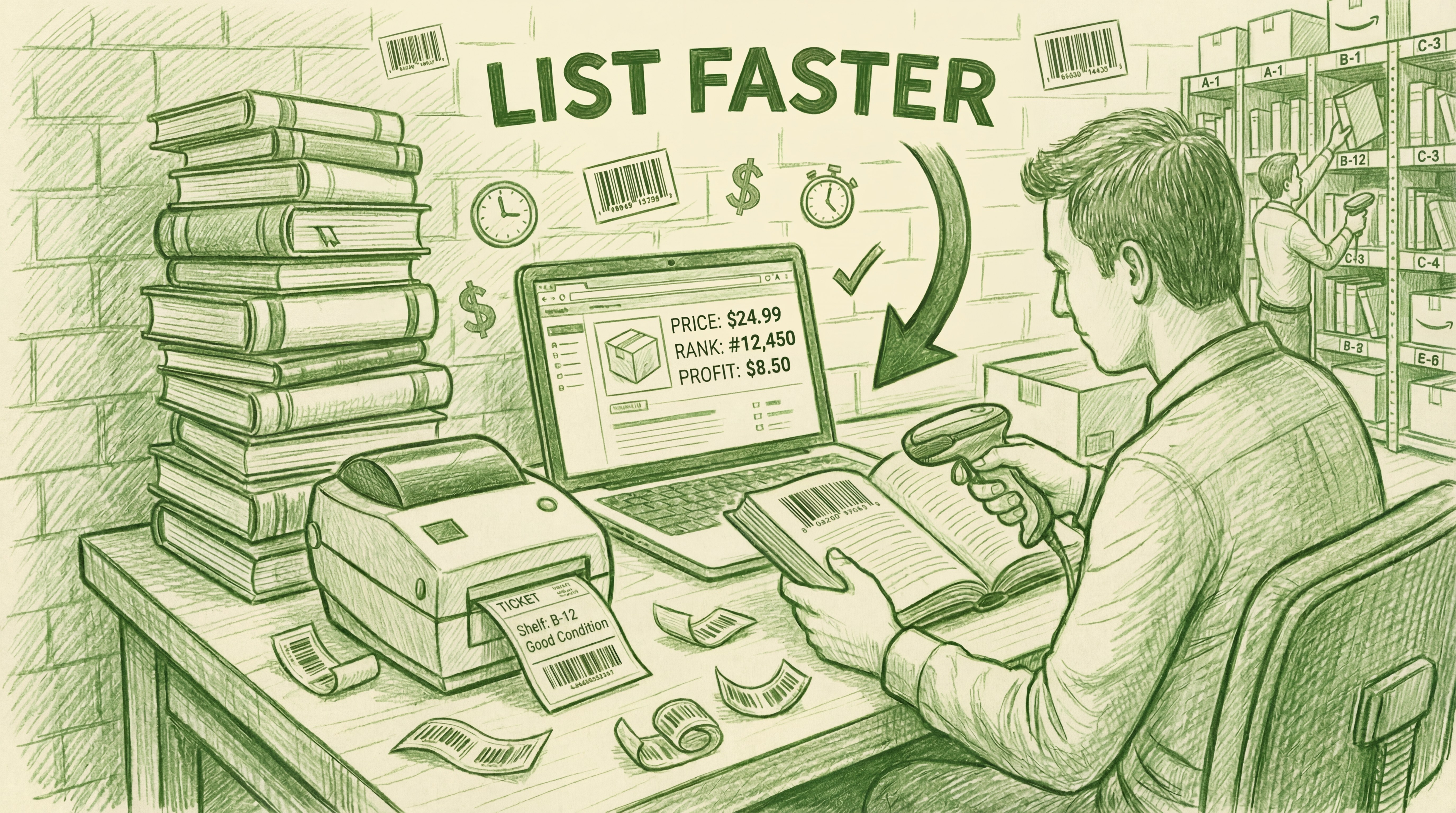








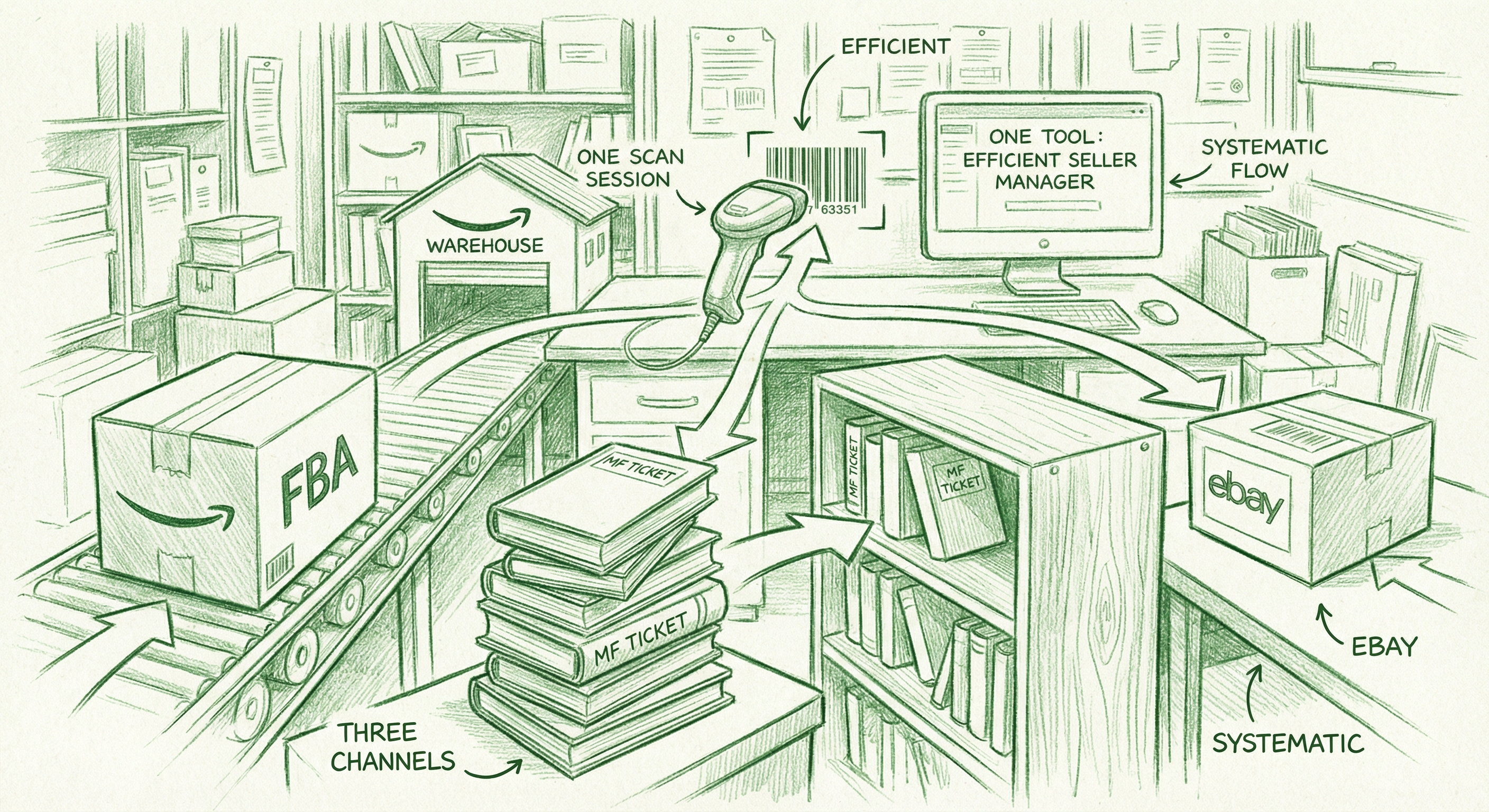



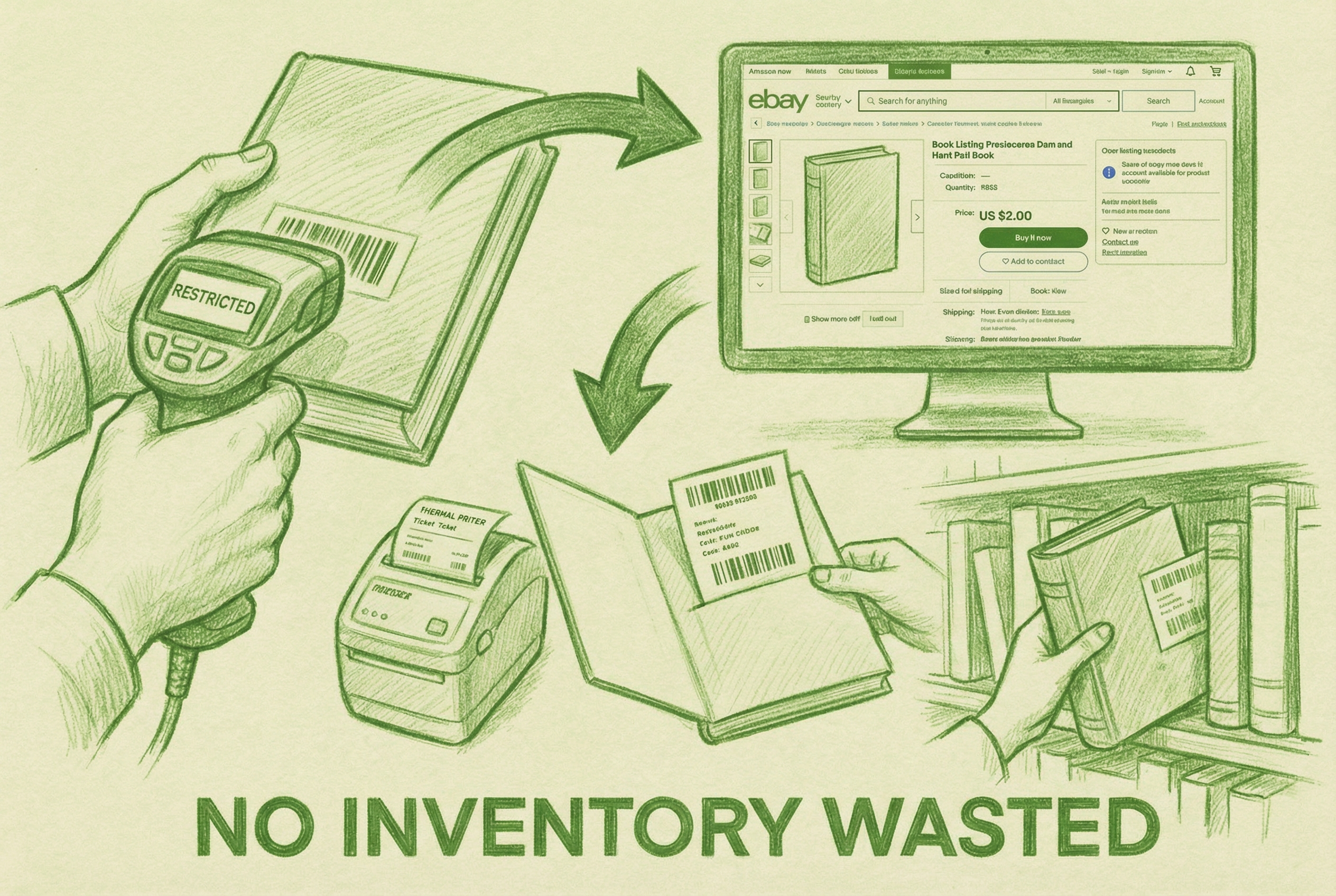
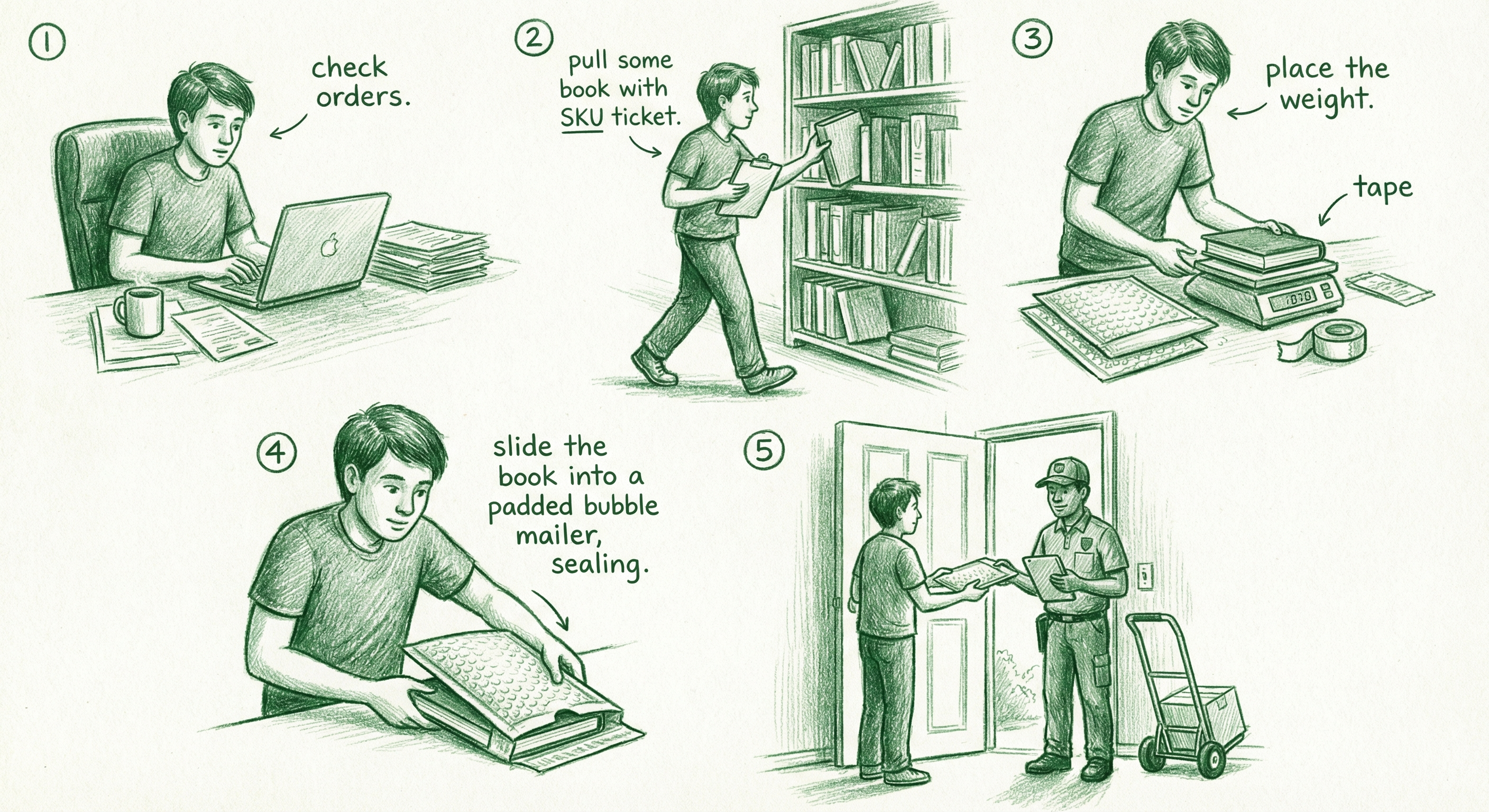

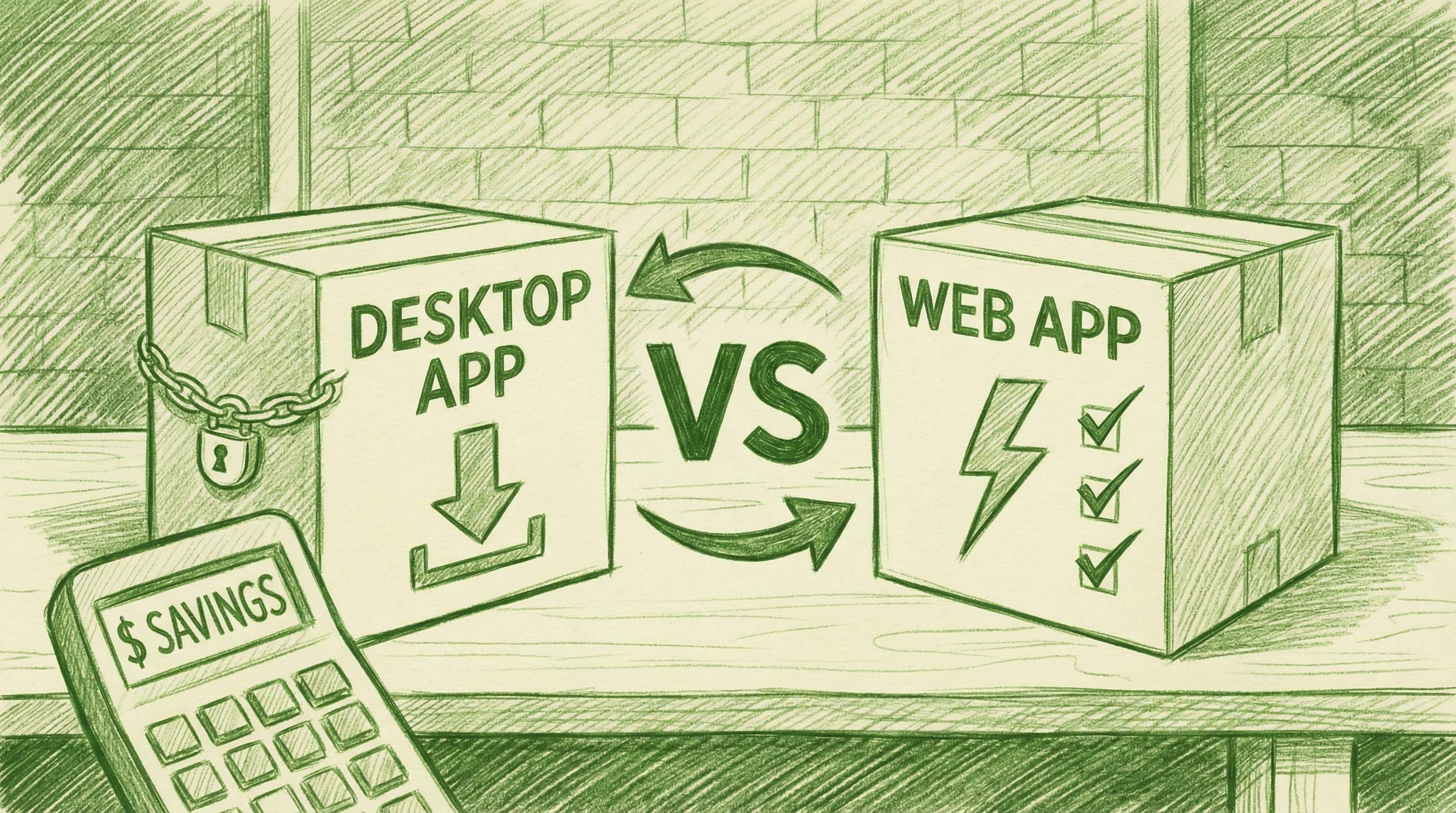
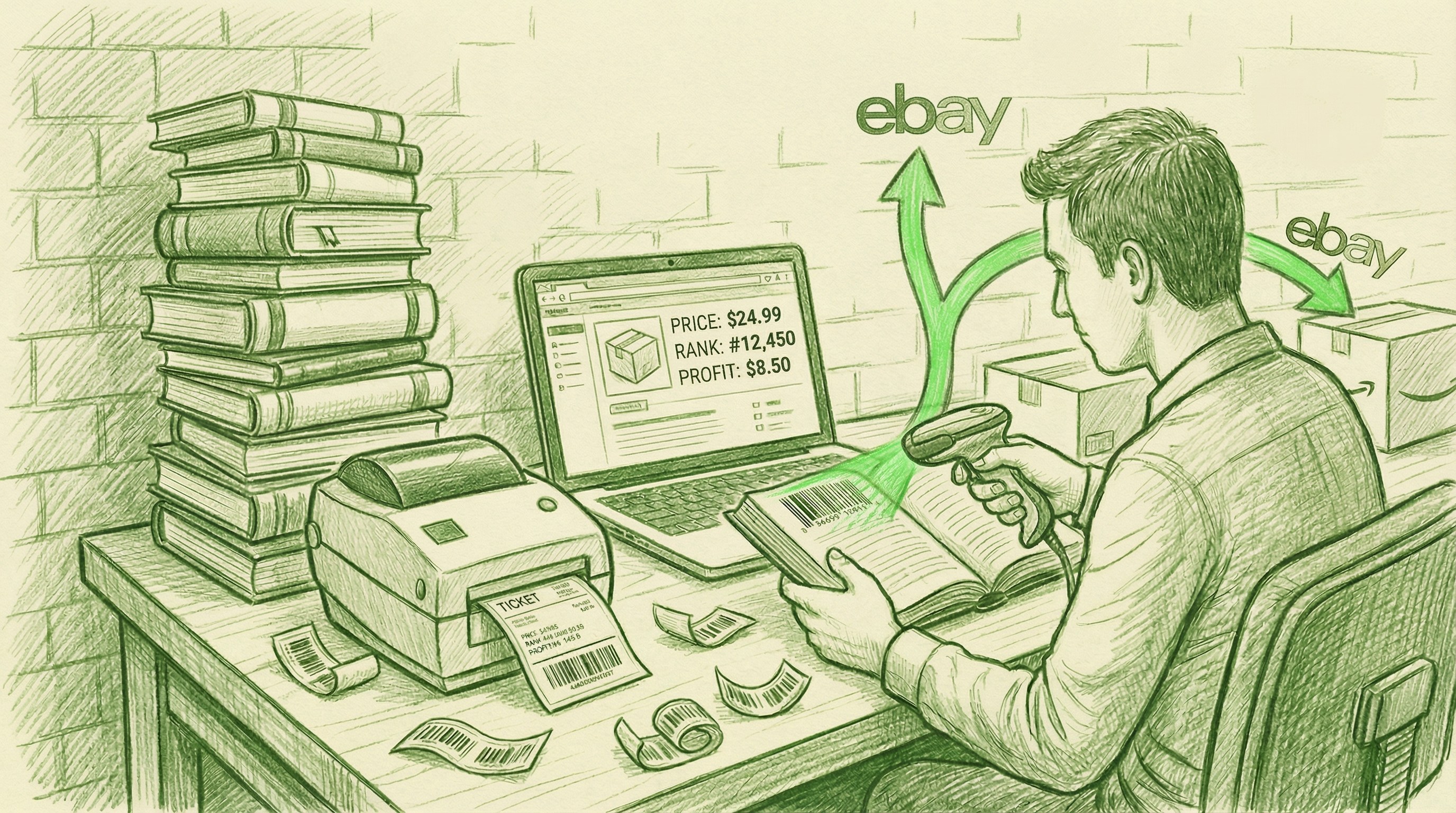


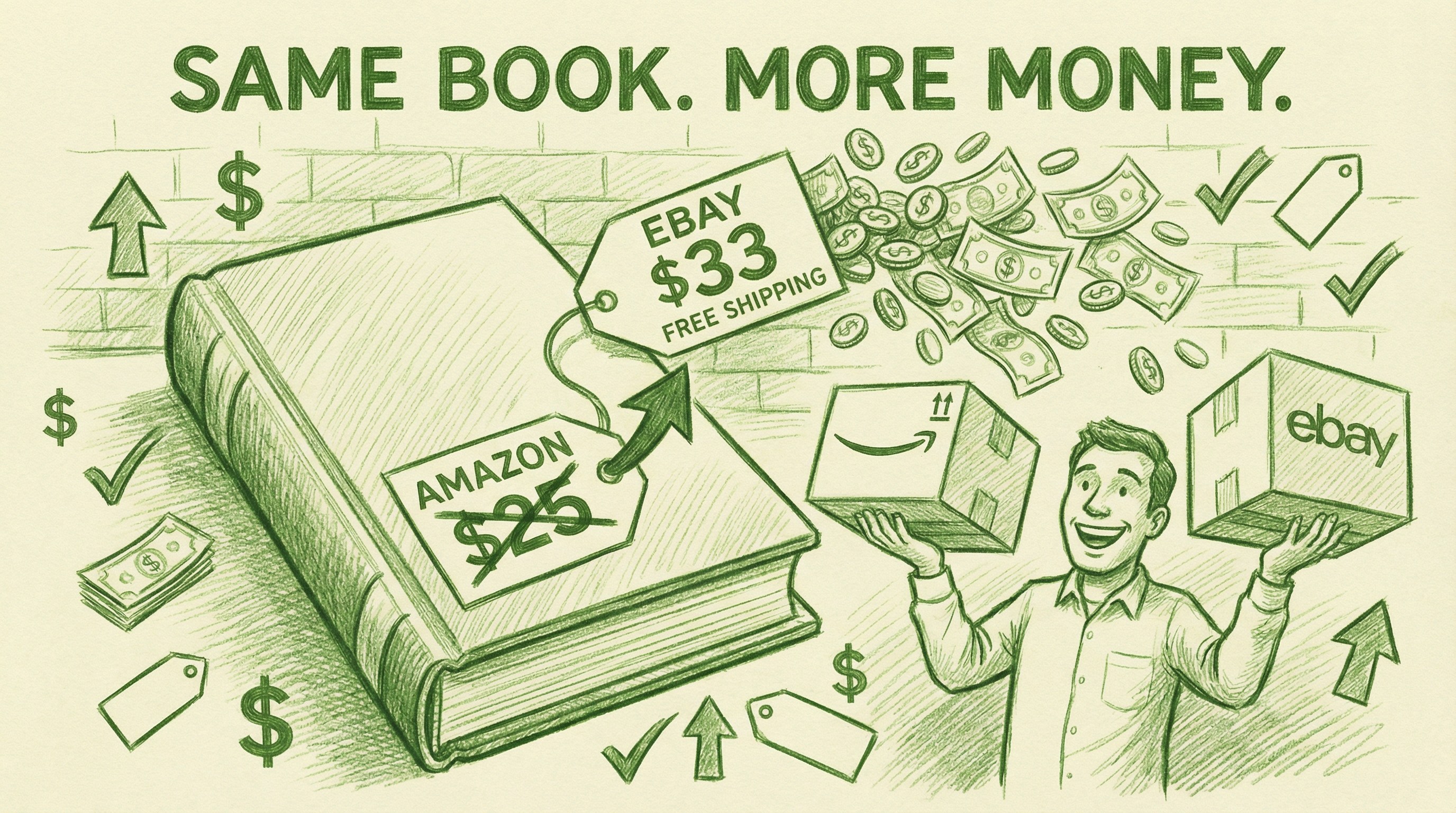


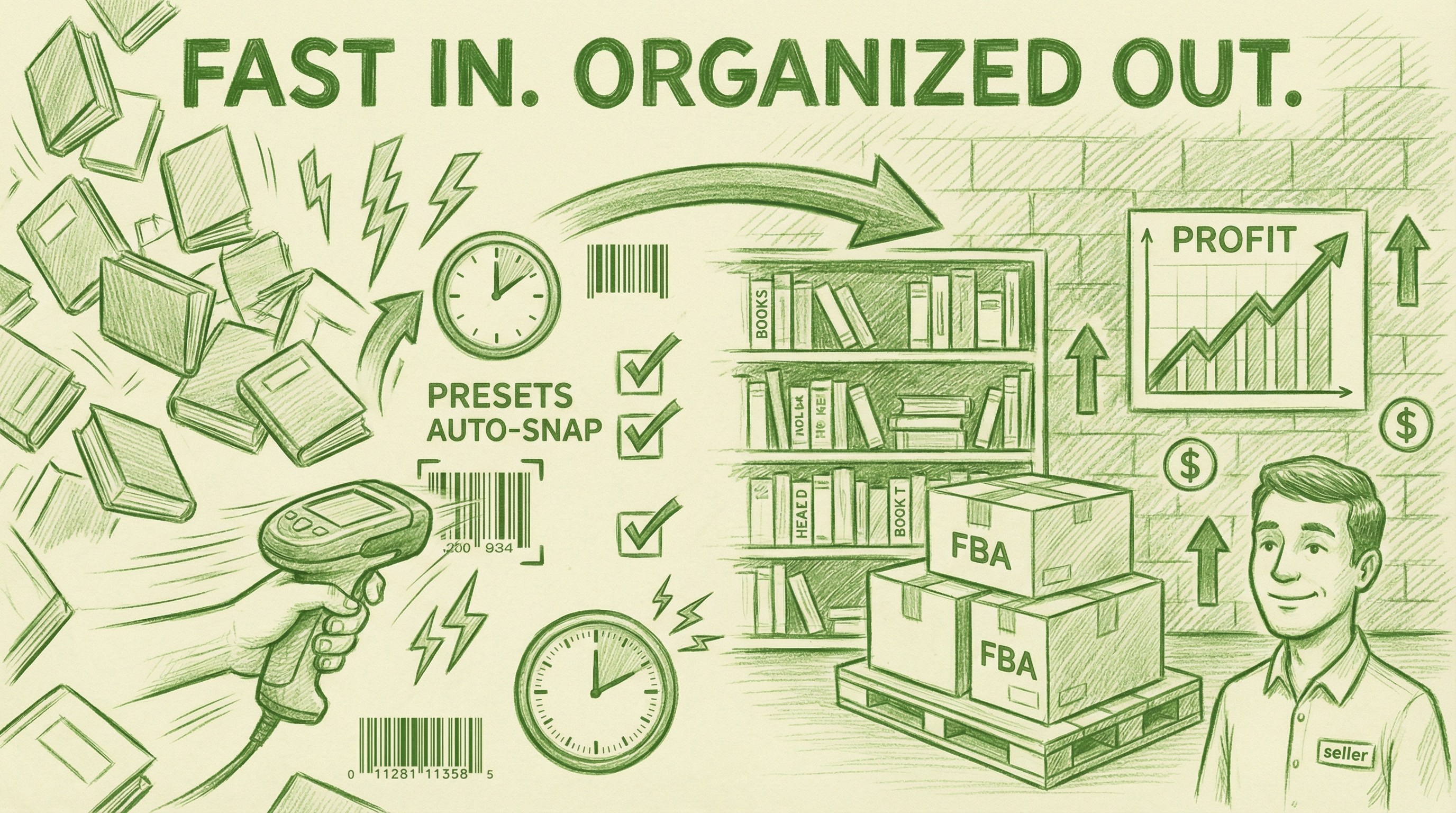
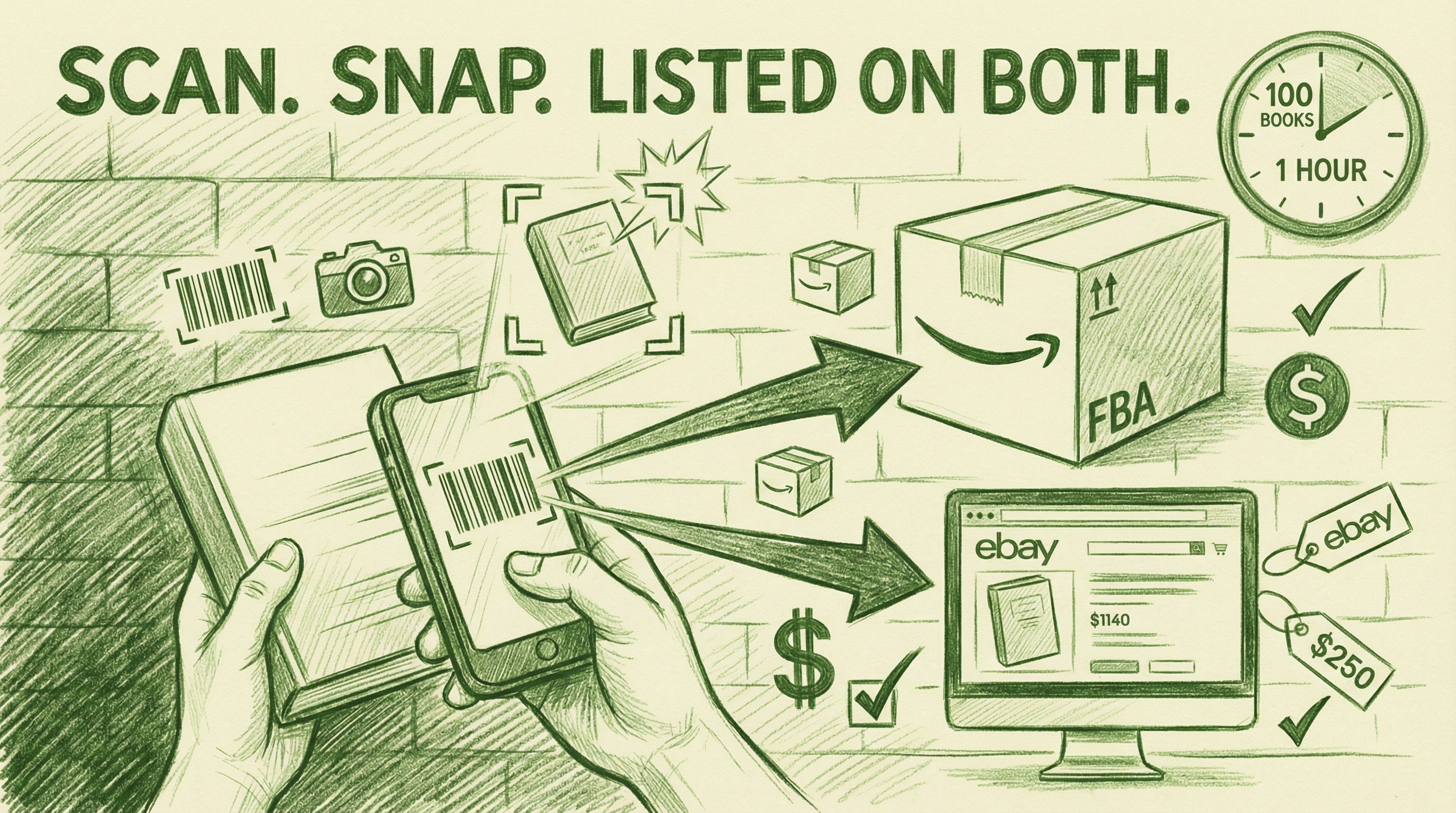


![☑ Your Amazon FBA Prep Guide [2019]](https://blog.accelerlist.com/wp-content/uploads/2023/08/29.webp)


 If you choose to use their webform then you don’t have to upload anything and will just need to manually type in quantity amounts for each sku for each box.
If you choose to upload a file then you will be prompted to download an Excel sheet to fill out and designate each product sku into a box in the sheet.
If you choose to use their webform then you don’t have to upload anything and will just need to manually type in quantity amounts for each sku for each box.
If you choose to upload a file then you will be prompted to download an Excel sheet to fill out and designate each product sku into a box in the sheet.

![13 Amazon Restricted Categories 🚦 [INFOGRAPHIC]](https://blog.accelerlist.com/wp-content/uploads/2023/08/57.webp)


 [su_divider top=”no”]


 The scouting app we recommend the most right now is
 Running an Amazon business or any business for that matter is extremely difficult.
Depending on what sort of business you’re in or what you sell on Amazon, your business could be “killing” you actually.
Stress. Labor. Time away from family. Poor health habits, like lack of exercise.
It all adds up and you’re not even noticing it.
They are all related.
They are all part of a complex factors that are keeping you from owning an actual business and is in fact, just creating a second job for yourself.
Running an Amazon business or any business for that matter is extremely difficult.
Depending on what sort of business you’re in or what you sell on Amazon, your business could be “killing” you actually.
Stress. Labor. Time away from family. Poor health habits, like lack of exercise.
It all adds up and you’re not even noticing it.
They are all related.
They are all part of a complex factors that are keeping you from owning an actual business and is in fact, just creating a second job for yourself.


 Whether you are in a store doing retail arbitrage or you are at your desk doing online arbitrage or looking at a wholesale catalog, you need more information than this one snapshot in time. You need more than just the current low price and the current sales rank in order to decide if you want to buy 1 of an item, 10 of an item, or 100 of an item. Your hard-earned inventory money is at stake here! You want to make your decision based on the best information available.
Making this type of decision on how to spend your sourcing money without using historical data from CamelCamelCamel or Keepa is the most harmful sourcing decision many Amazon FBA sellers are making.
Whether you are in a store doing retail arbitrage or you are at your desk doing online arbitrage or looking at a wholesale catalog, you need more information than this one snapshot in time. You need more than just the current low price and the current sales rank in order to decide if you want to buy 1 of an item, 10 of an item, or 100 of an item. Your hard-earned inventory money is at stake here! You want to make your decision based on the best information available.
Making this type of decision on how to spend your sourcing money without using historical data from CamelCamelCamel or Keepa is the most harmful sourcing decision many Amazon FBA sellers are making.
 I would be willing to go so far as to say that making sourcing decisions without CCC or Keepa is one of the top reasons Amazon FBA sellers quit their businesses. If you’re in this same boat, you might be spending all your sourcing money on inventory without looking at the historical data, the prices tank, the inventory never sells, and you throw your hands up in despair and say, “I quit! I tried Amazon, and it just didn’t work for me.”
Now, there may be other factors at play, but for many resellers (you included) using CCC and Keepa could be a huge game changer. You could find profitable inventory that will sell in a reasonable amount of time and won’t lower quickly in price.
I’m especially disheartened when I hear resellers saying they want to quit Amazon FBA over these types of inventory problems because this problem is so easily fixable. You canlearn to read and interpret CamelCamelCamel and Keepa. The graphs can make sense, and you can use them to make smarter sourcing decisions.
I would be willing to go so far as to say that making sourcing decisions without CCC or Keepa is one of the top reasons Amazon FBA sellers quit their businesses. If you’re in this same boat, you might be spending all your sourcing money on inventory without looking at the historical data, the prices tank, the inventory never sells, and you throw your hands up in despair and say, “I quit! I tried Amazon, and it just didn’t work for me.”
Now, there may be other factors at play, but for many resellers (you included) using CCC and Keepa could be a huge game changer. You could find profitable inventory that will sell in a reasonable amount of time and won’t lower quickly in price.
I’m especially disheartened when I hear resellers saying they want to quit Amazon FBA over these types of inventory problems because this problem is so easily fixable. You canlearn to read and interpret CamelCamelCamel and Keepa. The graphs can make sense, and you can use them to make smarter sourcing decisions.
 Both Camel and Keepa are free, easy-to-access programs that you can use on your computer or your mobile device, either in a web browser or from your third party scouting app like Scoutify, ScanPower, or Profit Bandit (Amazon Seller app does not have links to CCC and Keepa, however). It only takes an extra 20 to 30 seconds (if even that!) to look at the sales rank and sales price history of an item when you’re sourcing. You can take a quick look at how often this item has sold and how it’s been priced in the past, and you can make an educated prediction about how it will behave in the future.
I want to encourage you today if you’re making sourcing decisions without using historical sales rank and pricing data from CamelCamelCamel and Keepa — there is a better way to buy Amazon FBA inventory! You can make smarter sourcing decisions. Your business will hugely benefit if you take the time to learn how to use these powerful free resources.
via
Both Camel and Keepa are free, easy-to-access programs that you can use on your computer or your mobile device, either in a web browser or from your third party scouting app like Scoutify, ScanPower, or Profit Bandit (Amazon Seller app does not have links to CCC and Keepa, however). It only takes an extra 20 to 30 seconds (if even that!) to look at the sales rank and sales price history of an item when you’re sourcing. You can take a quick look at how often this item has sold and how it’s been priced in the past, and you can make an educated prediction about how it will behave in the future.
I want to encourage you today if you’re making sourcing decisions without using historical sales rank and pricing data from CamelCamelCamel and Keepa — there is a better way to buy Amazon FBA inventory! You can make smarter sourcing decisions. Your business will hugely benefit if you take the time to learn how to use these powerful free resources.
via 
 The chart is a little hard to see at it’s total length so we broke it up into two sections for you.
 The formula is pretty straight foward:


