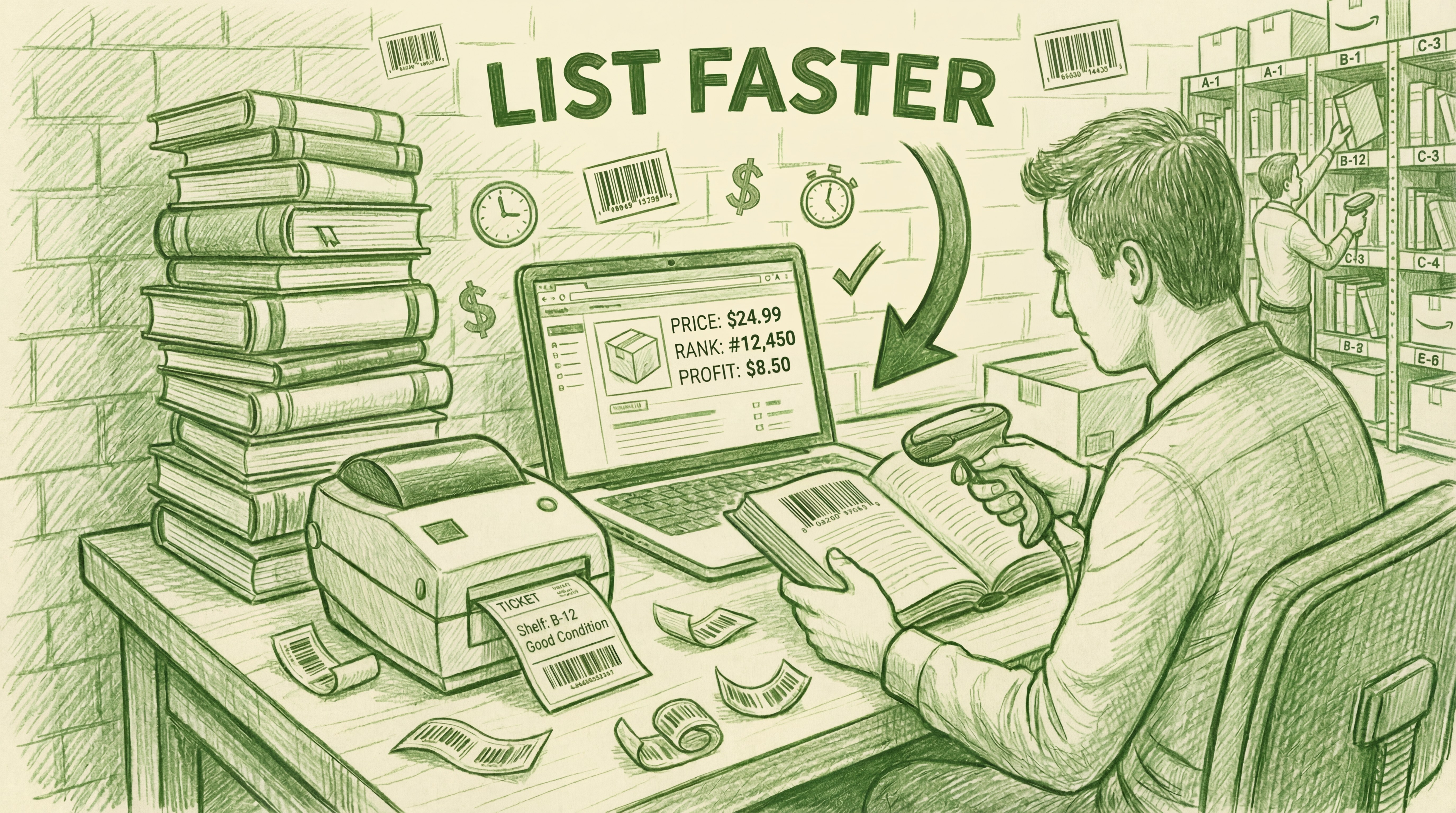
Most listing tools treat all books the same. But a $5 thrift store find and a $300 collectible textbook require two completely different approaches. If you treat every book like a commodity, you'll leave money on the table. If you treat every book like a treasure, you'll never scale.
To win as a book reseller in 2026, you need to identify which business model you're running and match your workflow to your inventory.
The Two Paths: Which Bookseller Are You?
Successful used media operations usually fall into one of two categories:
1. The Treasure Hunter (Low Volume / High Value)
You cherry-pick your inventory. You're looking for niche titles, out-of-print editions, and high-margin "scores" that sell for $50 to $500+. Every book matters. Since your volume is lower, you have the time—and the financial incentive—to ensure every listing is perfect. You need Regular Listing.
2. The Baby Bulk Operator (High Volume / Small Margin)
You process pallets, gaylords, or massive hauls from library sales. You're "picking" through large quantities to find items that hit your profit parameters. Your business lives and dies by processing speed. If a book sits unlisted at your house, it's costing you money. You need Rapid Listing.
Workflow 1: Regular Listing (The Treasure Hunter's Choice)
When you're listing a $150 book, you don't trust an automated pricing rule. You want manual control over every data point.
Deep Condition Inspection
In the Regular Listing workflow, you inspect the book as you scan. You're looking for specific flaws that high-value buyers care about. You use AccelerList's condition macros to build a detailed, custom note that justifies your premium price and protects your feedback score.
Manual Price Research
Instead of matching the lowest offer, you analyze the competition. Is the lowest FBA seller actually "Acceptable" while yours is "Like New"? Is there a gap in the market you can exploit? You set your price based on expertise, not just a race to the bottom.
The AccelerList Advantage
Even though you're doing manual work, AccelerList makes it 3x faster than Seller Central. The interface is clean, the data is all on one screen, and there's no waiting for page refreshes between steps. You get the precision of manual listing with the efficiency of a professional tool.
Workflow 2: Rapid Listing (The Baby Bulk Operator's Choice)
If you have 500 books to process today, you cannot stop to research every one. You need to keep the scanner moving.
The Prerequisite: Pre-Sorting
Rapid listing only works if you sort your inventory before you sit down at the scanner. You sort your books into stacks by condition (e.g., a "Good" stack, a "Very Good" stack) and fulfillment type. When you start listing, you aren't making decisions—you're just processing a pre-vetted pile.
Automated Listing Defaults
You set your "Listing Defaults" in AccelerList before you begin. You tell the system: "For this batch, assume Very Good condition and Match Lowest FBA." Now, when you scan a book, those settings apply automatically. You only stop to override if something looks off.
The Queue System: Scan Faster Than the API
The biggest bottleneck in listing is waiting for Amazon's API to respond. AccelerList solves this with a background queue system. You can scan, grade, and price the next book while the previous one is still being processed in the background. You never have to wait for a success message to keep moving. This is how experienced sellers hit speeds of 100+ items per hour.
Touch-Compatible Efficiency
The Rapid Listing flow is fully touch-compatible. Combined with a Bluetooth scanner and an iPad, you can "tap-and-go" through your stacks without ever touching a mouse or keyboard. It’s the most ergonomic way to handle high-volume used media.
Long-Term Strategy: From Manual to Repricer
A common mistake is confusing listing with repricing. AccelerList is for Initial Pricing—setting the "Right Price" the moment the item goes live based on current market reality.
The 90-Day Rule
For both Treasure Hunters and Baby Bulk operators, we recommend setting a manual, smart price at listing. If an item hasn't moved after 90 days, that's when you let a third-party automated repricer take over. AccelerList gets your inventory live and profitable on day one; the repricer keeps you competitive if the market shifts months later.
Frequently Asked Questions
Do I need a barcode scanner for batch listing?
Yes. A dedicated scanner is essential for speed. For iPad or tablet setups, you'll need a Bluetooth scanner. For desktop or laptop use, a standard USB scanner works fine. AccelerList is optimized for "hands-free" listing where you don't need to touch your device between every scan.
Can I mix these workflows?
Absolutely. Many sellers use Rapid Listing for their $10–$20 "bread and butter" books and switch to Regular Listing for the occasional high-value find. AccelerList allows you to toggle your defaults and overrides instantly within the same batch.
Why is the Queue system important?
Without a background queue, you are forced to wait for Amazon to process every single book before you can scan the next one. Latency can turn a 1-hour listing session into a 3-hour grind. The queue removes that friction entirely.
Is the web app optimized for iPad?
Yes. The standard AccelerList web app is fully touch-compatible. The buttons and macros are designed as large tap-targets, making it ideal for iPad-based listing stations.
Related Posts
What Is Batch Listing? How Amazon Book Sellers List 100+ Books Per Hour
What is batch listing? Batch listing is the workflow of processing a group of items—scanning, grading, and pricing—in one session before submitting them to Amazon. AccelerList supports two…

Amazon seller & Software Founder