

ScanLister does one thing: it scans fast. And honestly, it does that one thing well. But if you’re running a real reselling business, you need more than fast scanning. You need accounting, eBay cross-listing, employee accounts, and a platform that doesn’t crash on you mid-batch.
AccelerList does all of that — including the fast scanning — for $5 more a month.
That’s the whole story. But let’s break down exactly what you’re getting and what you’re giving up.

ScanLister Is a One-Trick Pony. A Good One — But Still One Trick.
ScanLister’s value proposition is simple: scan books fast, create FBA shipments, print labels. It does that job competently. At $34/mo it’s not expensive.
But the moment you need anything beyond listing, you’re on your own. No accounting. No eBay cross-listing. No employee accounts. You’ll need separate tools for all of it — and separate subscriptions that add up fast.
AccelerList is $39/mo. That’s $5 more than ScanLister’s monthly plan. Here’s everything that $5 buys you:
- Built-in accounting & COGS tracking — know your real profit on every item
- eBay cross-listing — free, same workflow, 100 books/hour
- Employee accounts — your whole team on one platform
- Rapid scan mode — don’t wait on Amazon’s API, just keep scanning
Accounting software alone runs $20–30/mo on top of ScanLister. Add a cross-listing tool and you’re already past $39. AccelerList bundles it all — for $5 more a month.

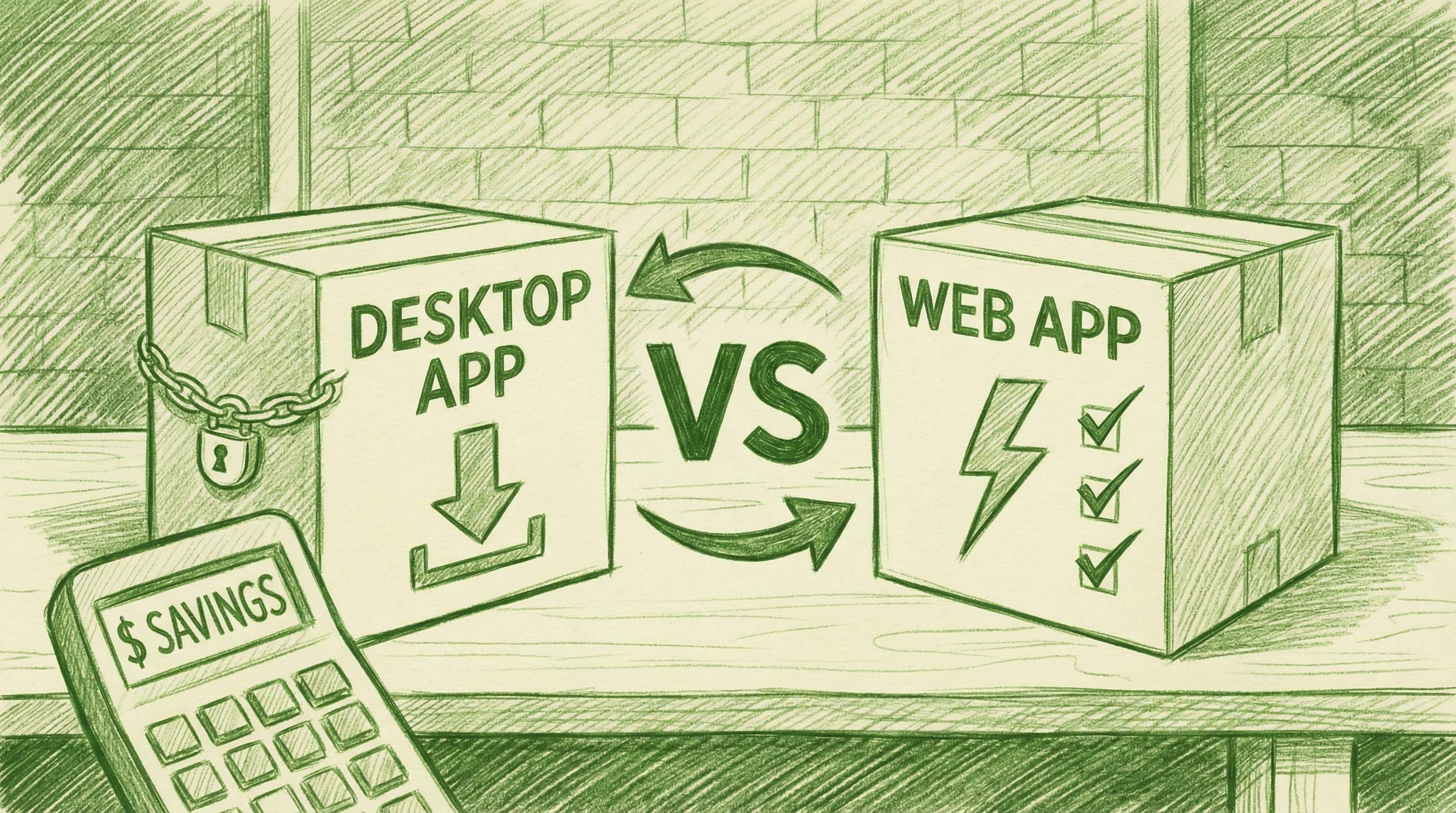
Desktop Software Breaks. Web Apps Don’t.
ScanLister is a desktop application. You download it, install it, and update it manually. That means:
- You’re tied to specific machines — your listing computer is your listing computer
- Updates require manual downloads — miss one and you’re behind
- Desktop apps crash. Mid-batch crashes mean lost work
- Mac update breaks compatibility? Your problem to debug
AccelerList runs in your browser. Log in from any computer, any device, any location — always on the latest version, automatically. No downloads, no installs, no update headaches. When we ship a new feature or fix a bug, you have it the next time you open your browser. Nothing to manage on your end.
For a reseller who depends on this tool to process inventory every day, reliability isn’t a nice-to-have. A desktop crash mid-batch is real money. A web app that’s always current and always available is infrastructure you can build a business on.

Are You Actually Making Money? ScanLister Has No Idea.
ScanLister has zero accounting features. You can list fast — but you have no visibility into whether you’re actually profitable. What did you pay for that book? What did Amazon take in fees? What’s your real margin after shipping costs? ScanLister can’t answer any of that.
AccelerList tracks COGS on every item. Enter your buy price when you list — AccelerList does the rest. It pulls Amazon fees automatically, calculates your real profit per item, and gives you income reports you can actually use at tax time. No spreadsheets. No guessing. No surprise at the end of the year when your “profitable” business turns out to have thin margins you never tracked.
For any serious reseller, knowing your real profit isn’t optional. It’s how you decide what to buy, what to price, and what to stop selling.
Your Business Grows. ScanLister Doesn’t Grow With It.
ScanLister is a single-user desktop tool. If you hire a helper, add a second scanner, or want your bookkeeper to pull reports — you’re adding complexity ScanLister isn’t designed to handle.
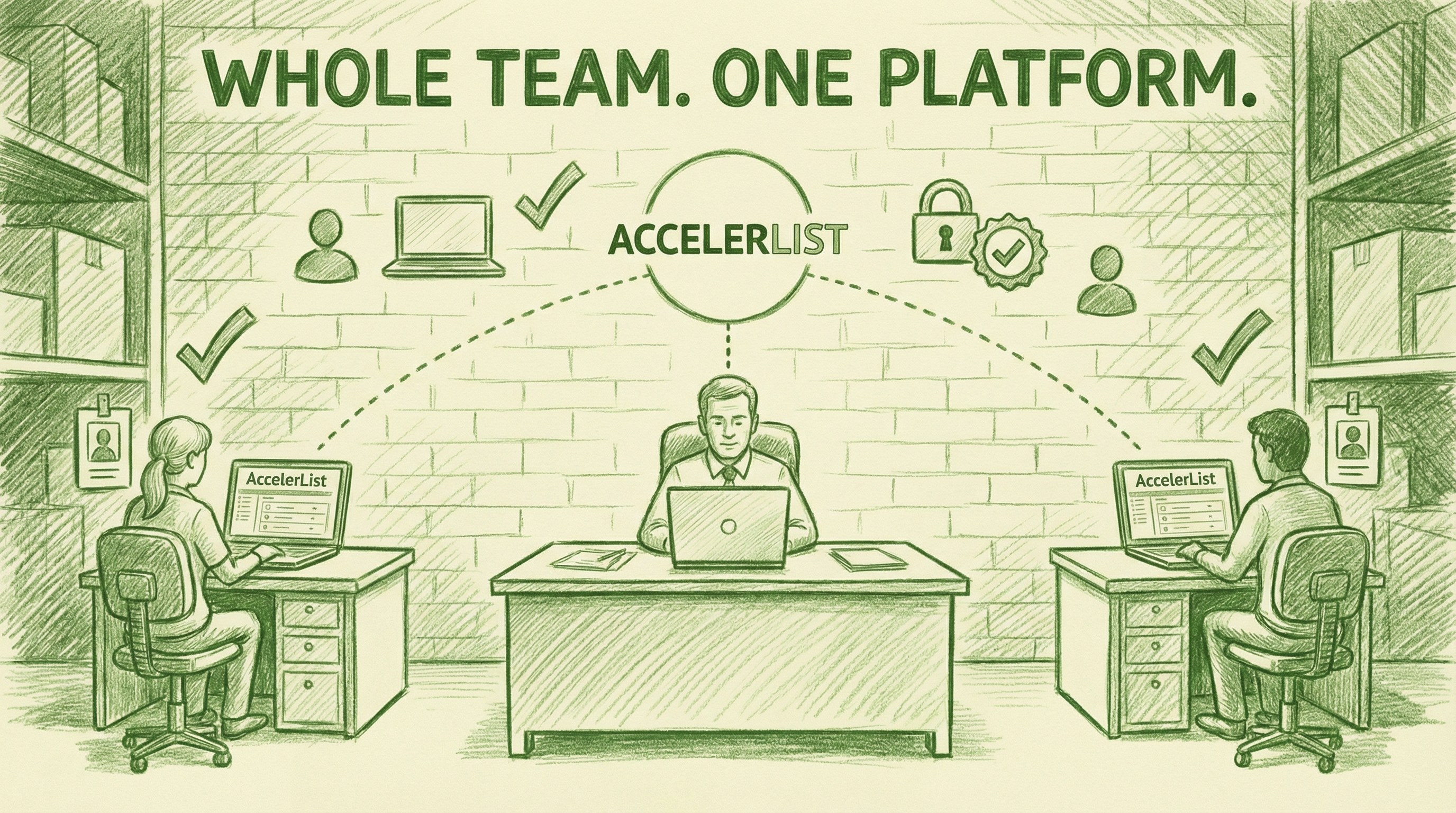
AccelerList has employee accounts built in. Your whole team works from the same platform, same inventory, same workflow — each with their own login. The owner sees everything. Employees see what they need. Everyone stays in sync without you managing multiple installs or sharing login credentials.
As your business scales, AccelerList scales with it.
Head-to-Head Comparison
| Feature | AccelerList | ScanLister |
|---|---|---|
| Fast bulk listing | ✅ Yes — including rapid scan mode | ✅ Yes — their core feature |
| Platform | ✅ Web — any device, always updated | ❌ Desktop only — manual updates |
| ❌ No | ||
| Accounting & COGS tracking | ✅ Built-in | ❌ No |
| eBay cross-listing | ✅ Free — book attributes auto-mapped, photos in-flow | ❌ No |
| Employee accounts | ✅ Yes | ❌ No |
| FBA label printing | ✅ Yes | ✅ Yes |
| Box content management | ✅ Yes | ✅ Yes |
| Price | $39/mo | $34/mo |
| Free trial | ✅ 14 days | ✅ 14 days |
The One Case for ScanLister
If you genuinely only need listing — no accounting, no eBay, no team — ScanLister gets the job done.
But if you’re building a real reselling business, you’ll outgrow that pretty quickly.
The Bottom Line
ScanLister costs $34/mo and does one thing. AccelerList costs $39/mo and does everything — including that one thing, plus the entire rest of your business stack. For $5 more a month you get accounting, eBay cross-listing, and employee accounts built in.
Most ScanLister users who switch to AccelerList realize they were spending more in total and building their business on a foundation that was never designed to grow.
Try AccelerList free for 14 days. No credit card required.
ScanLister vs. AccelerList: Is Saving $5/Month Worth Giving Up Your Whole Business Stack? (2026)
ScanLister does one thing: it scans fast. And honestly, it does that one thing well. But if you’re running a real reselling business, you need more than fast…

Amazon seller & Software Founder


